Page 66 of 133
Version 3.0 Rev r000
Date 25-08-2010
Part No. 96000001
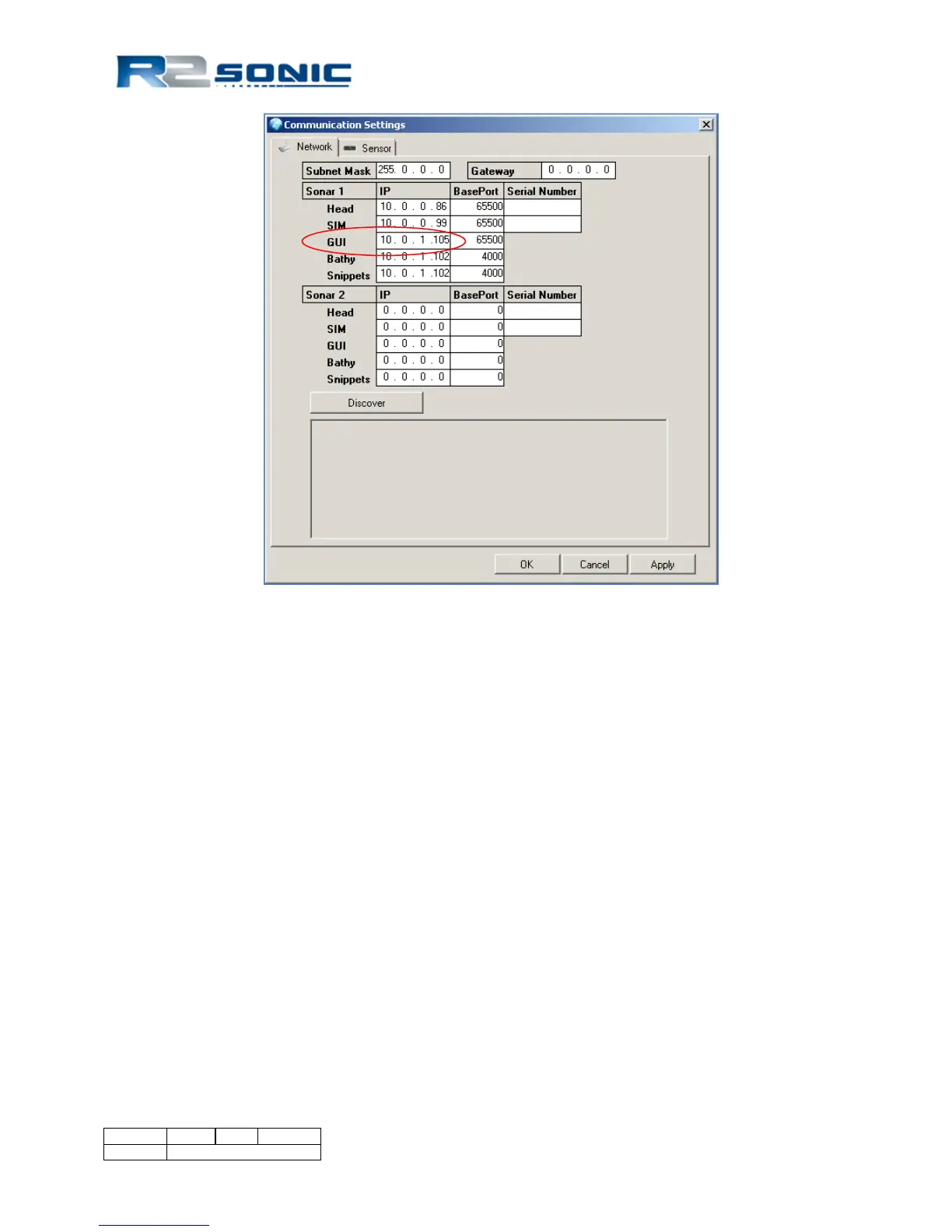
Figure 65: Change in GUI IP
6.10.2 Changing back to one computer
1) Open Sonic Control on the data collection computer.
2) Change the GUI address to 10.0.1.102
3) On the second computer, change the GUI IP address back to 10.0.1.102 and Apply.
4) Sonic Control, on the data collection computer now controls the system.
Disconnect the second computer’s Ethernet cable from the SIM.



 To Next Page