Page 61 of 133
Version 3.0 REV r000
Date 25-08-2010
The lower left area displays the time, which is decoded from the bathymetry packet and the current
cursor position, relative to the sonar head. The angular information is represented by theta Θ.
6.8.1 Range: 0 – 500 metres
The Range setting sets the maximum slant range of the Sonic 2024/2022. The maximum slant range
determines how fast the Sonic 2024/2022 can transmit; this is the Ping Rate. What the range setting
is doing is telling the Sonic 2024/2022 the length of time that the receivers should be ‘listening’ for
the reflected acoustic energy. If the Range setting is too short, some of the returning energy will be
received during the subsequent receive period, i.e. out of synch, and will be seen as noise.
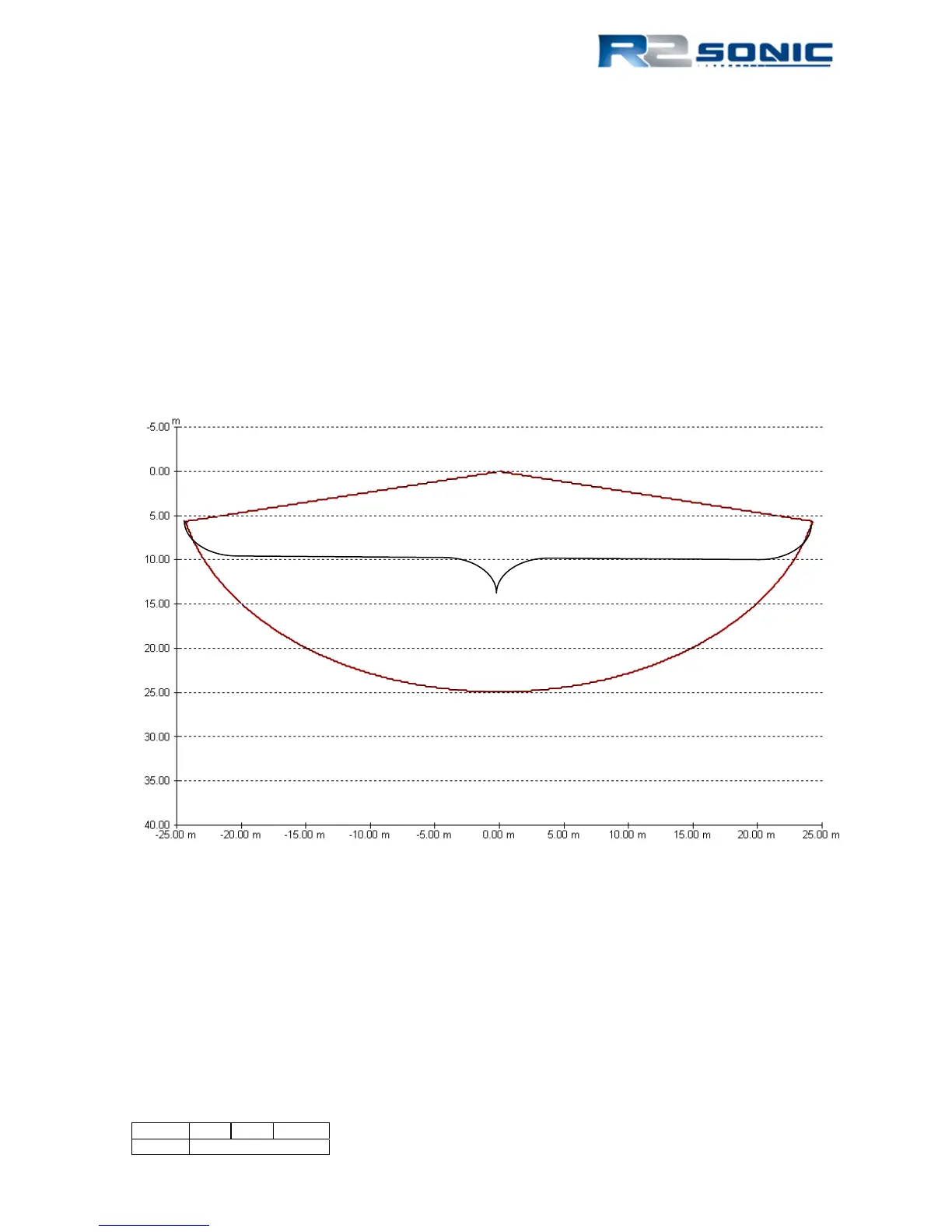
It is easy for the operator to maintain the correct Range setting by noting the bottom detection dots
relationship to the straight legs of the wedge display.
Figure 60: Range setting represented in the wedge display
6.8.2 Power: 0 – 221 dB
The Power setting sets the source level of the transmit pulse; this is represented in Figure 60, below.
The Sonic 2024/2022 should be operated with sufficient power to enable good acoustic returns from
the sea floor. The value will change based on water depth, bottom composition, and operating
frequency. In general, higher power is better for getting decent bottom returns rather than using
receiver gain to obtain the returns. If the Power setting is too low, more receiver gain will need to
be used to capture the bottom returns; this can mean more extraneous noise will also be received.
The increase in noise will require more processing time; it is better to slightly increase the Power to
Straight legs of the wedge represent
the Range setting; bottom detection
dots should be within this area
Straight legs of the wedge represent
the Range setting; bottom detection
dots should be within this area



 To Next Page