Rain Master Irrigation Systems RME EAGLE User Manual
Appendix A Controller Displays Page 115
A.1.7 START TIMES Prompts and Displays
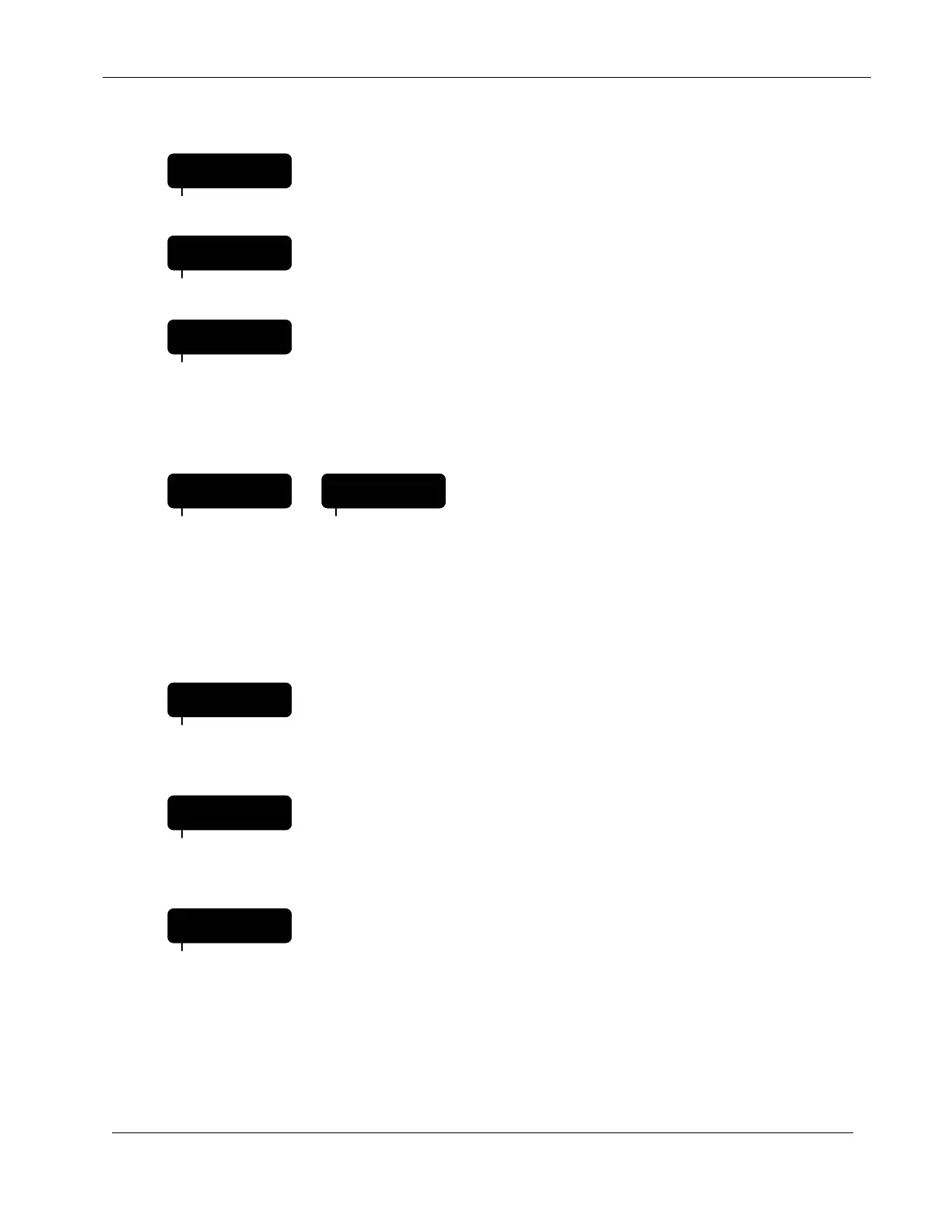
= When entering Start Times for a given irrigation program the
controller will prompt the operator by first displaying START.
= Then the Start Time number to be entered or modified. The
controller supports five start times per irrigation program.
= Then the irrigation program number, followed by the actual
start time.
A.1.8 QUICK STATIONS Prompts and Displays
= If the irrigation program is a
conventional program the Water
Percentage Budget value is briefly
displayed.
If the irrigation program is an ET based
program the ET Percentage Adjust
value is briefly displayed.
= Prompts you to enter the lowest or starting station number, for
each irrigation program. In this example irrigation program
two (2) and starting with station number fourteen (14).
= Prompts you to enter the highest or final station number, for
each irrigation program. In this example irrigation program
two (2) and ending with station number twenty-three (23).
= Prompts you to enter the watering time (runtime) of all
stations selected in the previous two prompts. In this
example, irrigation program two (2), will have a watering time
of fifteen (15 minutes) per station.
START
PROGRAM
TIME 2
PROGRAM
2 1:30PM
PROGRAM
2 PT-100
PROGRAM
3 ET-125
PROGRAM
2 LO- 14
PROGRAM
2 HI- 23
PROGRAM
2 LN- 0:15
PROGRAM


 To Next Page