Rain Master Irrigation Systems RME EAGLE User Manual
Chapter 6 Setup Key Operations Page 63
6.2 MASTER VALVE (MV)
This feature allows you to program a Master Valve to be activated when program 1, 2, 3 or 4 is
activated. If you use a pump and it is connected to the Master Valve output of the controller, then
use this feature to activate the pump when program 1, 2, 3 or 4 is activated.
EXAMPLE: The pump is to go on when Programs 1 and 3 are running.
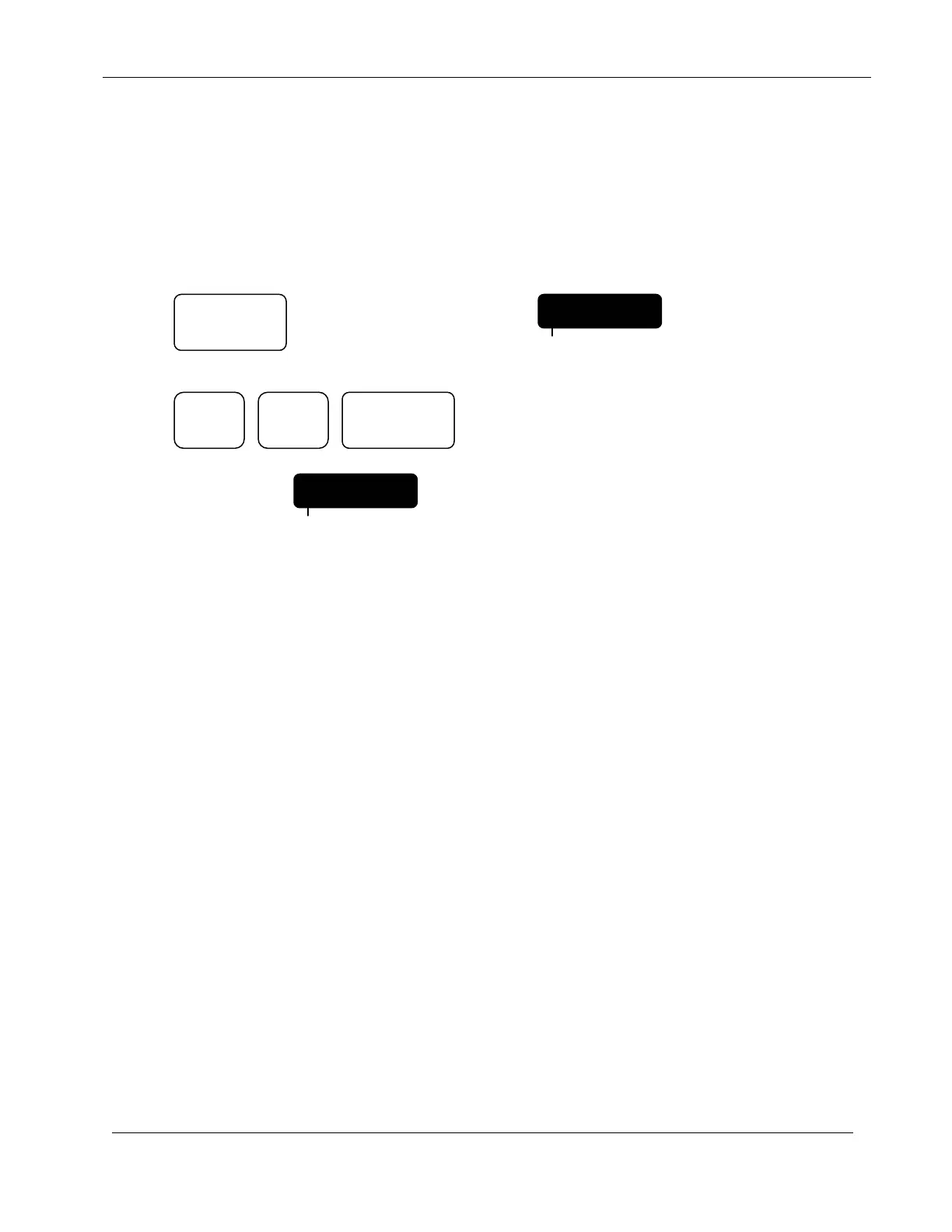
Press: Until display indicates:
Press: Removes Programs 2 and 4 from
the Master Valve Configuration.
Display will indicate:
Subsequent presses of DATA ENTRY keys 2 and 4 would add Programs 2 and 4 back into the
Master Valve configuration.
NOTE: The Master Valve will not be activated with the program if it is a Normally
Open Master Valve type as selected in the next Setup option.
6.3 TYPE OF MASTER VALVE
This feature allows you to select either a Normally Closed or Normally Open Master Valve. A
Normally Closed Master Valve is the most common type of valve used in irrigation. If a Normally
Open Master Valve is selected then it will not come on with any program but will come on when
the controller detects a main line or unscheduled overflow condition.
NOTE: Selection of the Master Valve Type will be skipped if you have not selected
a Master Valve for at least one program (in the MASTER VALVE SETUP
function). In this case the controller will act as if you had selected a
Normally Closed Master Valve. If you are using a Normally Open Master
Valve select the Master Valve for at least one program.
Refer to wiring diagrams and explanations in the MOUNTING &
INSTALLATION section before configuring this option.
2
4
MV 1234
PROGRAM
SETUP
MV 1 3
PROGRAM
ENTER


 To Next Page