RME EAGLE User Manual Rain Master Irrigation Systems
Page 30 Chapter 4 Controller and Front Panel Operations
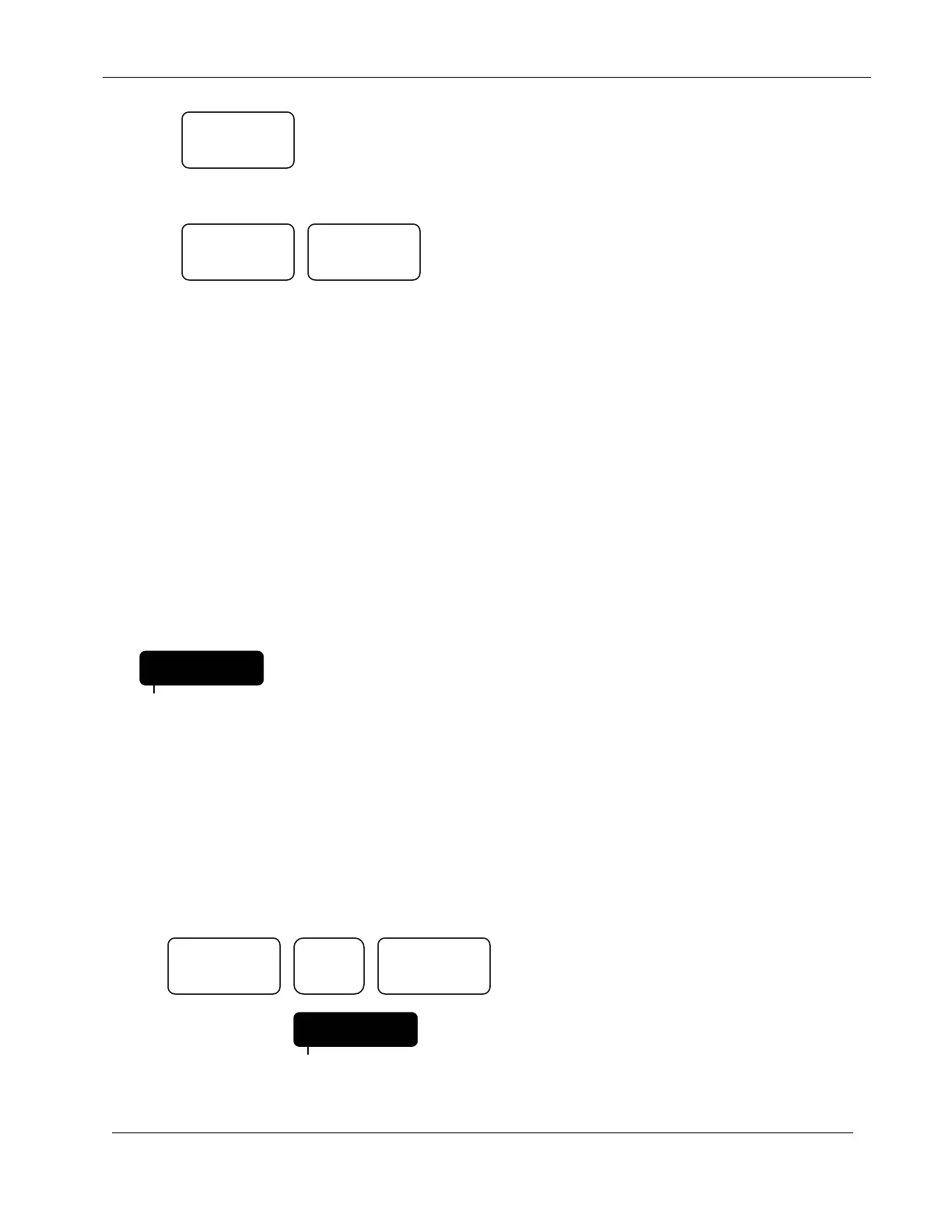
Press:
To stop and cancel a program that is watering,
Press:
The controller will return to the Automatic Mode.
4.1.2 Rain Modes
4.1.2.1 Manually Activated Rain Mode
The controller has a Rain Switch. The switch MUST BE in the "Auto Watering" position anytime
watering is required. In the "Auto Watering" position, watering will occur if the controller is
programmed to do so.
The switch should be placed in the "No Watering" position when no watering is desired, such as
when it is raining or in strong wind conditions. In the "No Watering" position, no watering will
occur and RAIN OFF will appear in the display to indicate that all programs are inhibited from
watering. The stored user's program will not be affected.
4.1.2.2 Programmable Rain Mode
The Programmable Rain Mode is used in place of the Rain Switch when you know how many days
you want the controller to stay off. It allows you to select the number of days, from 1-7, that the
controller will stay in the Rain Mode after which it will automatically return to the Automatic
Mode.
EXAMPLE: Program the controller to stay off for 6 days.
Press:
Display will indicate:
MANUAL
QUIT ENTER
RAIN OFF
PROGRAM
CLEAR ENTER
FRI
RAIN 6
PROGRAM


 To Next Page