RME EAGLE User Manual Rain Master Irrigation Systems
Page 46 Chapter 5 Function and Execution Key Operations
5.5.2 Cycle and Soak Quick Station Programming
Cycle and Soak Quick Station Programming is used to program a block of stations, which all have
the same runtime, maximum watering time, and soak time for each station. After selecting the
QUICK STATIONS function, the controller will briefly display the Global Percentage Value. The
controller will first prompt for station number, then the runtime value, followed by the maximum
watering time, and finally the soak time. The Global Percentage Value only applies to the runtime
and not to the maximum watering time or soak time. Selected stations are shown in the
STATIONS/DAYS display. As a convenience, the Program Number is shown in the
PROMPT/MESSAGE display, during station entry.
NOTE: If a pump is assigned to any program using SETUP then Station 1 cannot
be selected as part of the block of stations as it is reserved for the pump.
Before you use the Cycle and Soak feature in a program, you must configure the controller, using
the SETUP key. The entire program is then configured to use Cycle and Soak.
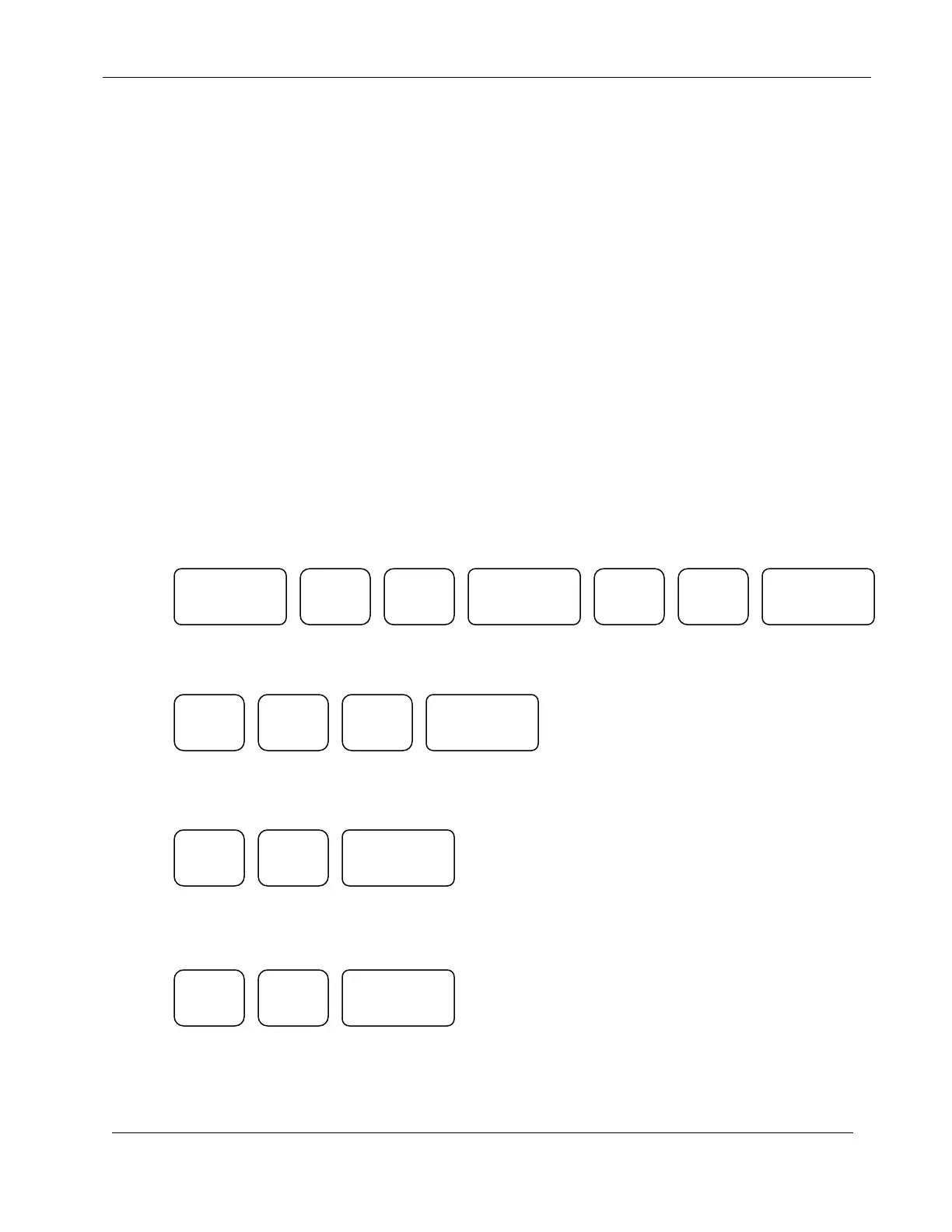
EXAMPLE: Program Station 12 through Station 34 for a runtime of 1 hour and 56 minutes, a
maximum time of 20 minutes and a soak time of 15 minutes.
Press:
(Momentarily display “RUN TIME”)
(Momentarily display “MAX TIME”)
(Momentarily display “SOAK TIME”)
The controller will return to the Automatic Mode
QUICK
STATIONS
ENTER
ENTER
ENTER
ENTER
ENTER


 To Next Page