Rain Master Irrigation Systems RME EAGLE User Manual
Chapter 5 Function and Execution Key Operations Page 35
The controller will return to the Automatic Mode.
5.1.1 PROGRAM Clear
Select a program and clear all information.
EXAMPLE: Select Program Number One and clear all information.
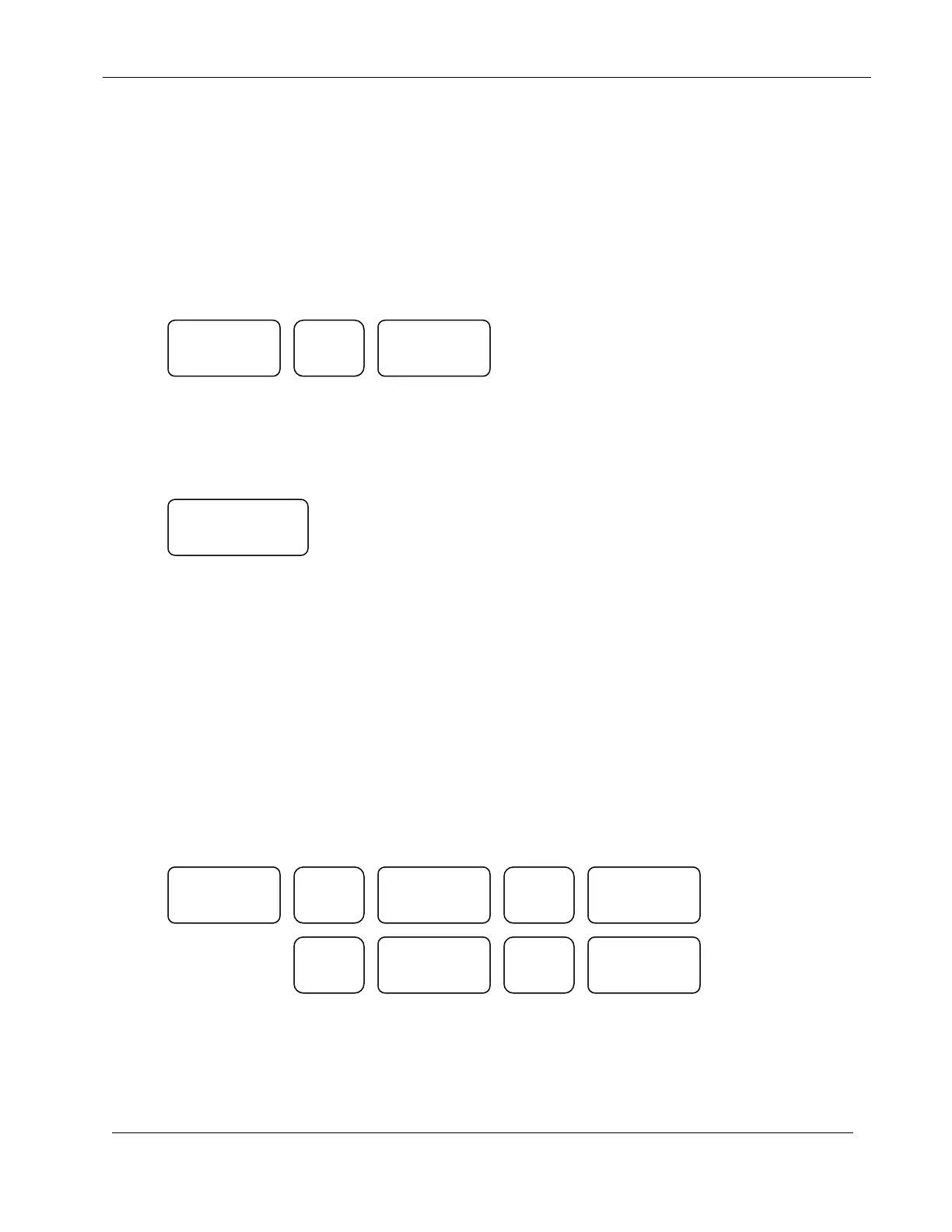
Press:
The controller will return to the Automatic Mode
5.2 WATER DAYS FUNCTION KEY
Usage: This key is used to select the water days to be used in each irrigation program. The
Water Days function is based on a seven-day cycle. Each day selected (Sunday –
Saturday) is displayed in the DAYS/STATION NUMBER DISPLAY. Press the
WATER DAYS key; press keys 1 – 7 to select the water day desired, and then press
ENTER to complete the action.
If you wish to terminate the Water Days entry at any point, press the QUIT key to
return to the Automatic Mode.
EXAMPLE: Set the Controller to water everyday.
Press:
WATER
DAYS
1
PROGRAM CLEAR
ATER
DAYS
1
SUN
2
MON
TUE
4
WED
ENTER
ENTER ENTER
ENTER


 To Next Page