EasyManua.ls Logo

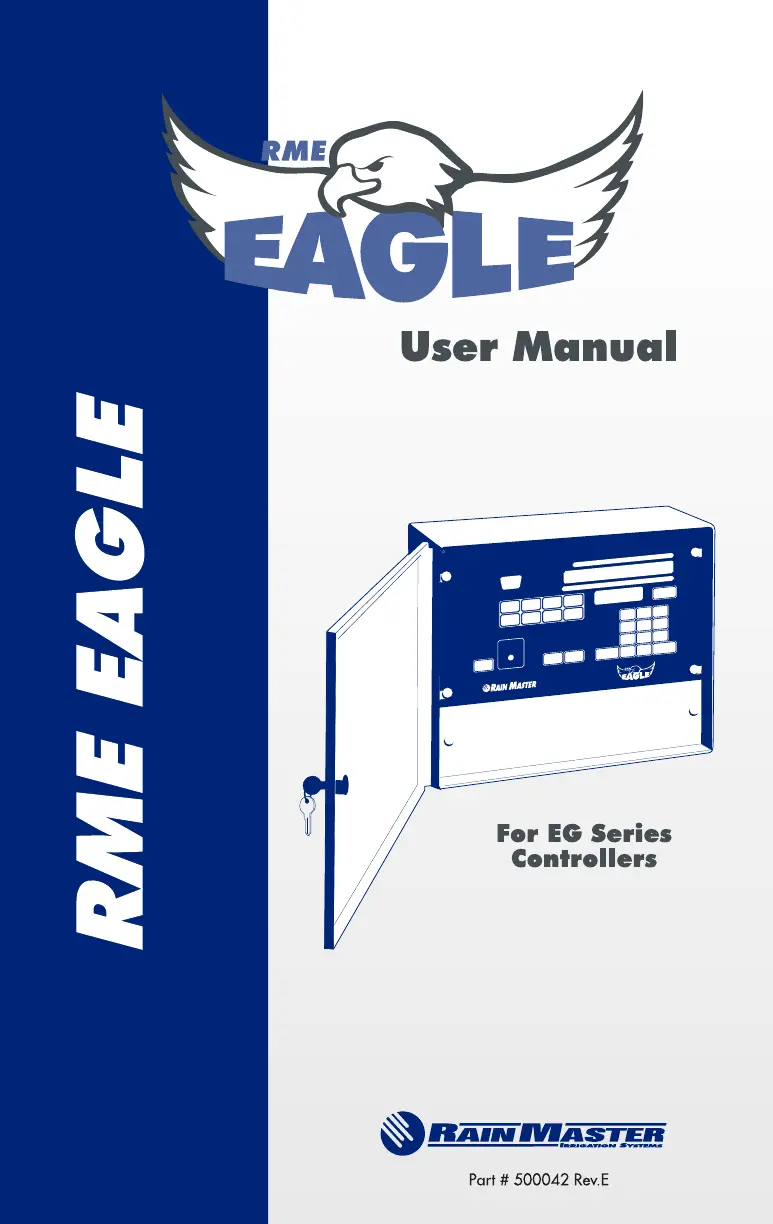
Rain Master RME EAGLE - User Manual

Rain Master RME EAGLE
168 pages
Print Icon
To Next Page IconTo Next Page
Loading...

Table of Contents

Questions and Answers

Summary

1.0 INTRODUCTION

2.0 RME EAGLE SPECIFICATIONS

2.1 PROGRAMMING CAPABILITY

Details the controller's programming features, including runtimes, water days, and special modes.

2.1.1 Water Conservation Features

Highlights features like flow sensing, ET-based scheduling, and water percentage adjustment.

2.1.2 Convenience Features

Describes user-friendly aspects like keyboard layout, multiple displays, and security access.

2.1.3 Diagnostic and Fault Detection

Explains how the controller detects and reports system faults like wiring issues and flow limits.

2.2 FLOW CAPABILITIES

Details the controller's flow monitoring features, limits, and measurement capabilities.

2.3 EVAPOTRANSPIRATION (ET) FEATURES

Describes ET-based scheduling and the various sources for ET data.

2.4 AVAILABLE RME EAGLE OPTIONS

Lists optional hardware and connectivity features, such as communication cards and sensors.

2.6 ELECTRICAL SPECIFICATIONS

Details input and output power requirements, voltage, and current ratings.

3.0 MOUNTING AND INSTALLATION

3.1 CONTROLLER PLACEMENT

Guides on selecting an appropriate indoor or outdoor location for the controller.

3.1.1 Mounting the Controller

Provides step-by-step instructions for physically mounting the controller unit.

3.1.2 Electrical Power to the Controller Connections

Details on connecting the controller to a standard AC power source.

3.1.3 Electrical Grounding of the Controller

Explains the importance and procedure for proper electrical grounding for safety.

3.2 FIELD WIRING CONNECTIONS TO THE CONTROLLER

General guidance on connecting field wires to the controller's terminals.

3.2.1 Master Valve and Pump Wiring Options

Explains various wiring configurations for master valves and pumps.

3.2.2 Flow Sensor Installation

Provides instructions for installing a flow sensor in the main water line.

3.2.3 Sensor Wiring

Details wiring connections for rain or moisture sensors.

3.2.4 Valve Wiring

Explains the color coding for connecting station valves to the controller.

3.3 GETTING STARTED - POWERING-UP THE CONTROLLER

Guide to the initial power-up process and essential setup steps.

3.3.1 Set Time and Date

Steps for setting the controller's current time and date for accurate operation.

3.4 AC POWER FAILURES

Explains how the controller handles AC power interruptions and data retention.

4.0 CONTROLLER AND FRONT PANEL OPERATION

4.1 CONTROLLER OPERATIONAL MODES

Describes the different operating modes: Automatic, Programming, and others.

4.1.1 Automatic Mode

Details the controller's display and behavior in Automatic Mode.

4.2 KEYBOARD OPERATIONS

Details the function, data entry, and command execution keys on the controller.

5.0 FUNCTION AND EXECUTION KEY OPERATIONS

5.1 PROGRAM FUNCTION KEY

How to select, modify, or review irrigation programs (1-4).

5.2 WATER DAYS FUNCTION KEY

How to select specific watering days for each program on a 7-day cycle.

5.3 STATIONS FUNCTION KEY

How to select stations and set their watering runtimes.

5.3.1.2 Cycle and Soak Programming

Explains programming for water runoff reduction using cycle and soak.

5.4 START TIMES FUNCTION KEY

How to set multiple start times for irrigation programs.

5.5 QUICK STATIONS FUNCTION KEY

How to program a block of stations with identical runtimes.

5.6 WATER % BUDGET FUNCTION KEY

How to adjust watering times globally for a program.

5.7 MANUALLY ACTIVATED FUNCTIONS

How to manually run programs, stations, or system checks.

5.8 SKIP DAYS FUNTION KEY

How to set a watering schedule based on a thirty-day cycle.

5.9 REVIEW FUNCTION KEY

How to review program parameters and settings.

5.10 CLEAR EXECUTION KEY

Explains uses of the CLEAR key for parameters and programs.

5.11 QUIT EXECUTION KEY

How to terminate functions and return to automatic mode.

5.12 ENTER EXECUTION KEY

How to complete data entry and have it processed.

6.0 SETUP KEY OPERATIONS

6.1 SET TIME OF DAY;DATE

How to program the controller's current time and date for accurate operation.

6.2 MASTER VALVE (MV)

How to program a master valve to activate with specific programs.

6.3 TYPE OF MASTER VALVE

How to select between Normally Closed and Normally Open master valves.

6.4 PUMP

How to program a pump to activate with specific programs.

6.5 STACK OR NO STACK

How to configure programs to run sequentially or simultaneously.

6.7 SECURITY CODE

How to set a security code to protect controller functions.

6.8 SENSOR

How to configure and use external sensors like rain or moisture sensors.

6.10 CYCLE AND SOAK

How to configure programs for cycle and soak watering.

6.11 ODD;EVEN WATERING CONTROL

How to set programs for odd or even day watering schedules.

6.12 COMMUNICATIONS (ENABLING)

How to enable wireless communications for remote control.

6.13 FLOW SENSOR

How to enable or disable flow sensor features.

6.13.1 Pipe

How to specify the pipe size for accurate flow sensor readings.

6.13.2 Main Line Flow Limit

How to set the maximum allowable flow for the main water line.

6.13.3 Unscheduled Flow Limit

How to set the maximum allowable flow when no stations are active.

6.13.4 Flow Check Delay

How to program a delay before checking flow limits after a station change.

6.13.5 Totalizer

How to view and clear total water usage data.

6.13.6 Flow Percentage

How to globally adjust station flow limits based on a percentage.

6.13.7 Limits

How to set station upper flow limits using learn mode or explicit values.

6.13.7.1 Station Limits Using Learn Mode

How the controller automatically learns and sets station flow limits.

6.13.7.2 Setting Station Limits

How to manually set specific upper flow limits for each station.

7.0 ET KEY OPERATIONS

7.1 ET DATA SOURCE DISPLAY

Displays the source of ET data used for runtime calculations.

7.2 ET MODE

How to enable ET-based irrigation for programs based on weather.

7.3 ENTERING THE ET REFERENCE VALUE

How to input the ET reference value for water savings calculations.

7.4 ENTERING HISTORICAL ET MONTHLY VALUES

How to input historical ET data for each month.

7.5 WEATHER STATION

How to enable and configure the weather station device for ET data.

7.6 MANUAL ET DATA

How to manually enter ET data to override other sources.

8.0 ET PROGRAMMING

8.1 INTRODUCTION

Explains Evapotranspiration (ET) and its role in irrigation efficiency.

8.2 OBTAINING THE HISTORICAL ET DATA

How to acquire and enter historical ET data from various sources.

8.3 GENERATE THE REFERENCE PROGRAM

How to create a representative program for ET adjustments.

8.4 ESTABLISH THE ET REFERENCE VALUE

How to set the ET reference value for adjusted station runtimes.

8.5 ENABLING PROGRAMS FOR ET OPERATION

How to enable ET mode for individual irrigation programs.

8.6 SELECTING THE ET DATA SOURCE

How to choose between different ET data sources for calculations.

A APPENDIX - CONTROLLER DISPLAYS

A.1 MESSAGE AND PROMPT DISPLAY

Details various messages and prompts displayed by the controller.

A.1.4 PROGRAM Prompts and Displays

Displays related to selecting and reviewing irrigation programs.

A.1.5 WATER DAYS Prompts and Displays

Displays related to setting watering days for programs.

A.1.6 STATIONS Prompts and Displays

Displays related to station numbers, runtimes, and budgets.

A.1.7 START TIMES Prompts and Displays

Displays related to setting irrigation start times.

A.1.8 QUICK STATIONS Prompts and Displays

Displays related to programming blocks of stations.

A.1.9 WATER % BUDGET Prompts and Displays

Displays related to water percentage budget adjustments.

A.1.10 REVIEW Prompts and Displays

Displays shown when reviewing program parameters.

A.1.11 SETUP Prompts and Displays

Displays related to the controller's setup functions.

A.1.12 MANUAL Prompts and Displays

Displays related to manual operation of programs and stations.

A.1.13 SKIP DAYS Prompts and Displays

Displays related to setting skip days for watering schedules.

A.1.14 CLEAR Prompts and Displays

Displays related to clearing parameters or programs.

A.1.15 Flow Sensor Prompts and Displays

Displays related to flow sensor fault conditions.

A.1.16 Miscellaneous Prompts and Displays

Displays for automatic program countdown and security codes.

A.2 DAYS;STATION NUMBER DISPLAY

Explains the secondary display for days and station status.

B APPENDIX - FLOW SENSOR PART LIST

B.1 RAIN MASTER FLOW SENSOR PART NUMBERS

Details part numbers for flow sensors based on pipe size.

C APPENDIX - PROGRAMMING EXAMPLES

C.1 Basic Programming Example - Public Park

Demonstrates setting up conventional irrigation programs for a park.

C.2 Flow Monitor Programming - Public Park

Demonstrates setting up flow management features for the park example.

C.3 ET Programming Example - Public Park

Demonstrates configuring irrigation programs for ET-based watering.

RAIN MASTER LIMITED WARRANTY

Rain Master RME EAGLE Specifications

General IconGeneral
BrandRain Master
ModelRME EAGLE
CategoryIrrigation System
LanguageEnglish

Related product manuals