RME EAGLE User Manual Rain Master Irrigation Systems
Page 74 Chapter 6 Setup Key Operations
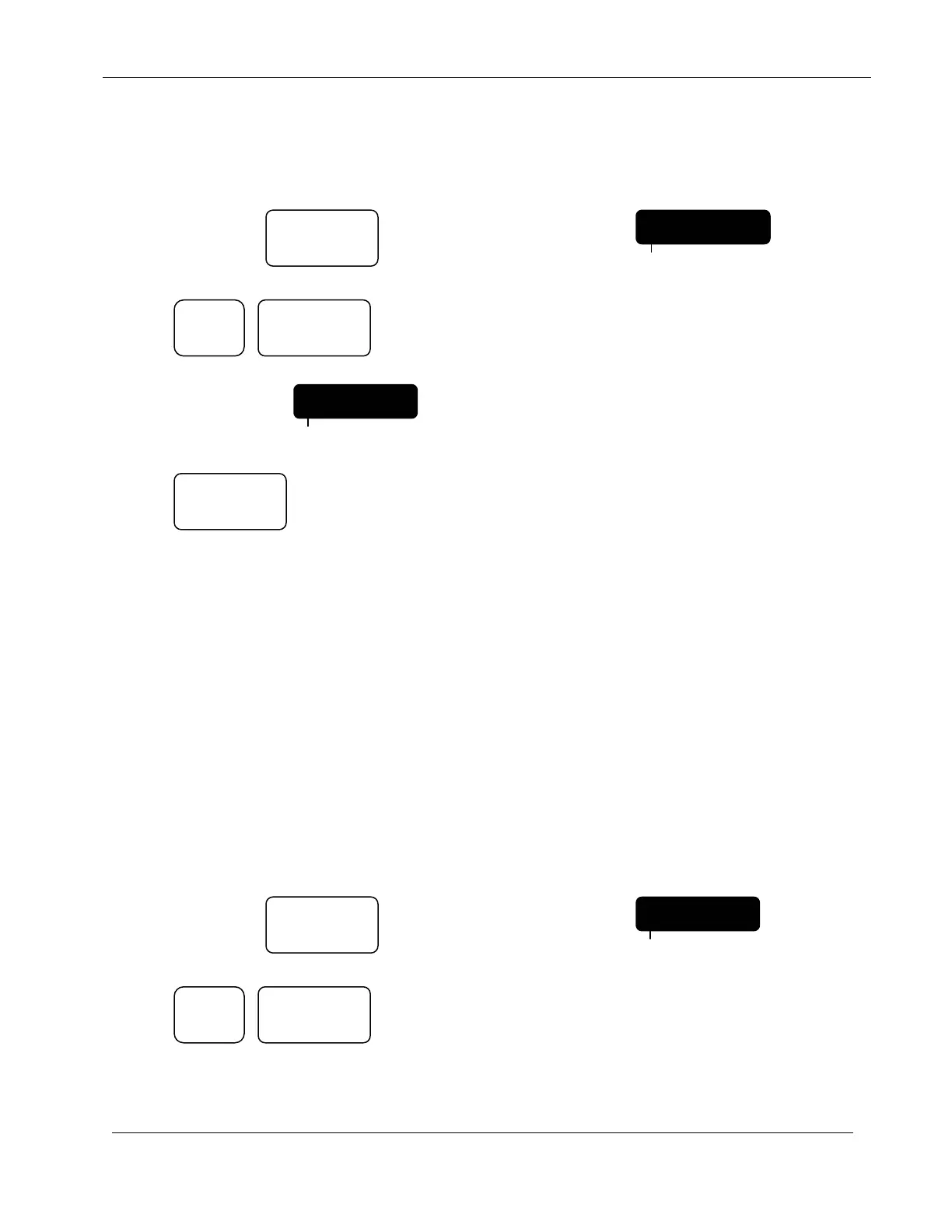
EXAMPLE: If you have the optional wireless communications product installed, the
communications are enabled as follows:
Continue to Press: Until display indicates: CODE
Press: The 1 key acts as a toggle key when used
in this SETUP configuration item.
Display will indicate:
Press:
The controller will return to the Automatic Mode.
6.13 FLOW SENSOR
This Flow enable/disable feature allows you to select whether you are using a flow sensor or not.
For a general description of how the flow features work, see 9.2 FAULT DETECTION
OVERVIEW chapter of this manual.
Note: The remaining SETUP features are related to the Flow Sensor features and will be
skipped if the Flow Sensor features have not been enabled.
EXAMPLE: If you have a Flow Sensor connected to the controller and you wish to activate the
Flow Sensor features.
Continue to Press: Until display indicates: CODE
Press: The 1 key acts as a toggle key when used
in this SETUP configuration item.
SETUP
FLOW
PROGRAM
ENTER
1
COMM ON
PROGRAM
SETUP
COMM OFF
PROGRAM
QUIT
ENTER
1


 To Next Page