Rain Master Irrigation Systems RME EAGLE User Manual
Chapter 6 Setup Key Operations Page 75
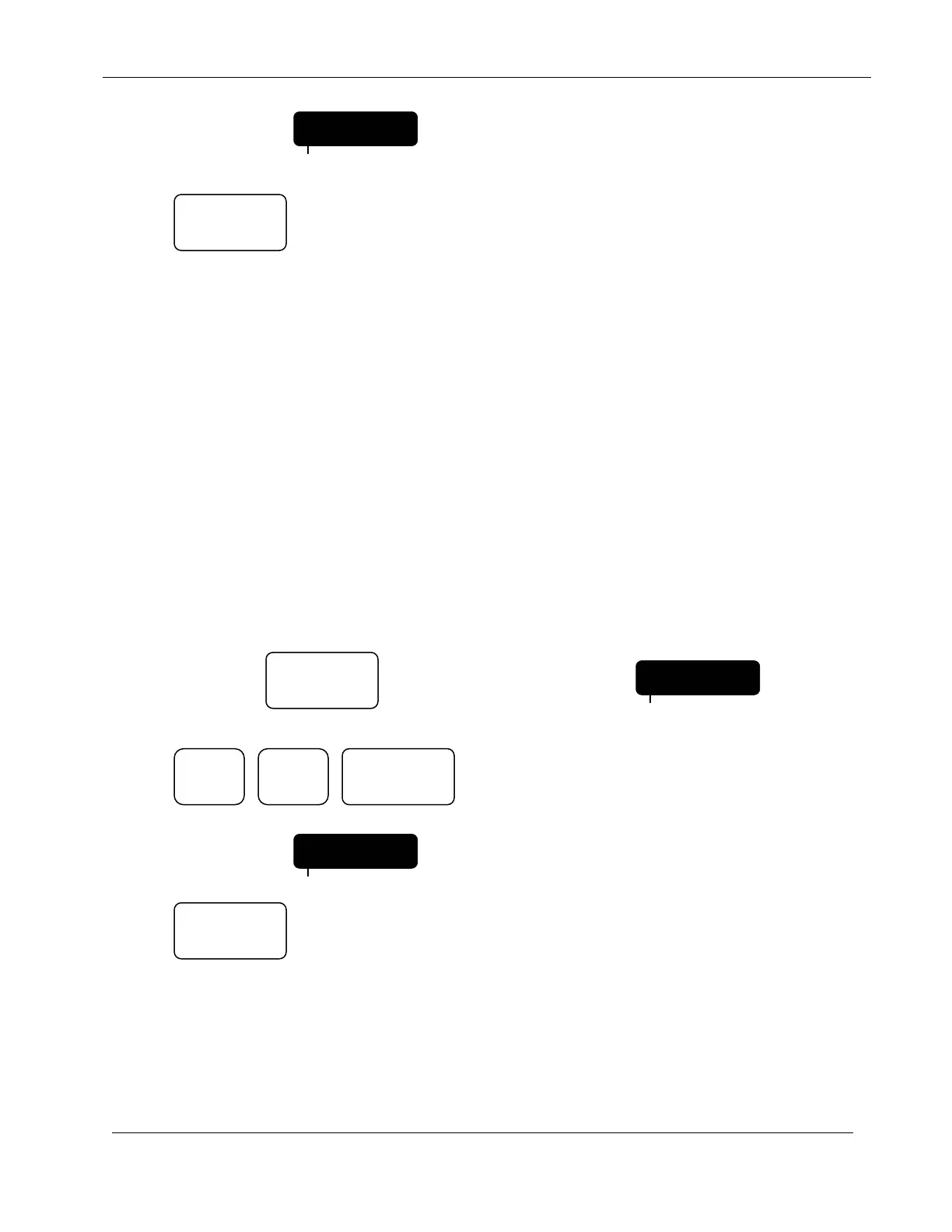
Display will indicate:
Press:
The controller will return to the Automatic Mode.
6.13.1 Pipe
In order to properly measure flow, the pipe size of the Rain Master Flow Sensor must be specified.
Appendix B lists flow sensor part numbers and their associated pipe size.
You can select the following pipe sizes in inches: 1.00, 1.25, 1.50, 2.00, 3.00, 4.00 and OTHR.
Each depression of the 1 key will toggle the display to the next pipe size. (Selection of OTHR is
reserved for future use.) When you have reached the pipe size you want to select, press ENTER.
NOTE: This SETUP function will be skipped if you have not enabled the flow
features.
EXAMPLE: Select a pipe size of 3.00 inches.
Continue to Press: Until display indicates: CODE
Press: The 1 key acts as a toggle key when used in
this SETUP configuration item.
Display will indicate:
Press:
The controller will return to the Automatic Mode.
FLOW ON
PROGRAM
QUIT
PIPE 3.00
PROGRAM
SETUP
PIPE 1.50
PROGRAM
QUIT
ENTER


 To Next Page