Rain Master Irrigation Systems RME EAGLE User Manual
Chapter 6 Setup Key Operations Page 61
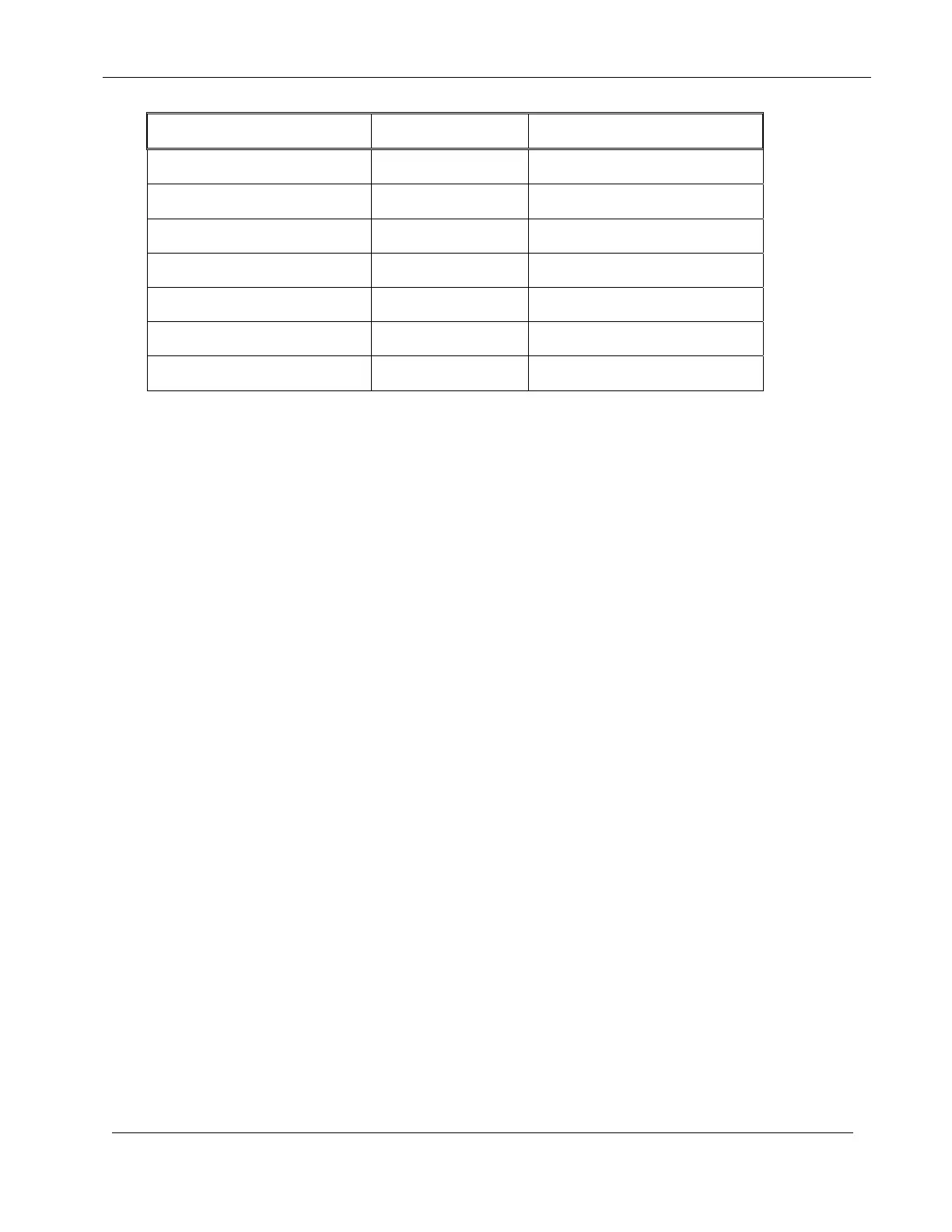
Function Option Default Option
Pipe Size (inches) 1, 1.25, 1.5, 2, 3, 4 1.5 inches
Main Line Flow Limit 1-999 GPM 500 GPM
Unscheduled Flow Limit 0-999 GPM 200 GPM
Flow Check Delay 1-6 minutes 2 minutes
Total Gallons N/A N/A
Flow Percentage 5-80% 20%
Station Upper Flow Limits 0-500 GPM 200 GPM for all stations
By simply pressing the SETUP key, you can program, review and modify the various parameters.
Successive presses of the SETUP key will allow you to advance to the next setup feature.
Some of the setup functions will be skipped depending on what you have configured for previous
setup functions. The conditions for which a setup function will be skipped are noted in the
applicable paragraphs for those functions.
IMPORTANT: When entering SETUP information the display will change but the
controller will not actually accept the information until ENTER or CLEAR
(for those SETUP functions that accept CLEAR) is pressed.
6.1 SET TIME OF DAY/DATE
This feature allows you to program the Time-of-Day and the Date. The RME Eagle Controller is a
real-time device, all irrigation programs and functions are based on the Date and the Time of day. It
is important that the RME Eagle Controller have a correct time and date established upon initial
installation and power–up. The RME Eagle Controller, at initial power-up, will display a flashing
prompt for the time-of-day to be entered by the operator.


 To Next Page