Rain Master Irrigation Systems RME EAGLE User Manual
Chapter 6 Setup Key Operations Page 83
• You can explicitly put in the limit followed by ENTER.
• You can press MANUAL and the controller will start watering the station. During
this time the flow rate will be displayed on the left and the limit will be displayed on
the right. By pressing ENTER you can accept the flow rate as the limit (adjusted by
the flow percentage):
NOTE: The limit can be set to from 0 to 500 GPM. The set limit will be rounded to
the nearest 2, so if you set the limit to 55, when you review the setting it will
be 54.
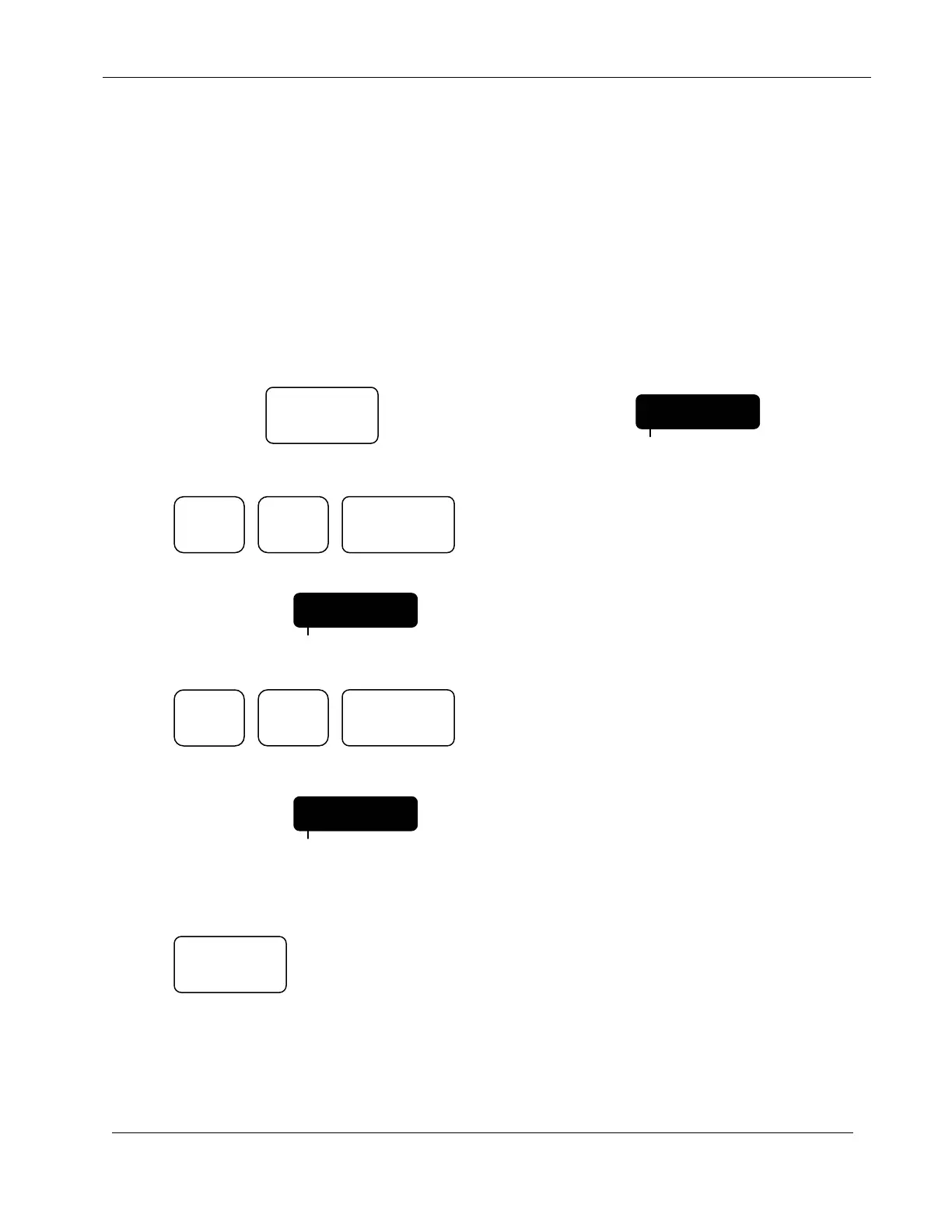
EXAMPLE: Set the upper station flow limit of Station 15 to 44 GPM.
Continue to Press: Until display indicates:
Press:
Display will indicate:
Press:
Display will indicate:
You can now continue to enter limits for other stations, when complete,
Press:
The controller will return to the Automatic Mode.
EXAMPLE: Review the Upper Station Flow limit of station 15.
15 - 200
PROGRAM
SETUP
LIMITS
PROGRAM
ENTER
LIMITS
PROGRAM
ENTER
4
QUIT


 To Next Page