RME EAGLE User Manual Rain Master Irrigation Systems
Page 78 Chapter 6 Setup Key Operations
NOTE: This SETUP function will be skipped if you have not enabled the flow
features.
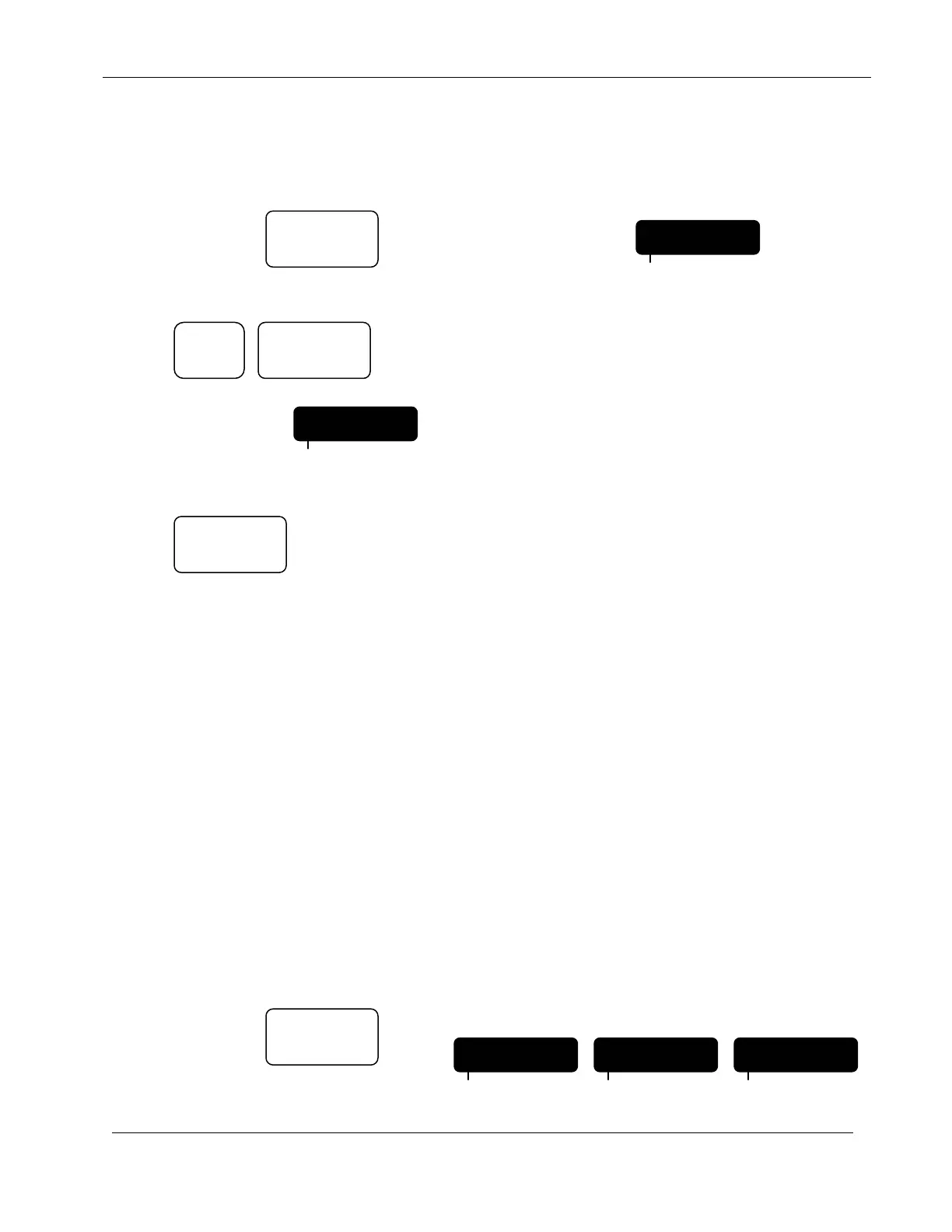
EXAMPLE: Set a flow check delay to 4 minutes,
Continue to Press: Until display indicates:
Press:
Display will indicate:
Press:
The controller will return to the Automatic Mode.
6.13.5 Totalizer
The Totalizer feature allows you to view and clear the total gallons of water used. (The Totalizer
value is also displayed in the REVIEW mode). The display indicates the total gallons of water used
since the last time you cleared it.
NOTE: The total gallons will automatically be cleared when you select a new
pipe size (using the PIPE SETUP feature).
NOTE: This SETUP function will be skipped if you have not enabled the flow
features.
EXAMPLE: Determine how many gallons of water were used in a month,
At the beginning of the month:
Continue to Press: Until display indicates:
FDELAY 4
PROGRAM
SETUP
FDELAY 2
PROGRAM
ENTER
QUIT
4
SETUP
TOTAL
PROGRAM
GALLONS
PROGRAM
0
PROGRAM


 To Next Page