en-28
5 CONTROLS
5.2.Z.7 REVERSE FAN MANUAL OPERATION ________________________________
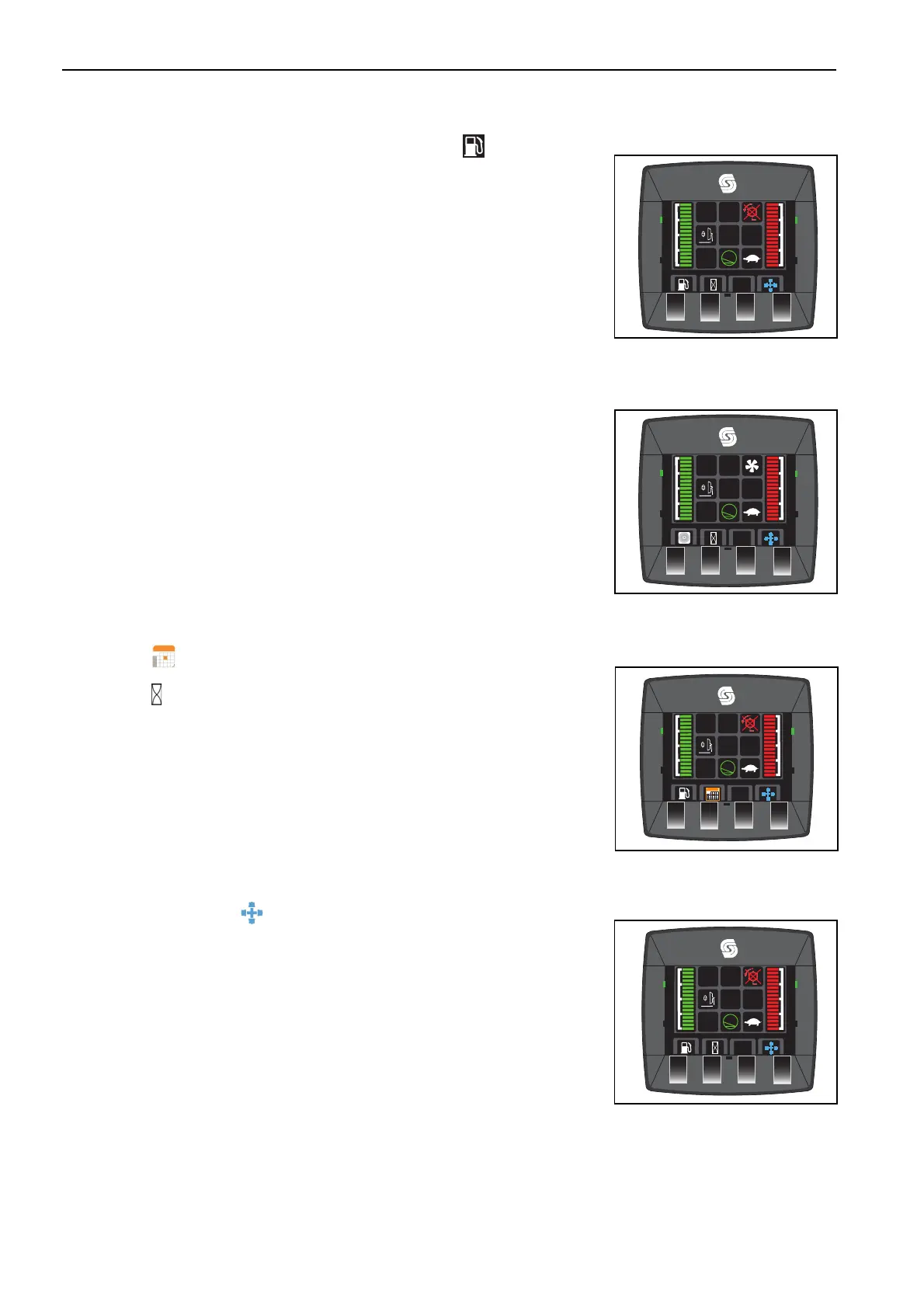
To manually activate the reversing fan press and hold the button. once the
hood has been cleared of all debris release the button.
When the reverse fan has been manually activated, both the cutter indicator
and fuel pump icon will change until the button has been released
5.2.Z.8 TIME DISPLAY OPTION _____________________________________________
This display this displays the time and engine hours.
This display shows the date and engine hours.
Button 2 toggles between the two options.
5.2.Z.9 MAIN MENU SELECT_______________________________________________
Use the button below the to access the main menu.
TST
™
MODE
TST
™
MODE


 To Next Page