en-40
5 CONTROLS
5.2.Z.48 PIN CHANGE _____________________________________________________
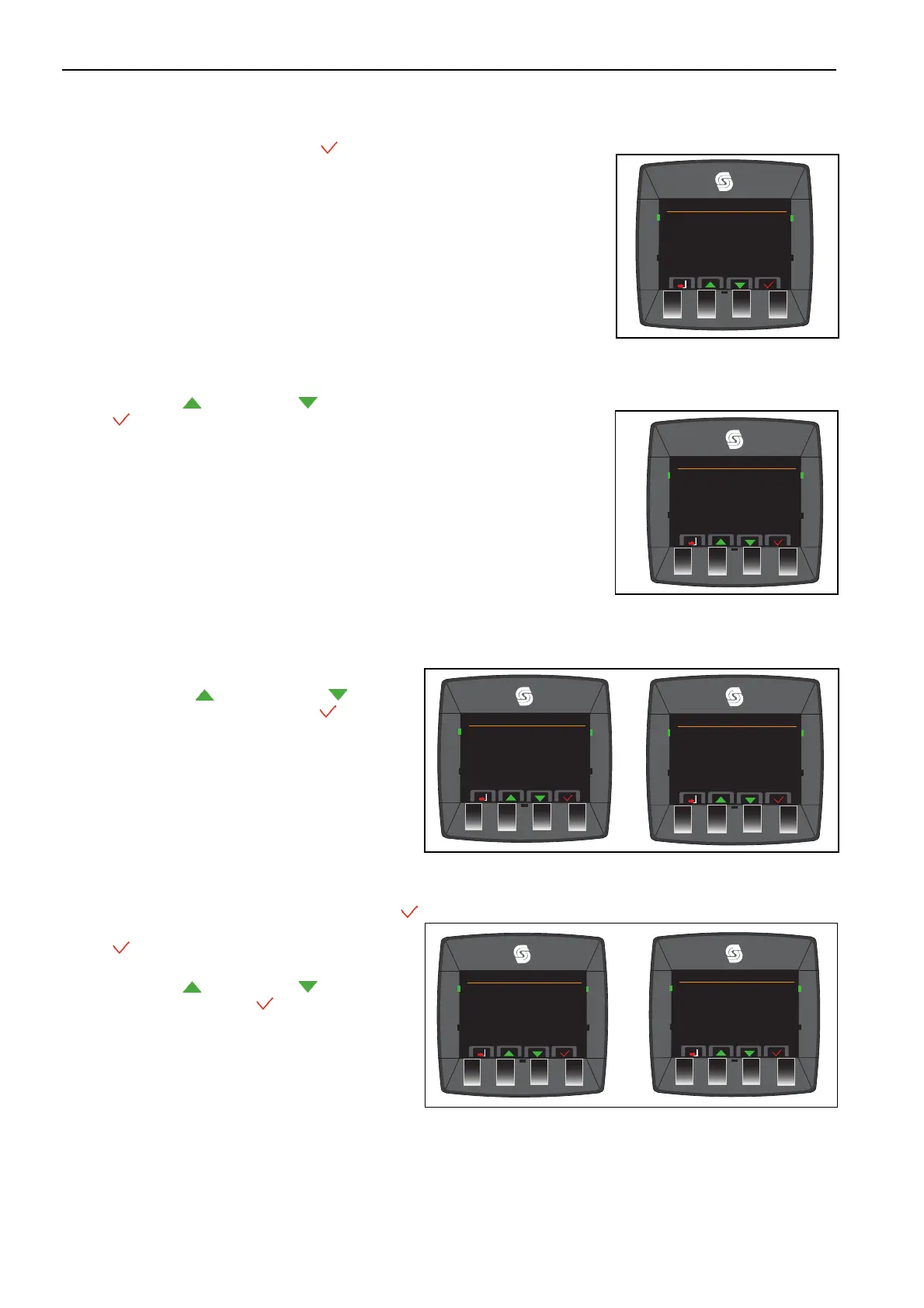
Select the PIN change and accept .
5.2.Z.49 NEW PIN ________________________________________________________
Press the button up and down to move forward the numbers.
Select . To accept.
5.2.Z.50 INCLINOMETER __________________________________________________
Select to shows TST status, Enabled or Disabled.
Press the button up and down to move
between Enabled or Disabled Select . To accept.
5.2.Z.51 SET DEFAULT PARAMETERS
Select the Set Default Parameters and accept .
Select . To accept.
Press the button up and down to move
between YES or NO Select . To accept.
Pin Menu
Cruise Control
Cross Cut
Vehicle Speed
Change PIN
Pin Menu
Cruise Control
Cross Cut
Vehicle Speed
Change PIN
Inclinometer
Set Default Parameters
Drive Modes
TST Setting
TST Status Not Fitted
Pin Menu
Cruise Control
Cross Cut
Vehicle Speed
Change PIN
Inclinometer
Set Default Parameters
Drive Modes
SET Default Param Values
Press Push Buttons To SET
Default Parameters Values


 To Next Page