CHAPTER 9
56 Raven RS1™ Guidance and Steering Calibration & Operation Manual
STARTING A JOB
Refer to the ROS (Raven Operating System) Basic Operation Manual (P/N 016-0171-539) for instructions on starting
a job and setting guidance lines.
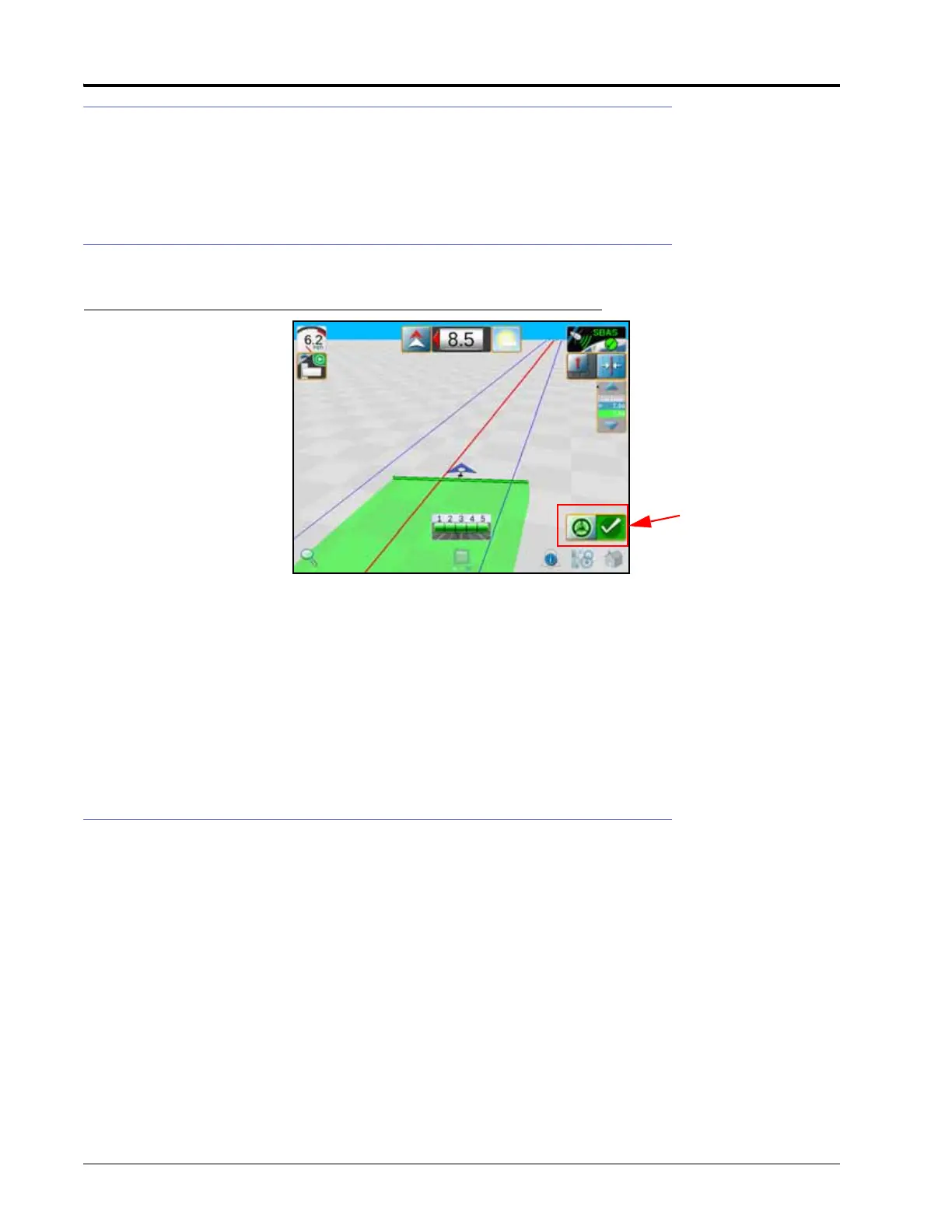
ENGAGING RS1
FIGURE 1. RS1 Status Widget
NOTE: If the RS1 steering widget does not appear on the screen, refer to the Viper/Viper 4+ Installation and
Operation manual (P/N 016-0171-539) for further information on adding widgets.
NOTE: The operator liability waiver must be accepted before the RS1 system can be enabled for operation.
The RS1 steering may also be engaged using the following methods:
• Tap the foot switch or rocker switch to engage RS1 features during field operation.
• Press the RS1 on-screen status widget to engage the RS1 during field operation.
UPDATING RS1
Refer to the Viper 4 Installation & Operation Manual (P/N 016-0171-539) for instructions on updating the RS1
software.



 To Next Page
 Loading...





