P/N 016-4010-001 Rev. A 79
SLINGSHOT
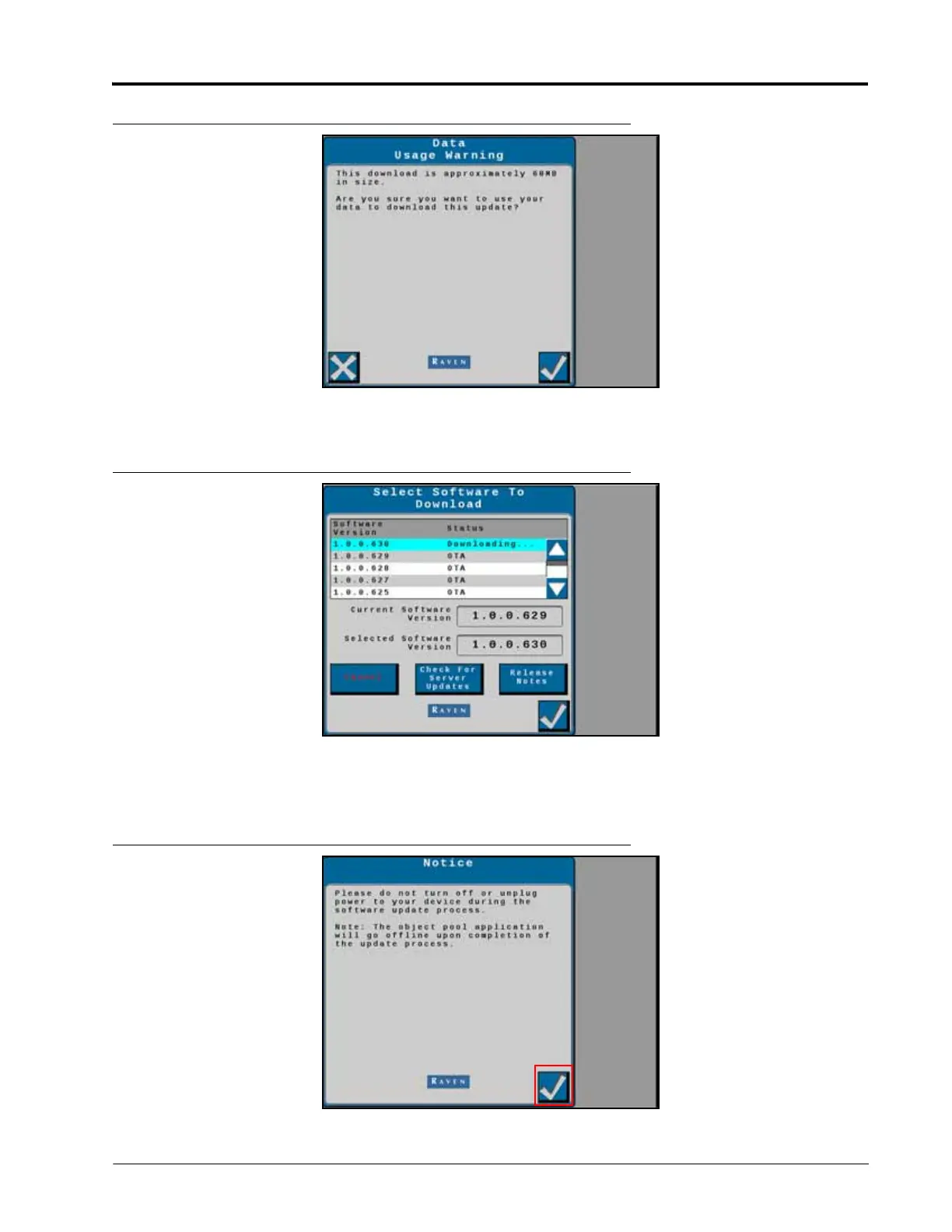
FIGURE 8. Field Update Screen
NOTE: Select Cancel to exit the field update without performing a software update.
FIGURE 9. Software Update Notice
5. Press Accept to begin the software download.
6. Wait for the software download to be completed.
FIGURE 10. Software Update Notice



 To Next Page
 Loading...





