CHAPTER 6
42 VSN® Operation Manual
SYSTEM INFORMATION
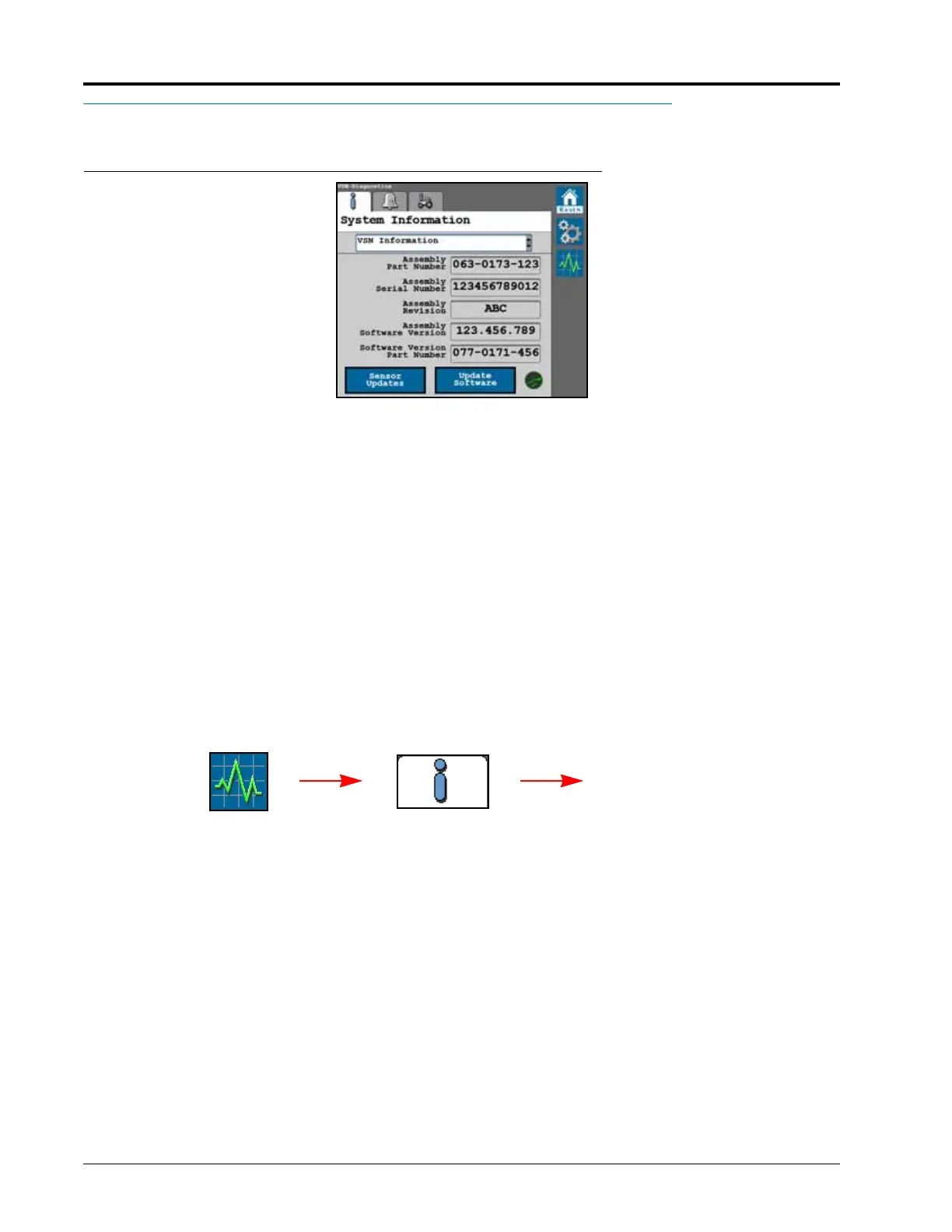
FIGURE 1. System Information Tab
The System Information tab displays the following information associated with the VSN system:
• Hardware Version
•Software Version
• Inertial Data
•System Hours
•System Voltages
SLINGSHOT STATUS ICON
• Green - Denotes a VSN connection to Slingshot.
• Red - Denotes that the VSN is NOT connected to Slingshot.
UPDATE SENSOR
To update radar sensors used with the VSN system:
1. From the VSN home screen, select the Diagnostics button along the right side of the page.
2. Select the System Information tab.
3. Select the Sensor Updates button in the lower, left corner of the page.
NOTE: VSN radar sensor software updates are downloaded as part of the VSN software.
System
Settings
Sensor
Updates
Diagnostics








 To Next Page