Service Manual Rayjet
Replacing the laser tube
Measuring the laser power:
07/09/2010 Trotec Produktions- und Vertriebs GmbH_Linzer Strasse 156, A-4600 Wels, Austria, Technical Support 19 / 53
tel_+43 (0)7242 239-7000, fax_+43 (0)7242 239-7380, mailto: rayjet@troteclaser.com www.rayjetlaser.com
1. Open the mini manager and connect to the engraver.
2. Enter the Options via right-click on the small red rayjet icon on the left side of the task-bar.
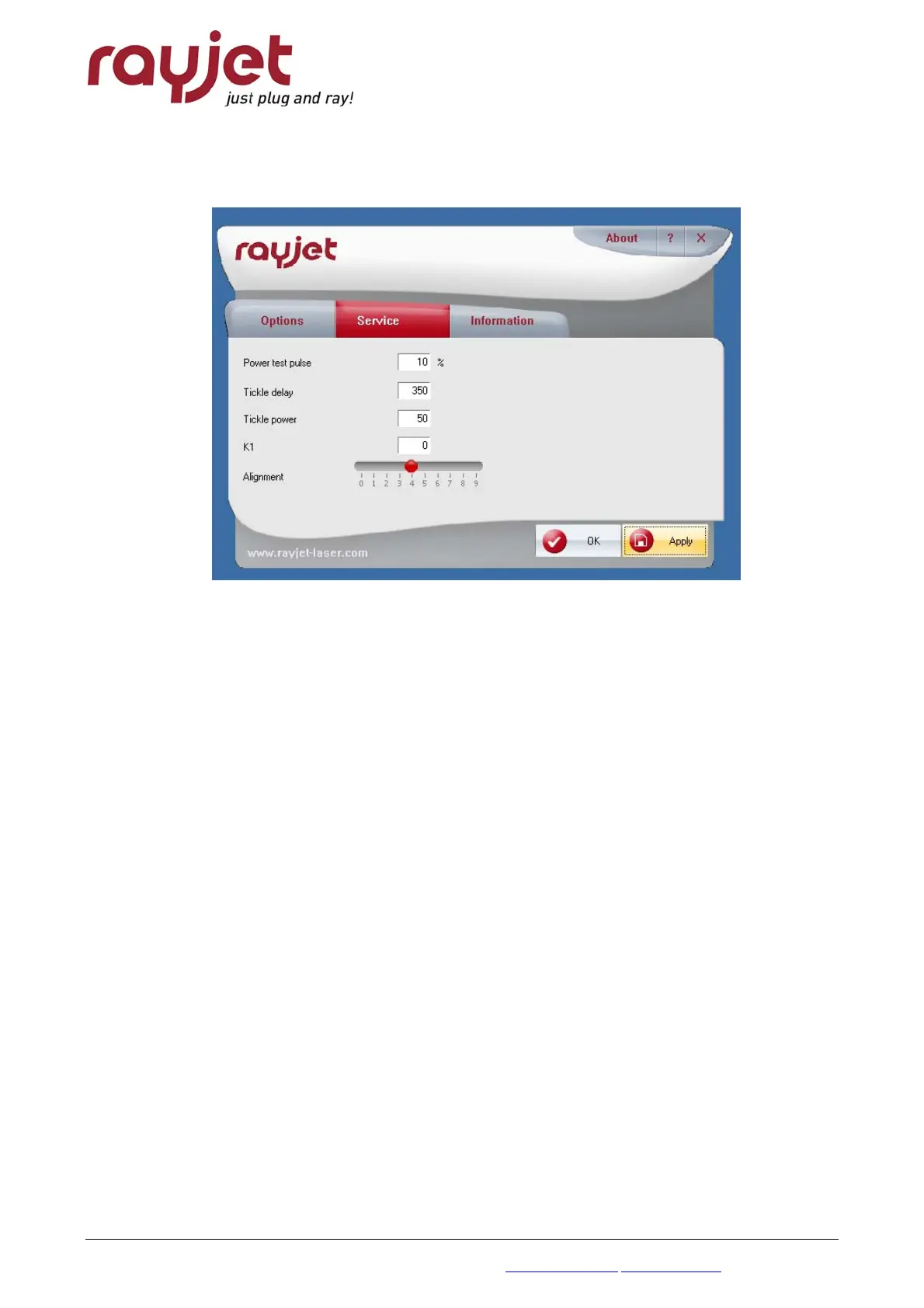
Choose “Service” and set “Power test pulse” to 100%. Press Apply.
increasing the test pulse to full power
3. Put on your laser protection glasses.
4. Remove the cover of mirror #1.
5. Put the power meter with the black absorbing area between the aperture of the lasertube
and mirror #1.
6. Press the reset button on the power meter and fire the testpulse (press “Start/Pause” and
“Stop” buttons simultaneously)
7. After some seconds you will hear a beep sound from the power meter, which indicates that
the measurement has been finished.
8. Repeat the procedure at least three times. Take care that the power meter will not overheat
when doing this test.
The wattage difference between the tests should be less than 10% of the average laser power.
After this test, reset the “Power test pulse” to 10%.



 To Next Page