11.1.2 Customer experience
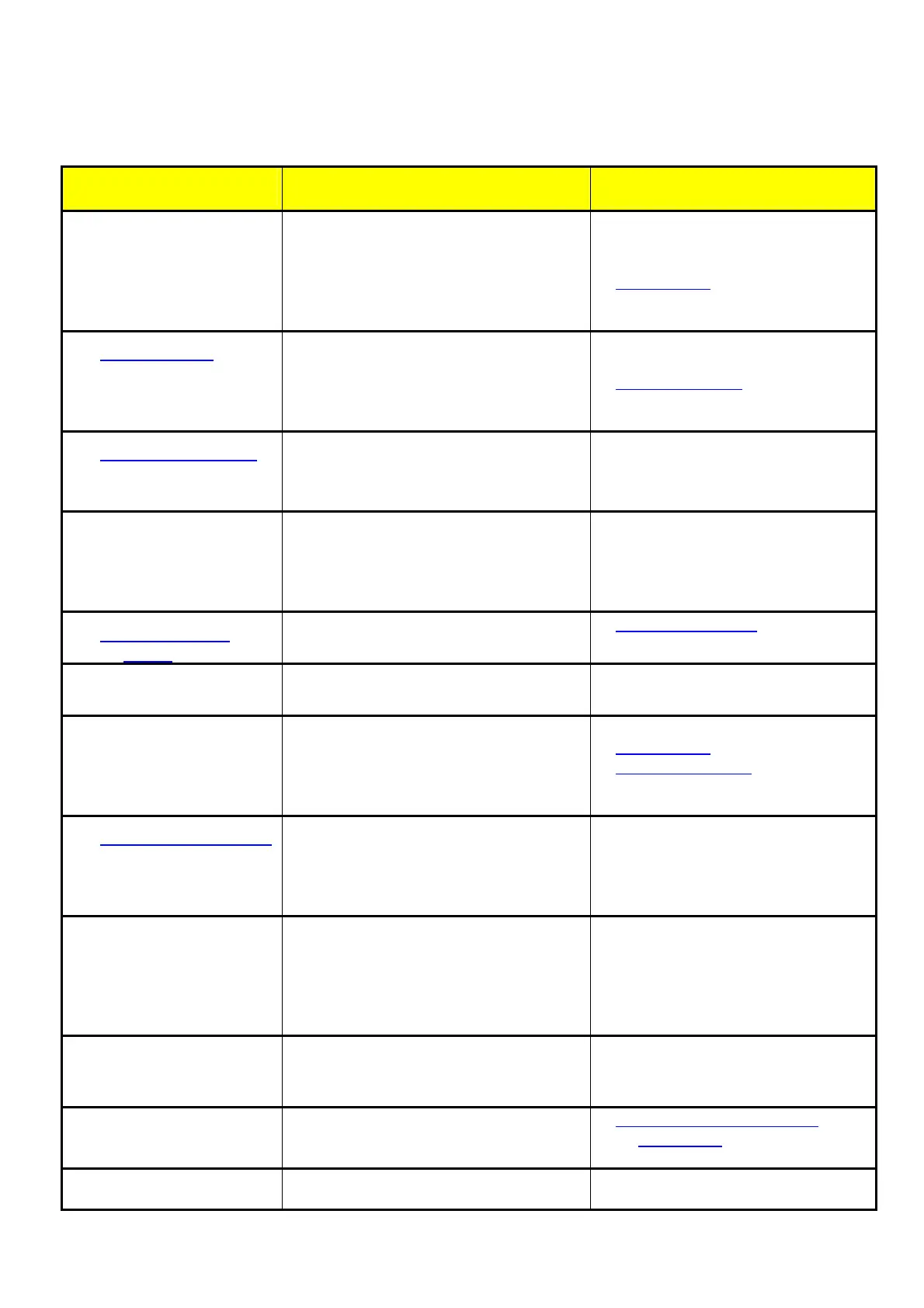
Problem description: Possible reason: Solution:
0 too low engraving
depth
Ò imprecise focusing
Ò dirty optics
Ò table misaligned
Ò too low laser power
Ò dirty beam output window on tube
check focus
¬ clean optics
¬ check table adjustment
¬ replace tube
¬ clean output window
0 blurred edges
Ò imprecise focusing
Ò table misaligned
Ò incorrect Alignment settings
(Overtook)
¬ check focus
¬ check table adjustment
¬ adjust Alignment
0 bad shoulder angle
Ò table misaligned
Ò defect electronic board
Ò bad shoulder settings
¬ check table adjustment
¬ replace board
¬ improve shoulder settings
0 missing cut lines
Ò 0 passes in driver or JobControl
selected
Ò line thickness in Corel Draw too big
Ò color is skipped
¬ increase the amount of passes
¬ reduce line thickness to smallest
possible value
¬ Set to cutting
0 shadows on the
edges
Ò tickle power too high ¬ adjust tickle power
0 Shadows between
letters
Ò Tickle delay too low ¬ Adjust tickle delay
0 Inconstant /
alternating
engraving depths
Ò table misaligned
Ò Lasertube is defect / empty
Ò Laserbeam misaligned
Ò Material is not plane (foil)
¬ adjust table
¬ replace tube
¬ adjust Laserbeam
¬ use multimate
0 waviness of the lines
Ò bad THK guide
Ò bad belt tension
Ò too high acceleration settings
Ò Lens is loosen
¬ replace guide
¬ check belt tensions
¬ reduce acceleration
¬ check if lens sticks to lensholder
0 no visible marking
result
Ò too low laser power
Ò too high velocity
Ò not focused
Ò wrong focus tool
Ò damaged lasertube
¬ increase power setting
¬ reduce velocity
¬ check focus
¬ change focus tool
¬ change the lasertube
0 fine details on
stamps are
engraved too thin
Ò incorrect Edit settings
Ò too steep shoulders
¬ adjust edits
¬ reduce T, increase W
0 not vertical cut edge
Ò beam isn’t in the middle of the lens ¬ _Problems_with_non_right
angled cutt
0 job has not been
Ò connection to machine broken ¬ check the cable connection, the
electronics and the com port



 To Next Page