Service Manual Rayjet
FAQ’s
11 FAQ’s
11.1 Problems you can see in the engraving or cutting result
11.1.1 Trotec test routine
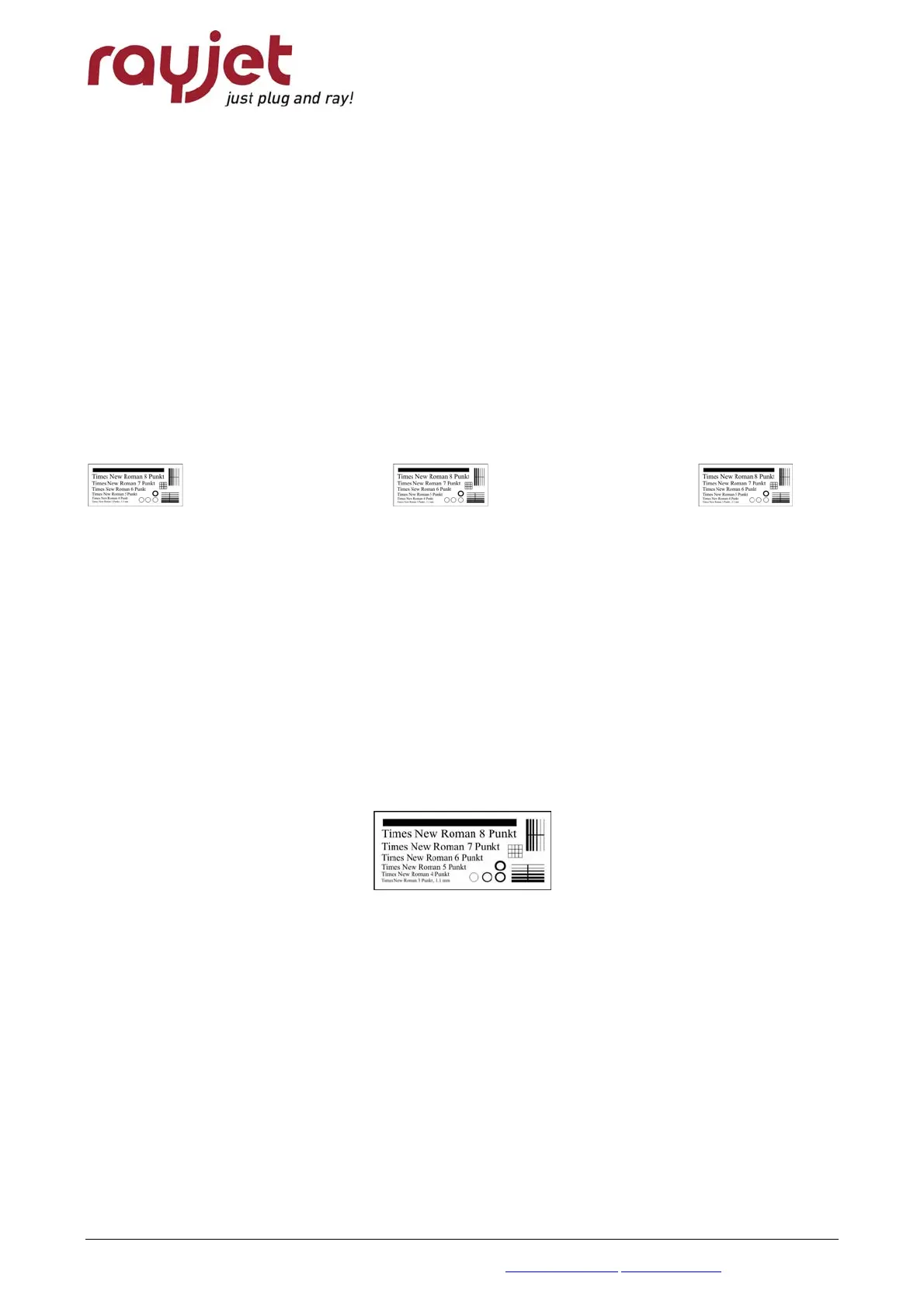
Trotec has developed special test files for quality checks. Start the following tests if you
recognize troubles in the engraving result on your laser system:
- Provide the first test file on anodized aluminum and laser plastics
On aluminum you can see if the tickle adjustment is good and if the edit factors have been
adjusted correctly.
On plastics you can realize very good if the tickle power setting is too high.
The tests are done at 30% power (depends on your laserpower) and at 100% speed. Use a
magnifier (8x) to judge the engraving result.
Tailing is shown on maximum speed
• circles not closed, thin vertical lines missing: too low tickle power
• doubled images: edit factors/K1 not adjusted correctly
• frayed edges: tickle delay too small
• „snow“ in the background: tickle power too high
- Do the following test on laser rubber (2.3mm) from Trotec.
Here you can see if the laser power is big enough, if the shoulder setting is good and if the edit
factors for rubber speed have been adjusted correctly.
• shadows beside test pattern: tickle power too high
• doubled images: edit factors/K1 not adjusted correctly
07/09/2010 Trotec Produktions- und Vertriebs GmbH_Linzer Strasse 156, A-4600 Wels, Austria, Technical Support 43 / 53
tel_+43 (0)7242 239-7000, fax_+43 (0)7242 239-7380, mailto: rayjet@troteclaser.com www.rayjetlaser.com



 To Next Page