RT-7200 Auto Hematology Analyzer User’s Manual
3 Sample test
3.1 Preparation before startup
Before startup, the operator shall check by following steps to make sure system is ready:
1. Check if the diluent, Lyse and cleanser meet the need of current test. Check if the waste
bottle is full, tubing system is ok and without folded, all the connection is ok.
2. Whether instrument power adapter is safely and stably connected to power socket.
3. Check whether built-in or external printer paper is sufficiently installed in right position.
3.2 Startup
Switch on the RT-7200, indicator light is on, system begins to check component status,
transfer parameter needed by front end, run blank tests, as shown in figure below:
Fig.3-1 Startup program
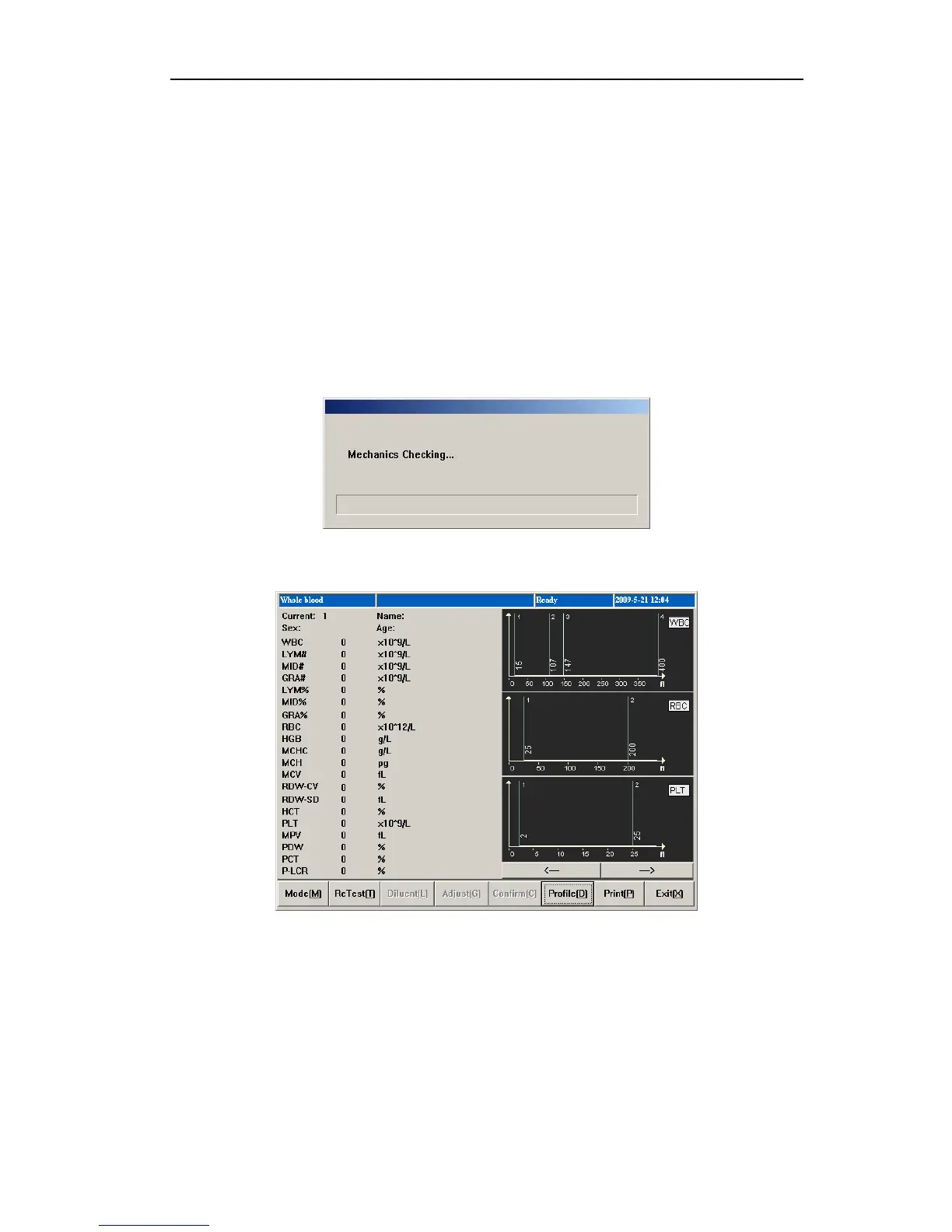
After startup self-checking, go to sample test screen, as shown below:
Fig.3-2 Blank test result
The operator can run blank test at any time required. In sample test menu, press “Aspiration
Key” to start blank test. During test, the indicator light turns red, status column on top of
screen will display test status.
Blank test acceptable range is as follows:
14



 To Next Page