RT-7200 Auto Hematology Analyzer User’s Manual
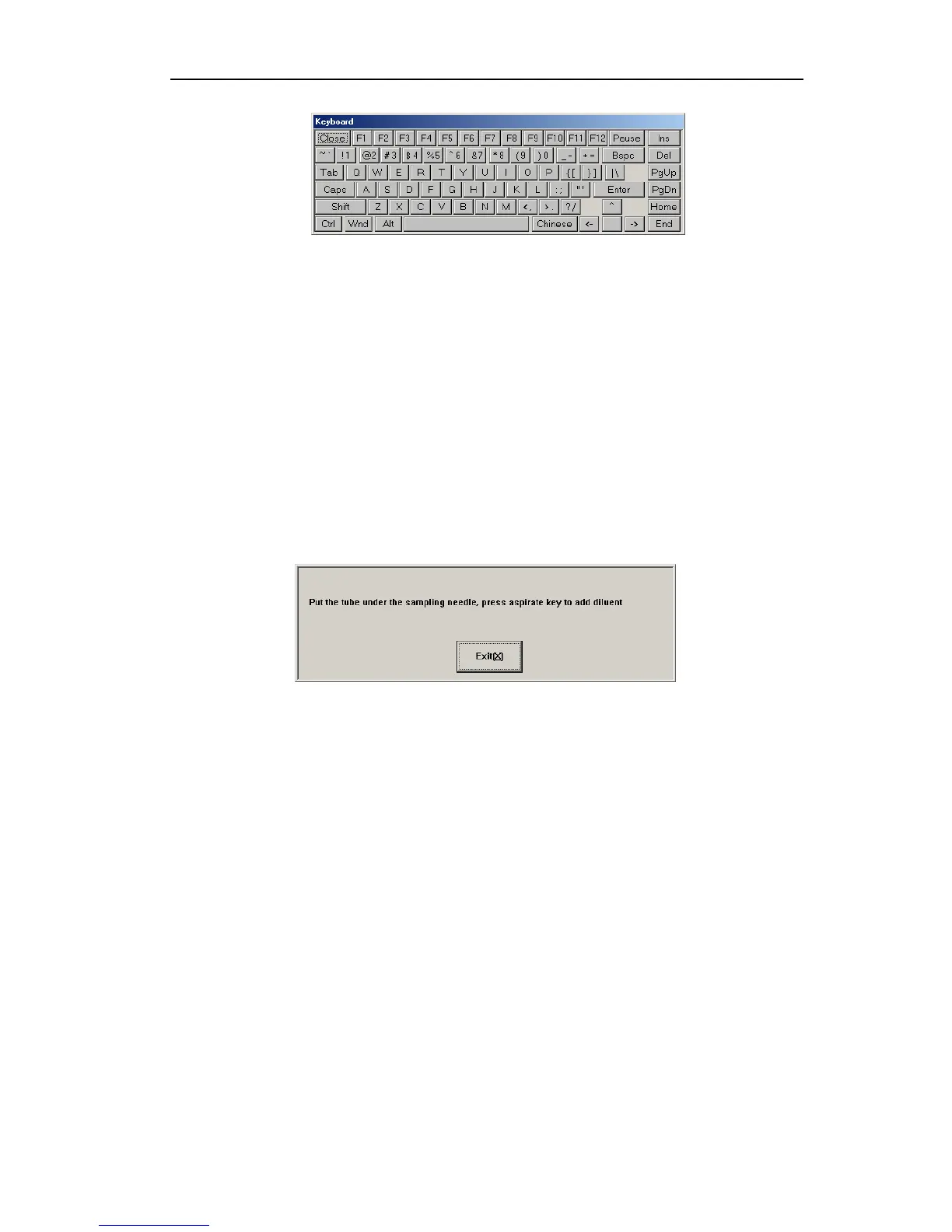
Fig.3-4 System soft keyboard
When soft keyboard is used, the cursor has to be moved into input box, then click to input.
“Caps” is to toggle between uppercase and lowercase, click “Close” to close soft keyboard.
Soft keyboards in other frames are used likely.
Click “OK” button, system will update or save sample data, click “Cancel” button, return to
sample test screen. Click “Last”,”Next” and “Save” button to realize the batch input.
3.4.2 Blood sample counting
You can select blood type by “Mode” button or select form the box at sample data edit menu.
There are three kind of blood type for selection, which are whole blood, anticoagulant
peripheral blood and pre-diluted peripheral blood.
If select pre-diluted peripheral blood mode, first add 20μl peripheral blood at the diluting cup,
then click “Diluent” button, a message box as following will appear:
Fig.3-5 Add diluent
Press the aspiration key will add 700μl diluent to the diluting cup to complete the dilution out
of instrument, the analyzer will aspirate 300μl pre-diluted sample for counting.
The test procedures are as following:
1. Put sample cup under sampling needle, press aspiration key, the instrument aspirate
blood sample, wait until sampling needle rises inside instrument, remove sample cup.
2. Instrument begins to analyze sample, frame top message box shows “Testing…”, after
test, parameter, test result and histogram will be shown as follows:
17



 To Next Page