RT-7200 Auto Hematology Analyzer User’s Manual
connect RT-7200 to equipment ready to receive data, start up and set up receiver
software parameters. For setting of instrument transferring terminal parameter, please
refer to Chapter 7 “System Setting”.
z Exit: return to main screen.
4.1.2 L-J QC run
After QC parameter setting of selected QC file is done, QC analysis of this QC file can start.
In main screen, select QC file, enter QC Run screen as shown below:
Fig.4-3 L-J QC run
1. Have QC sample ready, press Aspiration key to start test.
2. After test, QC run result will be shown under current QC number column. If fault alarm
occurs in test, this test result may be inaccurate. You can click “Delete” button to delete
this test result. Eliminate related fault before next run. If out-of-control rule is set during
QC setting, in case of inconformity with QC rules in running, the system will prompt, the
user can delete current QC run result, and test again.
3. Each QC file can save at most 500 QC results. Press “Return” button to return to main
screen.
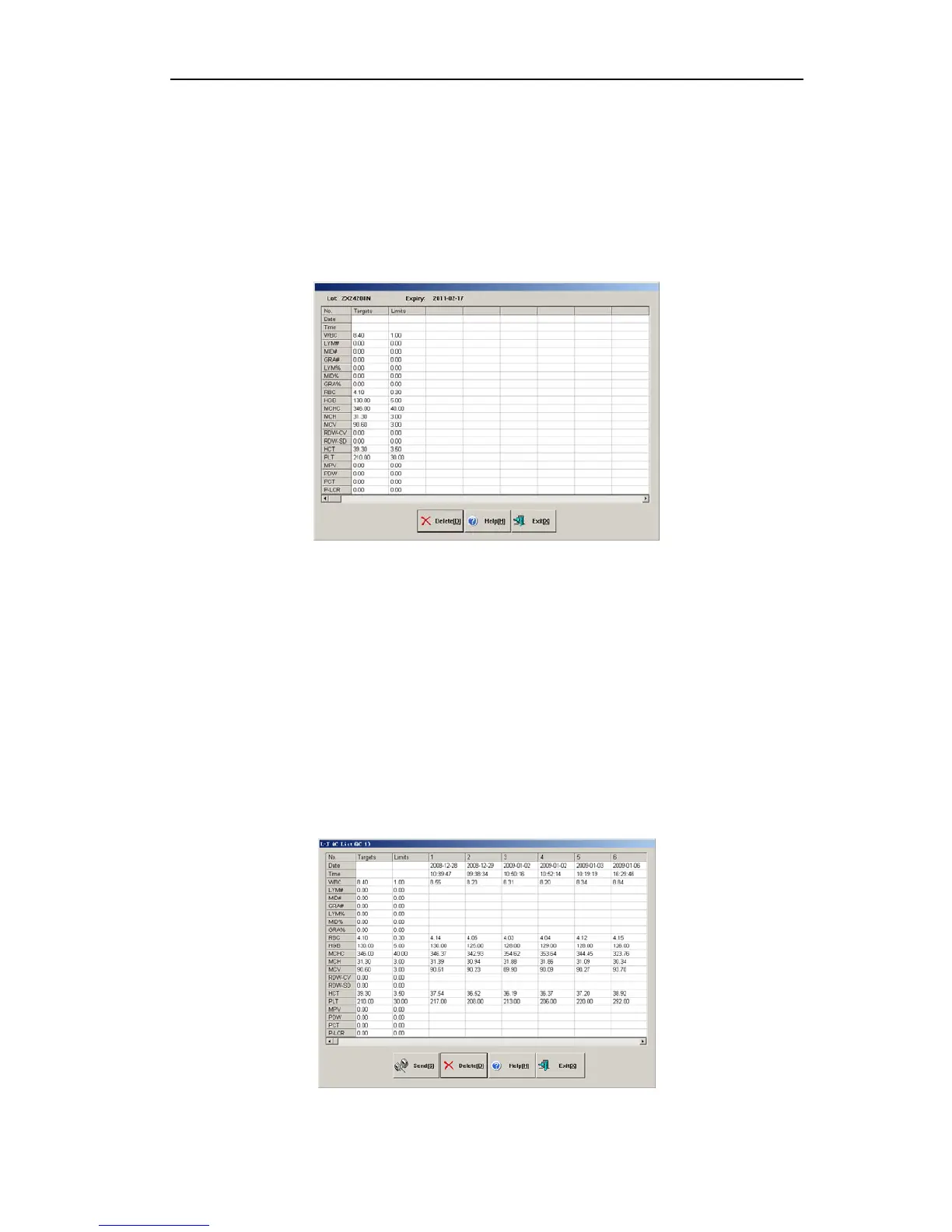
4.1.3 L-J QC list
The instrument can look up QC run data in list. In main screen, select QC file, enter QC list,
as shown below:
Fig.4-4 L-J QC list
22



 To Next Page