RT-7200 Auto Hematology Analyzer User’s Manual
5. Standby time(mn): in this box, input stand by time, when idle time of instrument
exceed this value on the sample test window, the instrument will stand by. If it is set
zero, it will not stand by.
6. Reagent Alarm: reagent alarm mode by software or sensor.
7.2 Other
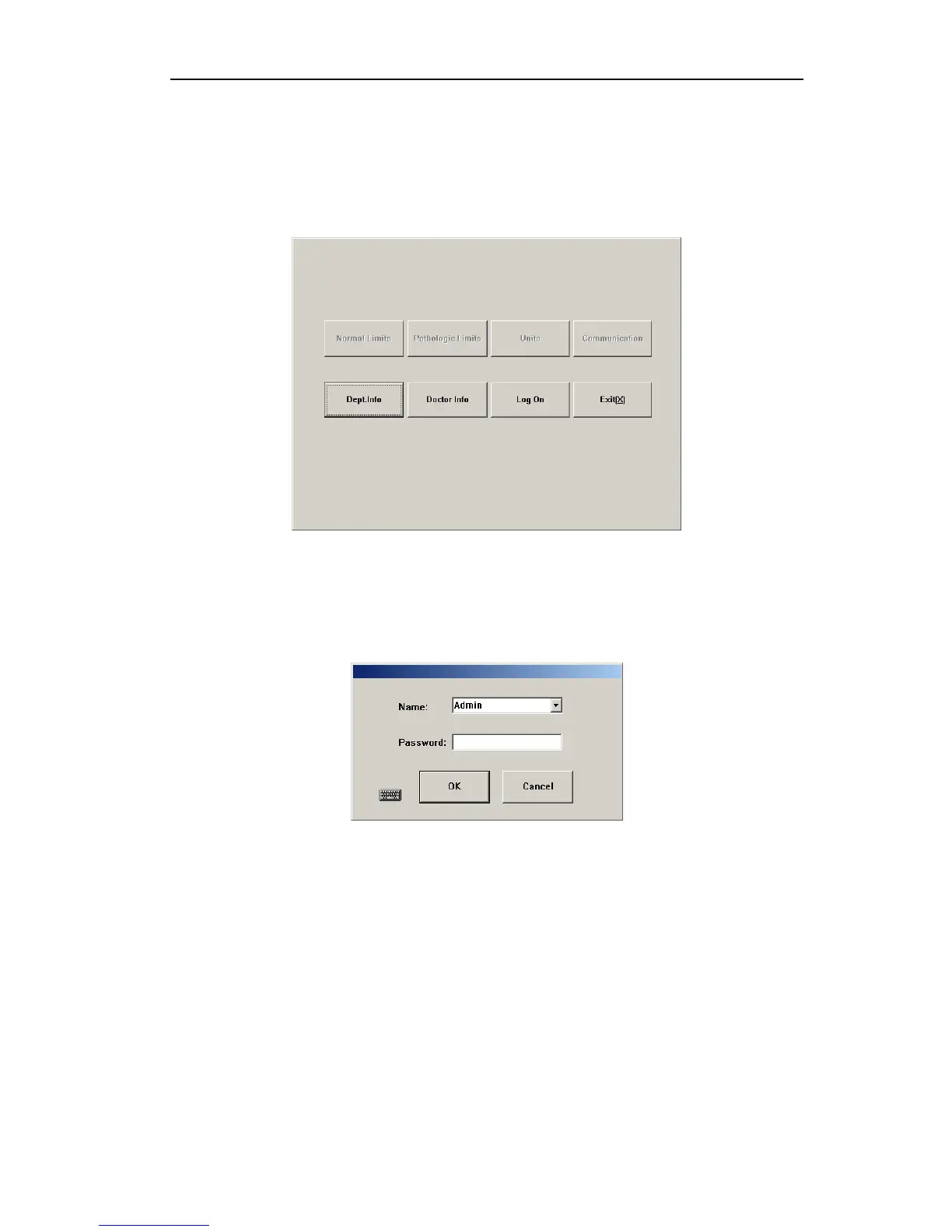
Click “Other” button; open the menu as follows:
Fig.7-2 Other setting
7.2.1 User setting
The system has two levels of users now, system administrator and common user, with
varied priorities. Default is common user, then some settings are disabled, to enable these
settings, please click <Log on> button, open logon dialog box as follows:
Fig.7-3 Logon dialog box
Select or input user account and password, click <OK> button, if you’re system administrator,
then all functions in Other Setting screen will be enabled. System presets administrator user
<Admin>, initial passwords are 1008. New menu after system administrator logon is as
follows:
37



 To Next Page