RT-7200 Auto Hematology Analyzer User’s Manual
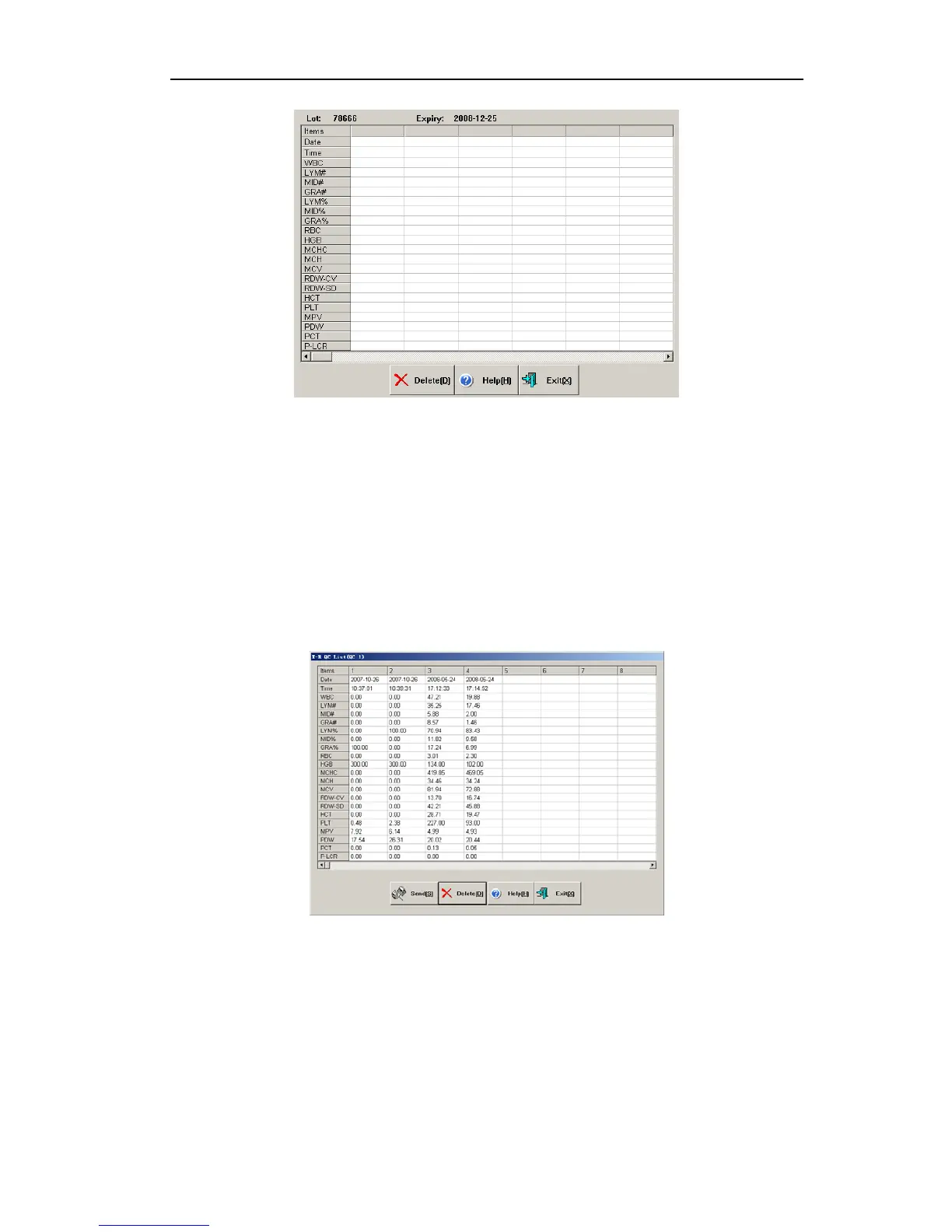
Fig.4-11 X-R QC run
1. Have QC sample ready, press Aspiration key to start test.
2. After test, QC results will be shown under current QC number column. If there is fault
alarm in test, this test result may be inaccurate. You can click “Delete” shortcut key to
delete this test result, eliminate related fault, before next test.
3. Each QC file can save at most (group numbers preset in QC setting × number of
samples in each group) QC results. Press “Exit” button to return to main screen.
4.3.3 X-R QC list
The instrument can look up X-R QC data by listing. In main screen, select QC file, go to QC
list, as follows:
Fig.4-12 X-R QC list
The instrument will display 20-parameter QC result.
Click “Send” button, some or all QC results can be transferred to external receiver.
Operation method is the same as data transfer in “4.1.3 L-J QC list”.
Click “Delete” button, deletion confirmation dialog box pops up. After confirmed, some or all
QC data will be deleted.
4.3.4 X-R QC chart
X-R QC chart can visually reflect instrument stability, when instrument is under control,
27



 To Next Page