RT-7200 Auto Hematology Analyzer User’s Manual
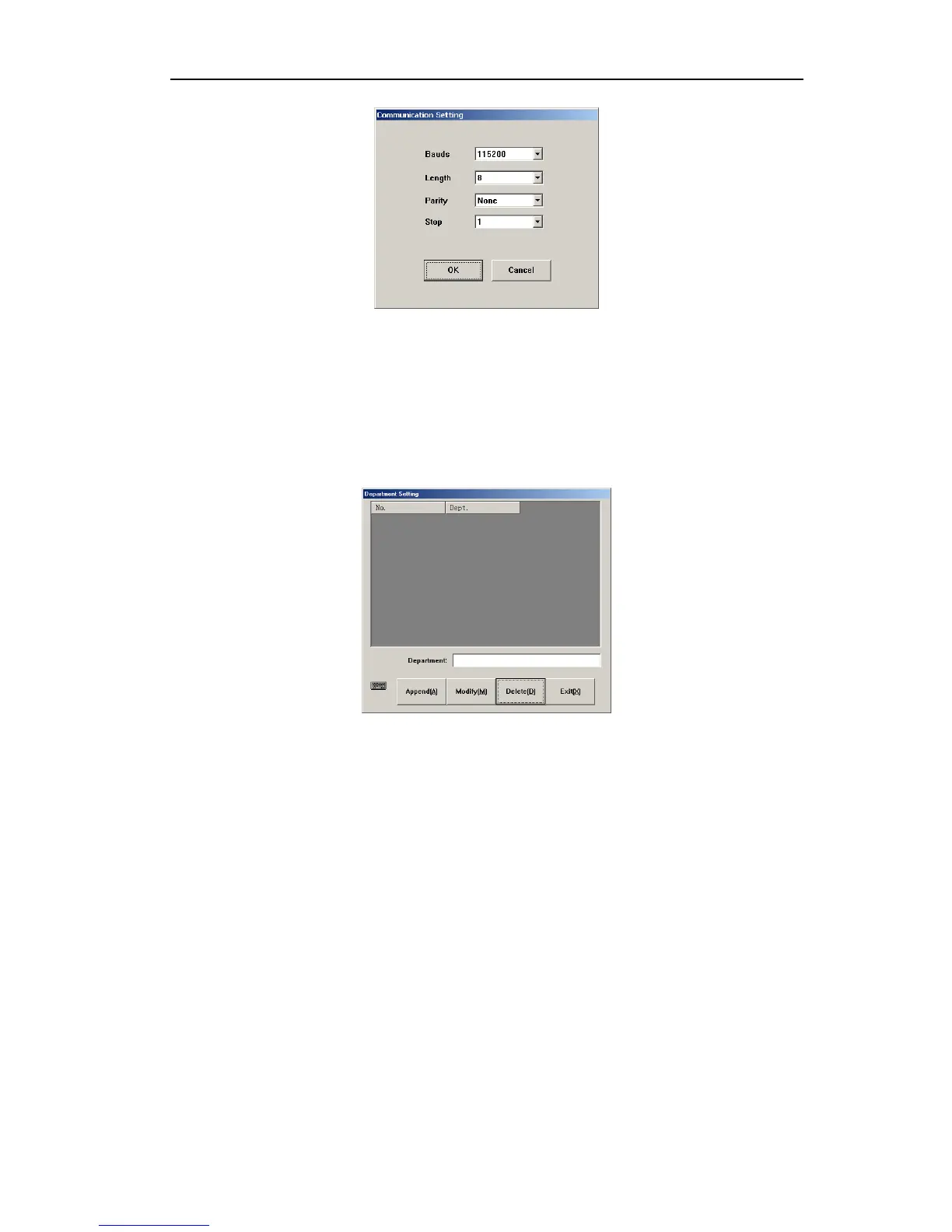
Fig.7-8 Communication setting
Instrument default values are: Baud rate: 115200, data digit: 8, calibration digit: None, stop
digit: 1. to modify setting, click dropdown box, select other different value, click “OK” button.
7.2.6 Department information
Department information is used to set up department data of user unit, user message setting
and sample data entry will use department message, preset these messages will speed up
department data input. Click “Dept. Info” button, open department message menu as follows:
Fig.7-9 Department message setting
1. Append: click “Append” button to add one row of blank column, input department name
in department column, click “Append” button, the added department message can be
saved.
2. Modify: Select the column you want to modify, input new department name, click
“Modify” button to update the info. If the input is blank, it will not update.
3. Delete: select one row or several rows of data, click “Delete” button, confirm, and delete
selected department message.
4. Exit: return to other setting frame.
7.2.7 Doctor information
Doctor information is used to set up individual doctor data, which will be sued in sample data
entry, preset these messages will speed up doctor data input. Click “Doctor Info” button,
open doctor information menu as follows:
40



 To Next Page