RT-7200 Auto Hematology Analyzer User’s Manual
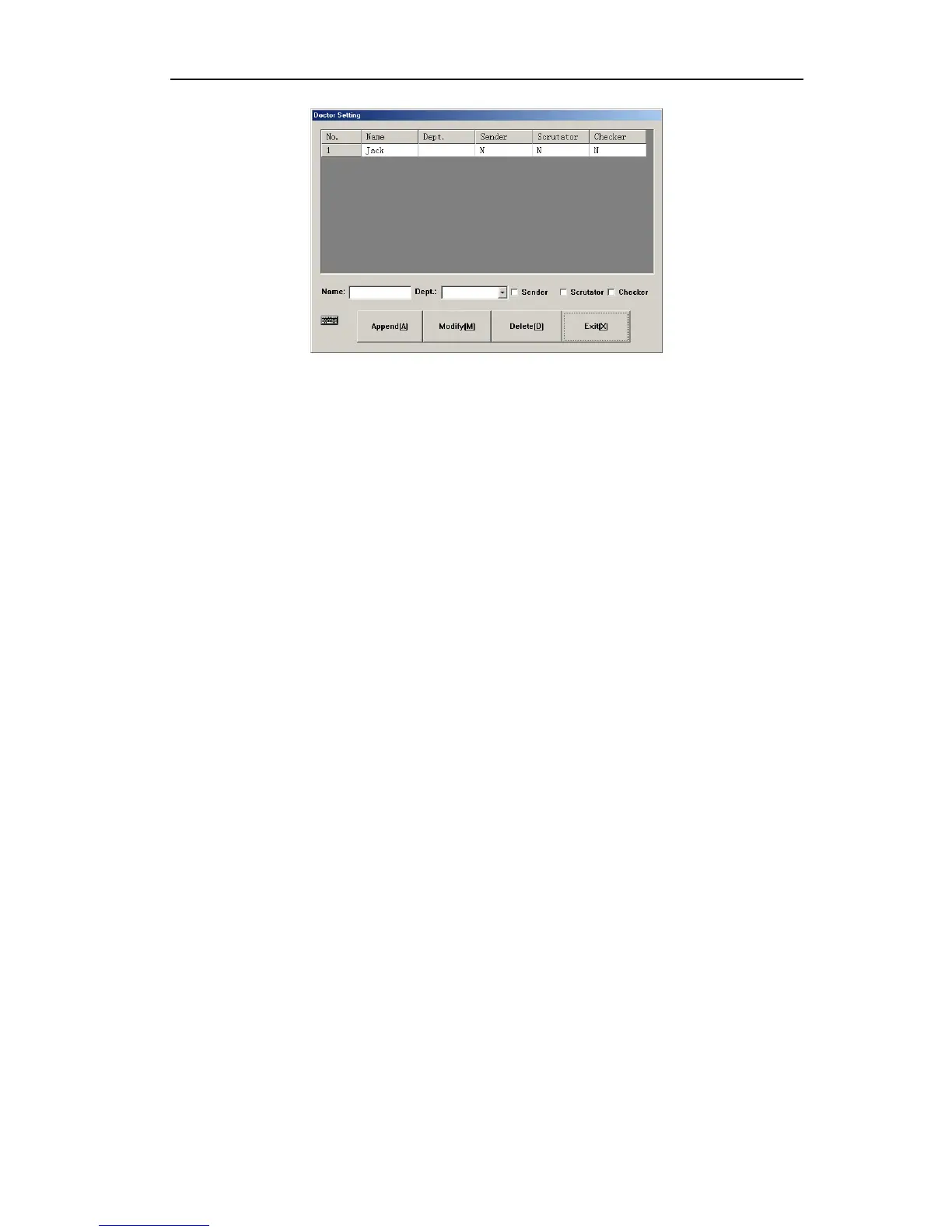
Fig.7-10 Doctor setting
1. Append: click “Append” button to add one row of blank column, input name in name
column, select department, sender, tester and checker from dropdown list. Set up
department in department message type, “N” in sender, tester and checker boxes
indicates that the doctor is not of this identity; “Y” indicates that this doctor has such
identity.
2. Modify: Select a data column you want to modify, input new information of the doctor,
click “Modify” to update the doctor’s information. If the input is blank, it will not update.
3. Delete: select one row or several rows of data, click “Delete” button, confirm, delete the
selected doctor message will be deleted.
4. Exit: return to other setting frame.
41



 To Next Page