RT-7200 Auto Hematology Analyzer User’s Manual
8 System Information
System message provides several types of message about system; user can check system
status through system message function module.
8.1 System status
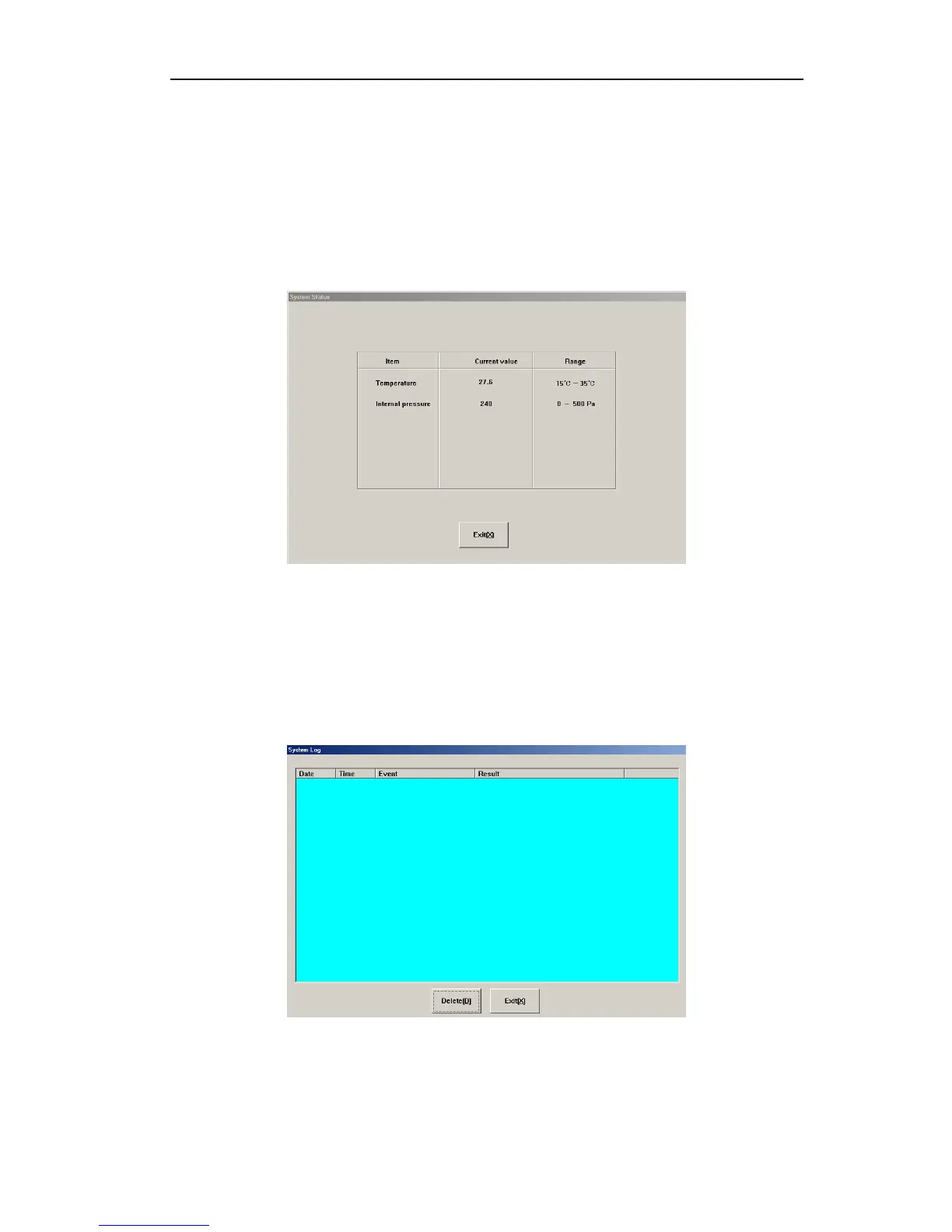
On system message menu of main screen, click “System Info” key, the click “system status”,
go to system status menu as follows:
Fig.8-1 system status
The system provides two test parameters now, if test value is out of reference range, related
troubleshooting is necessary.
8.2 System log
System log records main events and results of instrument during running. In system info
menu of main screen, click “Log”, go to system log frame, you can check log message as
follows:
Fig.8-2 System log
8.3 Statistic information
Statistic information includes instrument running time after startup and total instrument
42



 To Next Page