RT-7600S Auto Hematology Analyzer User’s Manual
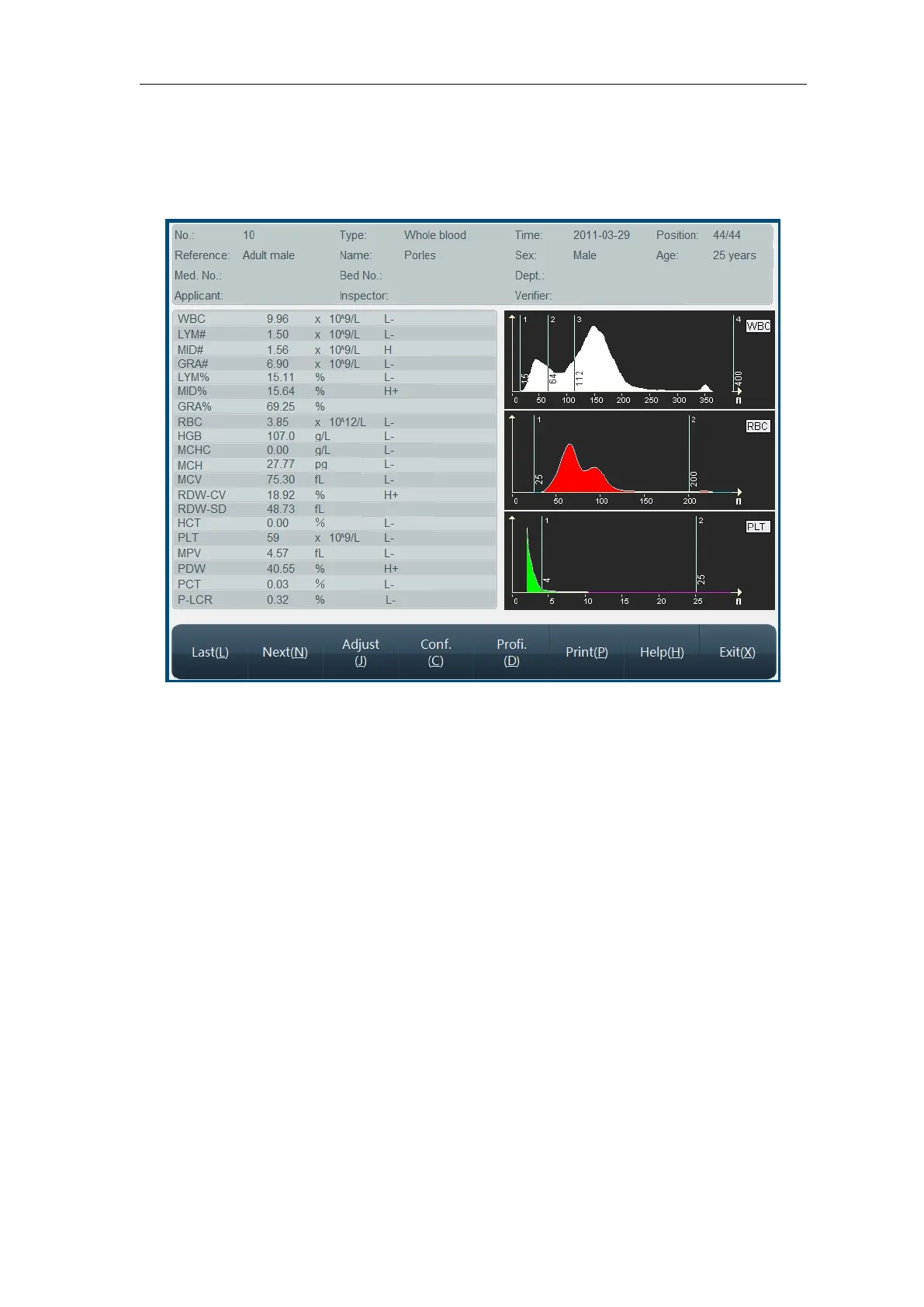
“Detail” function is used to check detail data message of a certain sample, select one
record in history list, click “Detail” button, and go to Sample Detail Message Review
menu as follows:
Fig.6-5 Sample history data
This menu displays sample basic message, test value and histogram, click “Previous item”,
“Next item” buttons to check sample. To adjust histogram, run as per 3.4.5.
To modify sample basic message, click “Data” button, go to Data Edit menu, see detail in
“3.4.1 Sample data edit”.
In sample history data menu, click “Print” button, the instrument will print out current sample
history data according to system setting print mode. See print setting in Chapter 7 “System
Setting”.



 To Next Page