XC3000Series Motion Control System of Laser Cutting - User Manual
V1.0 Raytools AG © Copyright 21 |87
www.raytools.ch
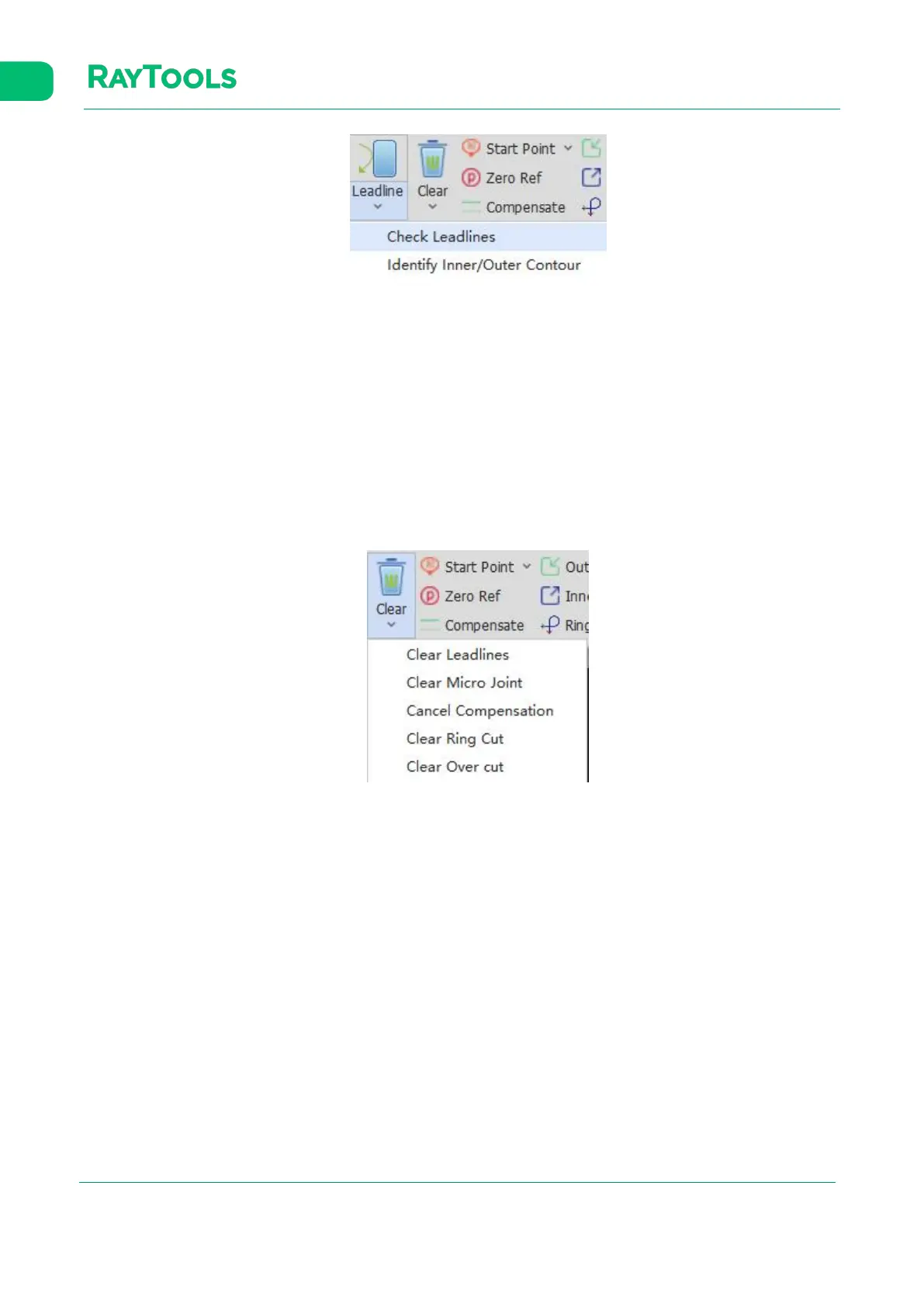
(1) Check Leadlines: when the leadline crosses the cutting contour for the leadline is too long, check leadlines to reduce
the length to avoid breaking the contour.
(2) Identify Inner/Outer Contour: the contours are distinguished by their positional relationship. The outermost is the
outer contour; the next is the inner contour; then, the outer one, and so on. Open graphics have no contour.
2.1.7 Clear
Click on Clear button in the Home sub-page. Select the graphic and click on the option in the drop-down bar to clear the
used function, as shown below:



 To Next Page