XC3000Series Motion Control System of Laser Cutting - User Manual
V1.0 Raytools AG © Copyright 73 |87
www.raytools.ch
5 CNC Function
Click on CNC sub-page in the menu to see that there are Simulate, Follow-up, and Parameter of other functions, etc, as
shown below:
5.1 Simulate
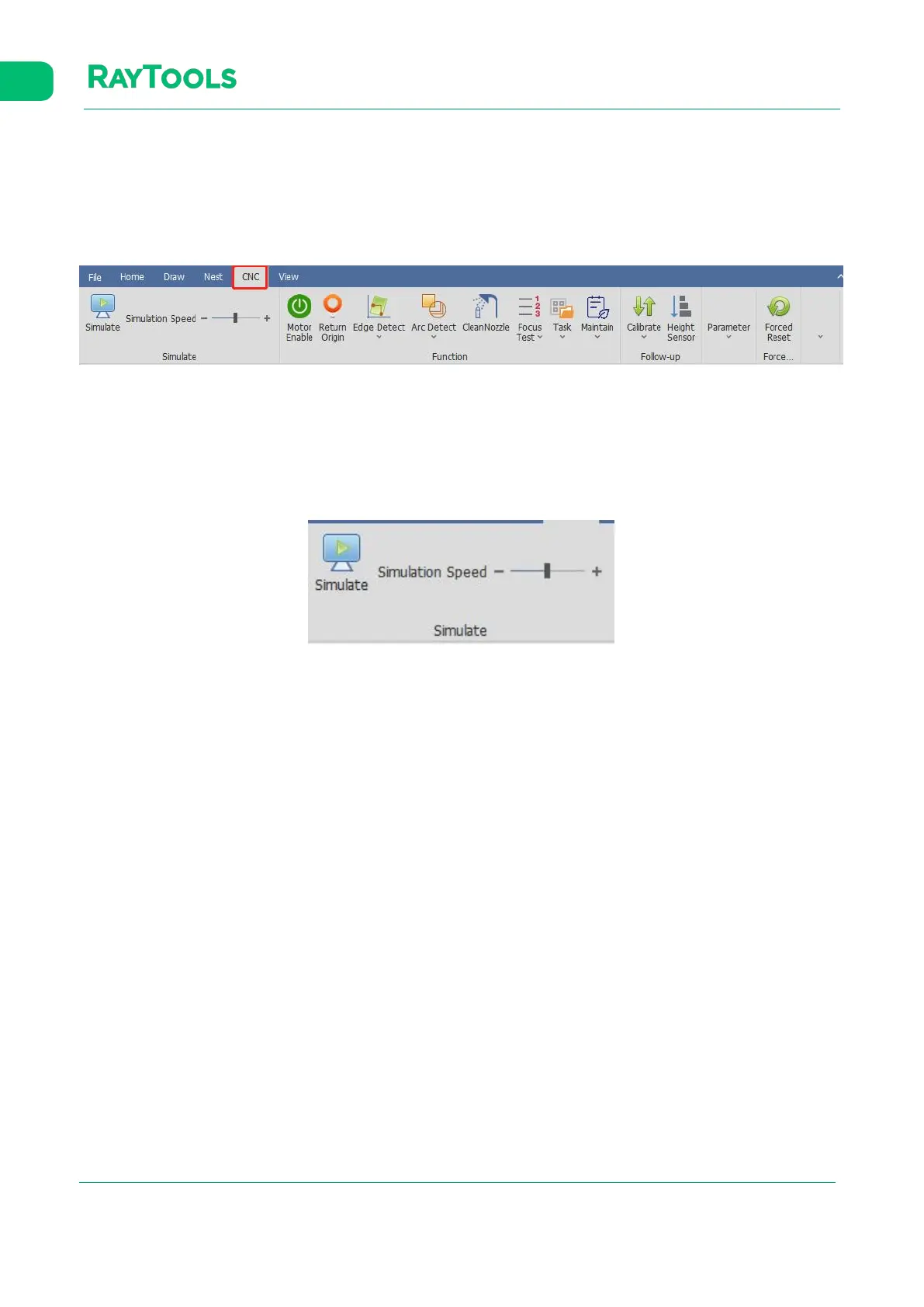
Before processing, confirm the cutting path by simulation. Click on Simulate button in the CNC sub-page, and simulate
cutting the current graphics. The simulation will be displayed in the drawing area, as shown below:
·Simulation Speed: the speed of the cutting simulation.
5.2 Motor Enable
The servo will be auto power-on when opening the software. Only with power can the machine work. Users can also click
on Motor Enable to control.



 To Next Page