XC3000Series Motion Control System of Laser Cutting - User Manual
V1.0 Raytools AG © Copyright 30 |87
www.raytools.ch
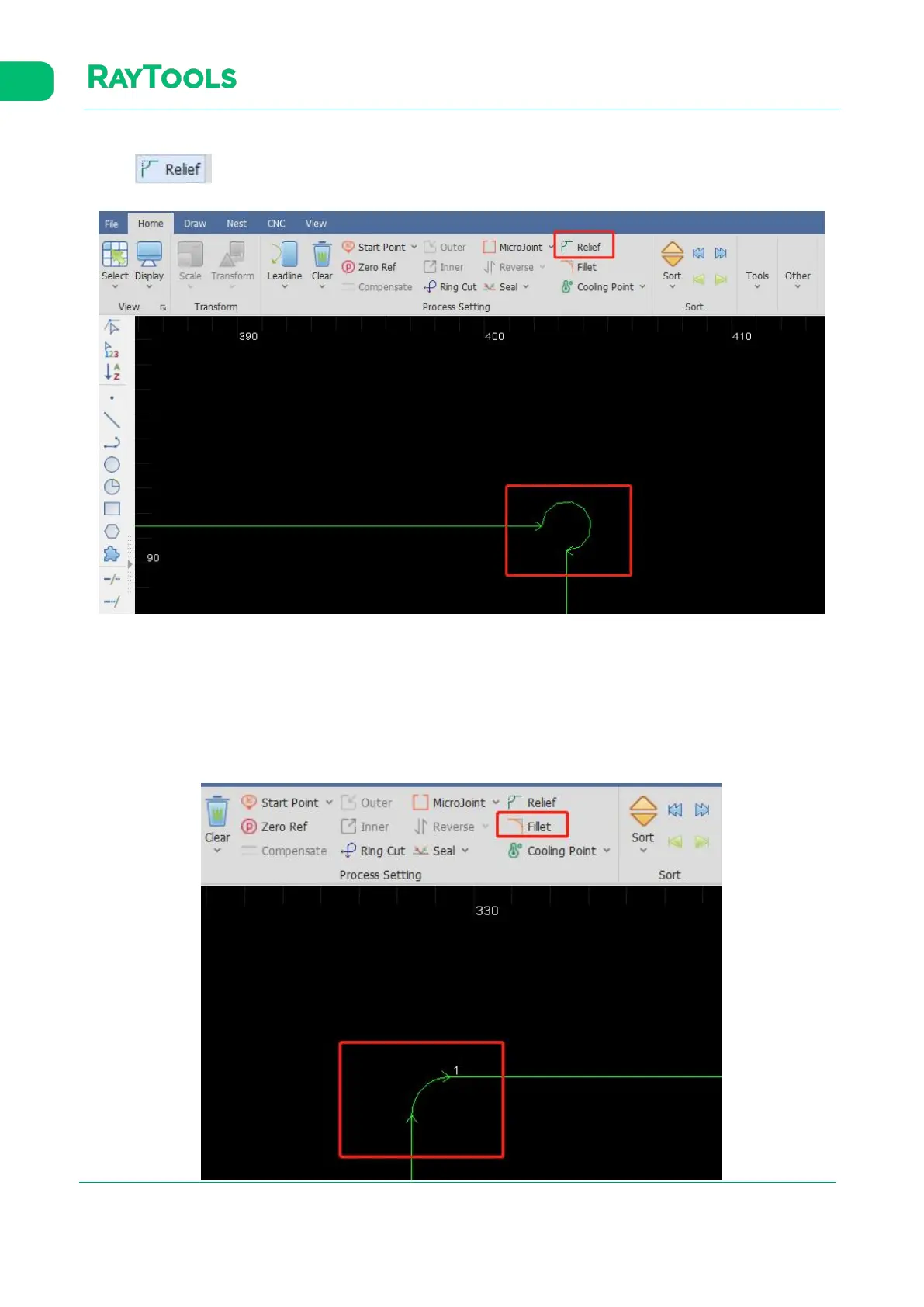
2.1.17 Relief
Click on button to generate release corners for the following bending process.
2.1.18 Fillet
Switch the sharp corners into the filleted corner.
Select the graphic needs fillet and click on Fillet button in the Home sub-page. Set the fillet radius and click on OK. Then,
click on the corner of the graphic to complete. The setting of fillet is shown as below:



 To Next Page