XC3000Series Motion Control System of Laser Cutting - User Manual
V1.0 Raytools AG © Copyright 33 |87
www.raytools.ch
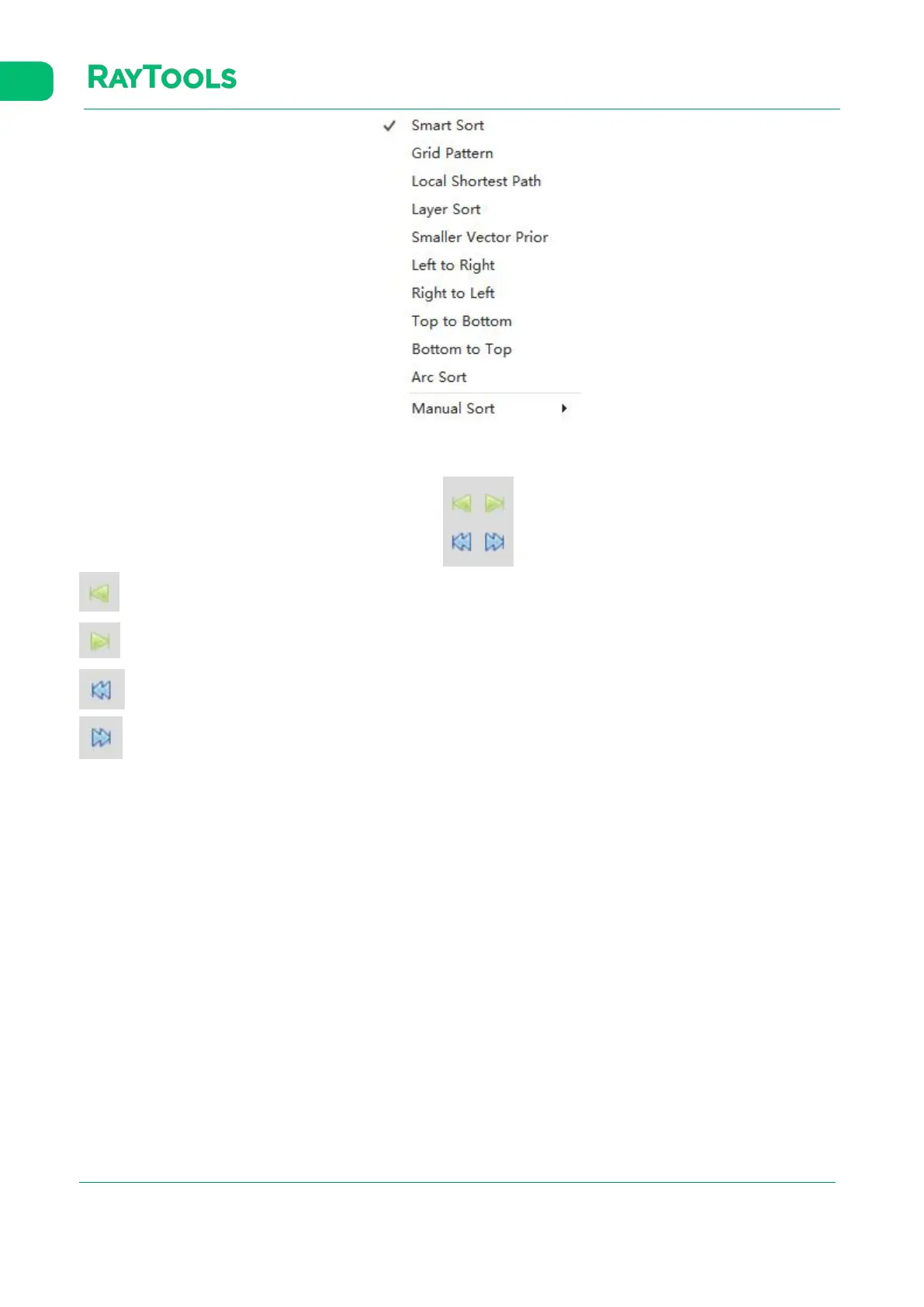
In the Sort column, four manual sorting buttons can adjust the graphics after auto-sorting, as shown below:
Move Front: select one graphic among graphics, and click on the button to make it move to the front.
Move Last: select one graphic among graphics, and click on the button to make it move to the last.
Move Prior: select one graphic among graphics, and click on the button to make it move forward.
Move Next: select one graphic among graphics, and click on the button to make it move backward.



 To Next Page