Chapter 1 9
Connections & Setup
G-LINK cable
T
V
/
D
V
D
V
C
R
T
V
/
D
V
D
Components
• Coaxial
TV/DVD + VCR
page 10
TV/DVD Only
page 11
Audio/Video cables
Coaxial cable
Optical cable
T
V
/
D
V
D
TV/DVD + Receiver
pages 12-13
Choose Your Connection
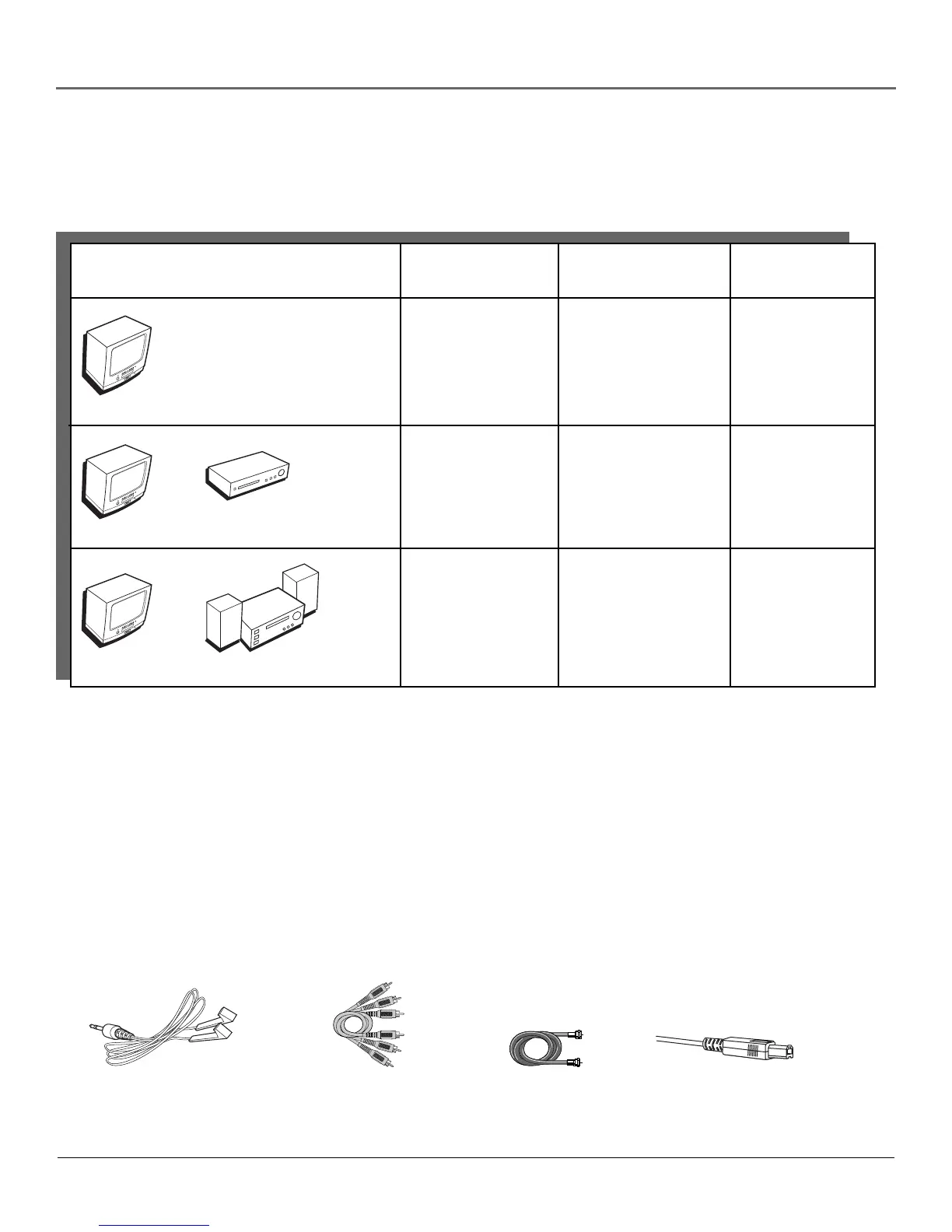
There are several ways to connect your TV/DVD. Please use the following chart to determine
which connection is best for you. Proceed to the appropriate page and connect your TV/DVD.
Cables Needed to Connect Components to Your TV/DVD
The pictures below show the cables needed for the connections represented in this book.
Notes: Audio/Video cables (A/V cables for short) are usually sold as a bundled set, but the connection
pictures in this book show each cable separately for better visibility.
Please locate the G-LINK cable (provided) when you’re getting ready to set up your TV/DVD. You need
to connect this cable to your TV/DVD, and to your VCR and/or cable box in order for all of the
features of the program guide to work properly.
This TV/DVD’s optical digital output jack fully complies with the international standard governing this
type of jack (IEC958), and is designed for connection to a Dolby Digital (AC-3
®
or PCM) receiver or
Dolby Digital (AC-3 or PCM) decoder. Older equipment, some of which is not fully compliant with
IEC958, may not be compatible with the Dolby Digital bitstream. Such a connection using anything
other than Dolby Digital AC-3 or PCM receiver or decoder could create a high noise level, causing
damage to headphones or speakers.
R
e
c
e
iv
e
r
• Coaxial
• Audio/video
• Optical
• G-Link
Connection Title Cables Needed
Go to...
• Coaxial
• Audio/video
• G-Link



 To Next Page