Chapter 2 27
Playing DVDs
To Load and Play a Disc
To put the TV/DVD in DVD mode and play a disc, press the DVD button on the remote control.
Tip
Many discs skip the disc
menu and start playing
automatically. To access the
disc menu when you’re
playing a disc, press MENU
on the remote.
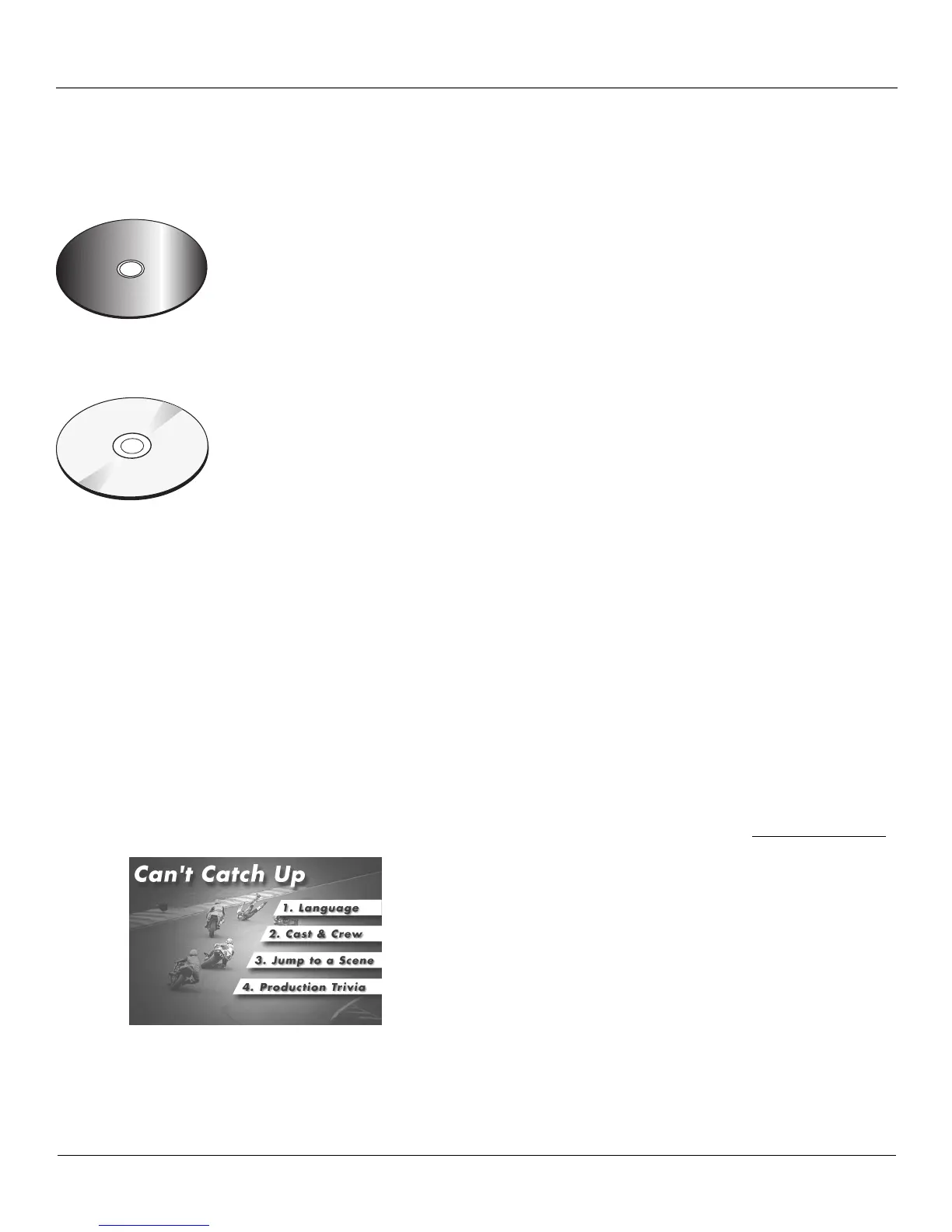
An example of a disc menu. The
menus on discs vary because the disc
menu is created by the disc’s author.
C
a
n
'
t
C
a
t
c
h
U
p
C
a
n
'
t
C
a
t
c
h
U
p
1. Press the OPEN•CLOSE button on the front of the TV/DVD. The disc
tray opens.
2. Place a disc gently into the tray with the disc’s label facing up
(double-sided discs have content on both sides, so you can place
either side up).
3. Press the OPEN•CLOSE or PLAY button. The disc tray closes.
The TV/DVD reads the disc’s table of contents, and then one of
three things happens depending on how the disc was programmed:
• The disc starts playing.
• The disc menu appears on the screen. One of the options will
start disc play. Highlight that option and press OK on the remote.
• The DVD’s main menu appears on the screen. Highlight the Play
option and press OK on the remote.
When you stop playing a disc, the unit remembers where you stopped.
When you start playing the disc again, the unit picks up where you left
off unless the disc is removed, the unit is unplugged, or you pressed the
STOP button twice.
C
a
n
'
t
C
a
t
c
h
U
p
(
W
i
d
e
s
c
r
e
e
n
V
e
r
s
i
o
n
)
This is an example
of a one-sided
disc.
This is an example
of a 2-sided disc.
The title is in the
center.
Using a Disc Menu
A disc is capable of having an on-screen menu that is separate from the DVD’s menu system and
on-screen Info Display. The disc menu might only contain a list of the titles and chapters, or it
may allow you to change features such as language and playback settings.
Although the content and operation of disc menus vary from disc to disc, the following example
will give you an idea of what to expect.
1. While the disc is playing, press the MENU
button on the remote. The disc menu
appears.



 To Next Page