Other Information
84 Chapter 7
Troubleshooting
If you are experiencing product operation problems, please review the troubleshooting section before you call for service.
Refer to the Limited Warranty for information on how to obtain repair service.
DVD Problems
Player won’t work
• Reset the TV/DVD by unplugging the AC power cord and plugging it back in.
Disc won’t play
• Insert a disc with the label side facing up.
• Check the type of disc you put into the disc tray. This TV/DVD only plays DVD video discs, Video CDs, audio CDs and MP3s.
• If the disc is a DTS music CD, it requires a DTS decoder. If you have a DTS receiver hooked up to your TV/DVD and you are still
not getting sound, make sure the sound is set correctly (see Chapter 4).
• Both the TV/DVD and the disc are coded by region. If the regional codes don’t match, the disc can’t be played. This TV/DVD is
Region No. 1.
Play starts, but then stops immediately
• The disc is dirty. Clean it.
• Condensation has formed. Allow player to dry out.
No sound or distorted sound
• Make sure your TV/DVD is connected properly. Make sure all cables are securely inserted into the appropriate jacks.
• You may need to readjust the Digital Output settings from the Sound menu (see Chapter 4).
• Sound is muted during still, frame advance, or slow-motion play.
• If you connected an audio or audio/video receiver to your TV/DVD, make sure you chose the correct input setting on the receiver.
Can’t advance through a movie
• You can’t advance through the opening credits and warning information that appear at the beginning of movies because the disc is
programmed to prohibit that action.
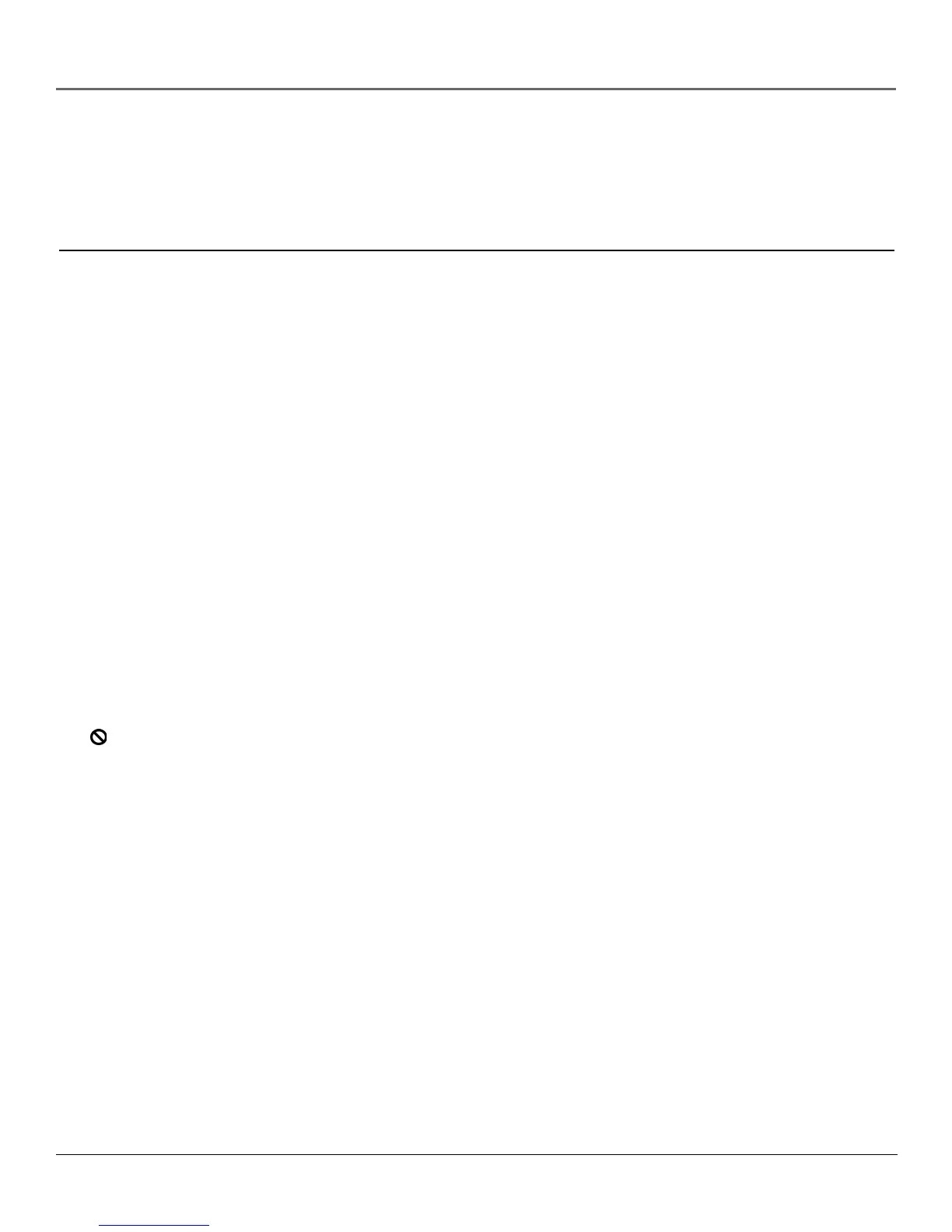
The icon appears on screen
• The feature or action cannot be completed at this time because:
1. The disc’s software restricts it.
2. The disc’s software doesn’t support that feature (e.g., angles).
3. The feature is not available at the moment.
4. You’ve requested a title or chapter number that is out of range.
The picture is distorted
• The disc might be damaged. Try another disc.
Picture is distorted during forward and reverse scan
• It is normal for some distortion to appear while scanning.



 To Next Page