Using the DVD’s Menu System
56 Chapter 4
The DVD’s Menu System
The DVD’s menu system is not the same as the disc menu or the Info Display. The DVD’s main
menu comes up when there is no disc playing. If you are playing a disc, press STOP on the remote
control to stop playback and bring up the DVD’s main menu.
Two Types of Menu Items: Path and Action
Path Items
A path menu item has an arrow on the right side to let you know this
item is a path to MORE options. To see the path menu options, highlight
the path menu item and press OK. The next set of menu choices appears
to the right of the menu item.
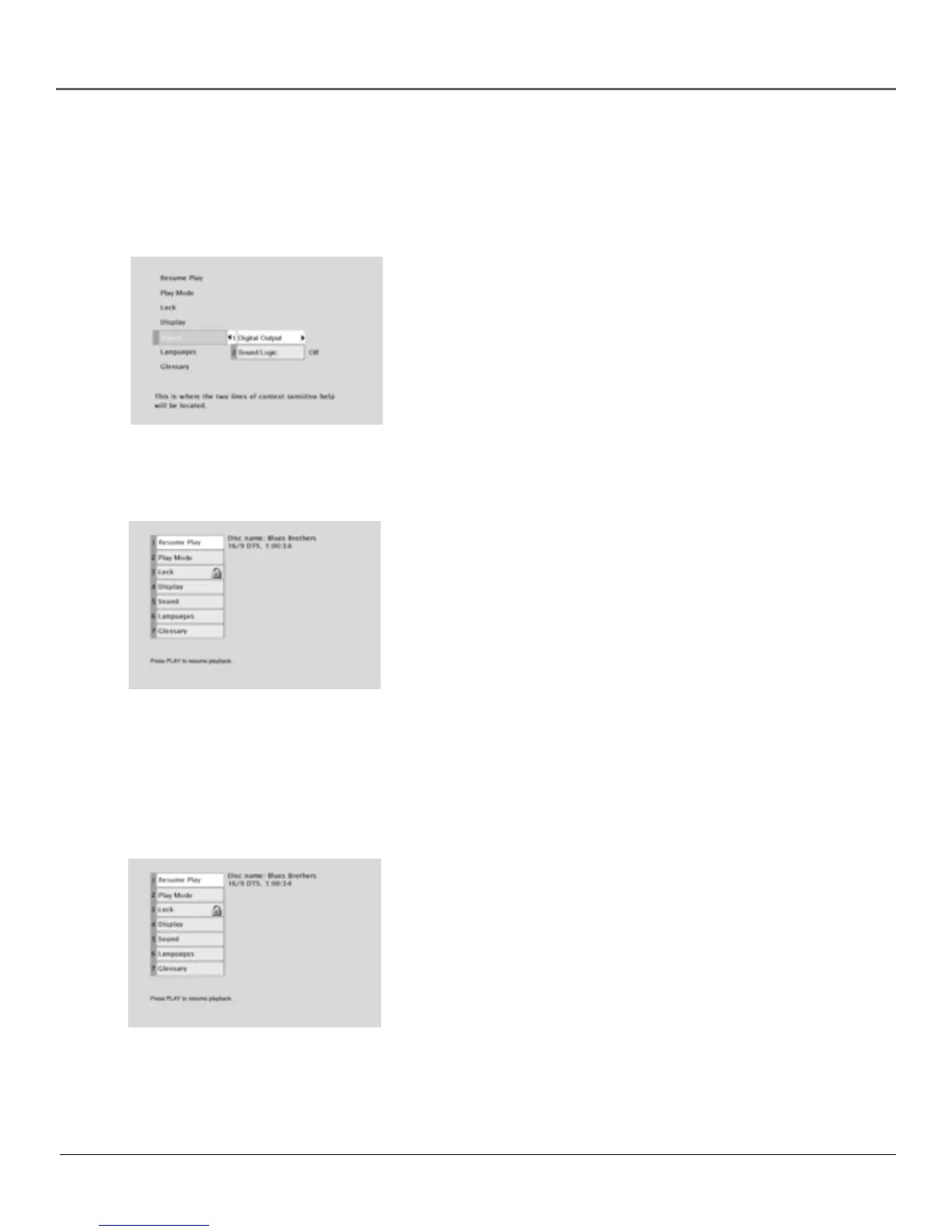
The Sound menu is an example of a path menu item— when the Sound
menu is highlighted, press OK. The Sound options appear on the screen.
The Sound menu is an example of a
path menu item.
The Play option is an example of an
action menu item.
Action Items
Action menu items are used in two ways:
With an action menu item, what you see is what you get. When an action
menu item is highlighted, press OK and that action is taken. Resume Play
on your DVD’s menu system is an example of an action menu item. Press
OK when Resume Play is highlighted; the menu disappears and playback
is resumed.
Sometimes an action menu item is used as a “toggle.” You highlight the
action menu item, press OK, and the selection (shown to the right of the
menu item) changes from one choice to another. Sound Logic in the
Sound menu is an example of an action menu item that is a toggle. If you
highlight Sound Logic and press OK, the selection changes from On to
Off and vice versa, each time you press OK. To return to the previous
screen, press the left arrow button.
The Play/Resume Play Option
To get to the DVD’s main menu, press STOP on the remote control. The
first item in the main menu is the Play/Resume Play option. If there isn’t a
disc in the TV/DVD, the option reads Play with the prompt Insert Disc to
the right. If there is a disc in the TV/DVD and it was previously playing,
the option reads Resume Play and the name of the disc is displayed on
the right.
Any time you stop playback, you will be returned to the DVD’s main
menu, and the Play option will read Resume Play. To resume play,
highlight the option and press OK, or press the PLAY button on the
remote.
Press OK to clear the screen and
resume play.



 To Next Page