Chapter 1 15
Connections & Setup
Plug in the TV/DVD
Plug the end of the power cord into the wall outlet. Match the wide blade of the plug with the
wide slot in the outlet. Insert the plug completely into the outlet.
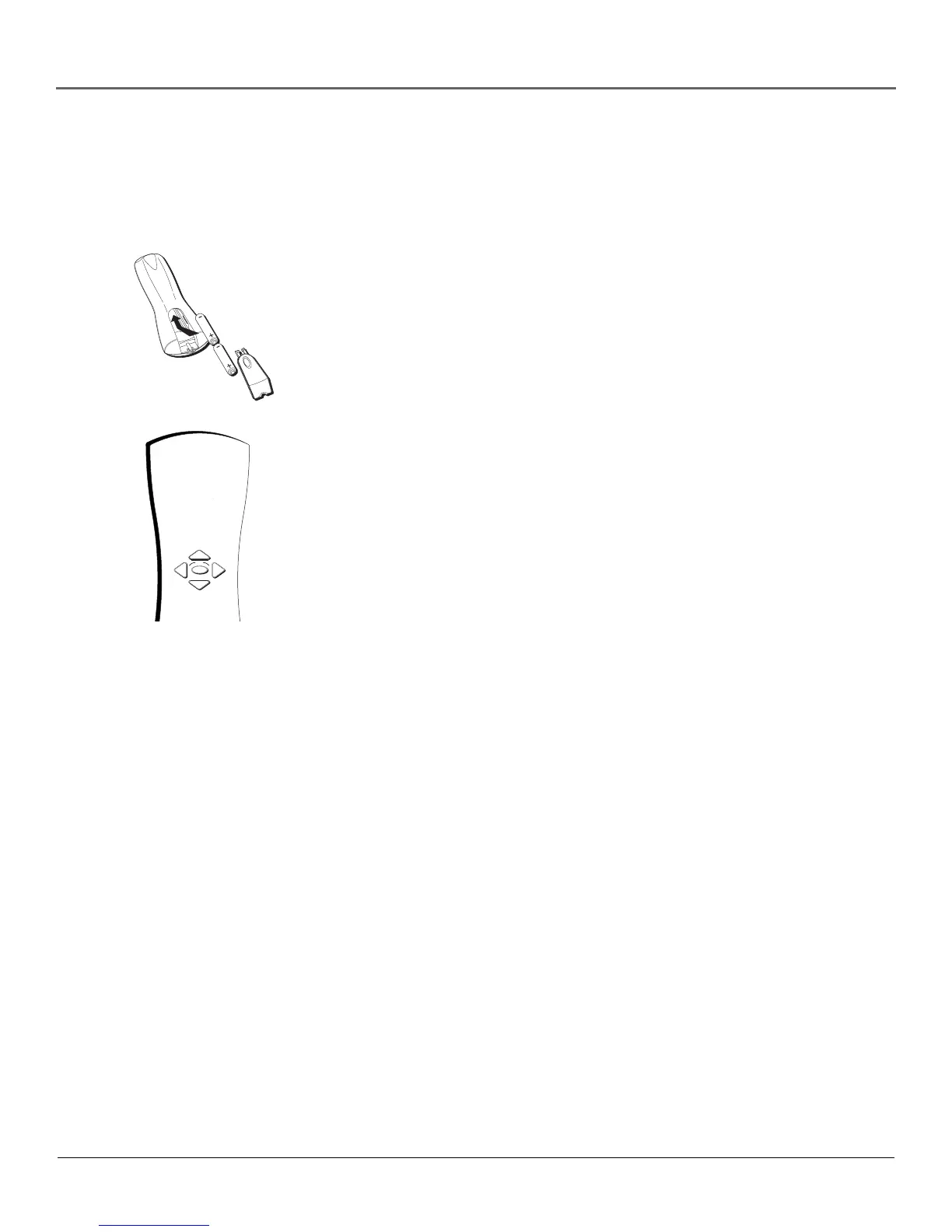
Use the arrow buttons and the OK
button to move through the menu
system.
OK
Put Batteries in the Remote
1. Remove the battery compartment cover on the remote.
2. Insert new batteries. Match the polarities (+ and -) on the batteries with the
diagram on the remote.
3. Put the battery compartment cover back on the remote.
How to Use the Remote Control to
Complete the Interactive Setup
The technical term is “Navigation” – how you move through the on-screen
menus. The theory is the same throughout the menu screens: highlight your
choice and select it.
To highlight a menu item, press the arrow buttons on the remote to highlight
one of the items listed on the screen. Use the up or down arrow button to move
up or down. Use the right or left arrow button to move right or left.
To select the item that you’ve highlighted, press OK.
Note: Highlighted means that the menu item stands out from other menu items on
the list (appears darker, brighter, or a different color).
Turn on the TV
Press the TV button on the remote control or the POWER button on the
TV/DVD’s front panel (the first screen of the Interactive Setup appears). The
menu screens “time out” after a period of time if you don’t make a selection.
The tips in this section tell you how to access the Setup menu screens manually.
Note: Pressing the TV button not only turns on the TV, but puts the remote into TV
mode. “TV mode” means that the buttons on the remote control operate the TV’s
functions.



 To Next Page