Chapter 4 57
Using the DVD’s Menu System
The Play Mode Menu
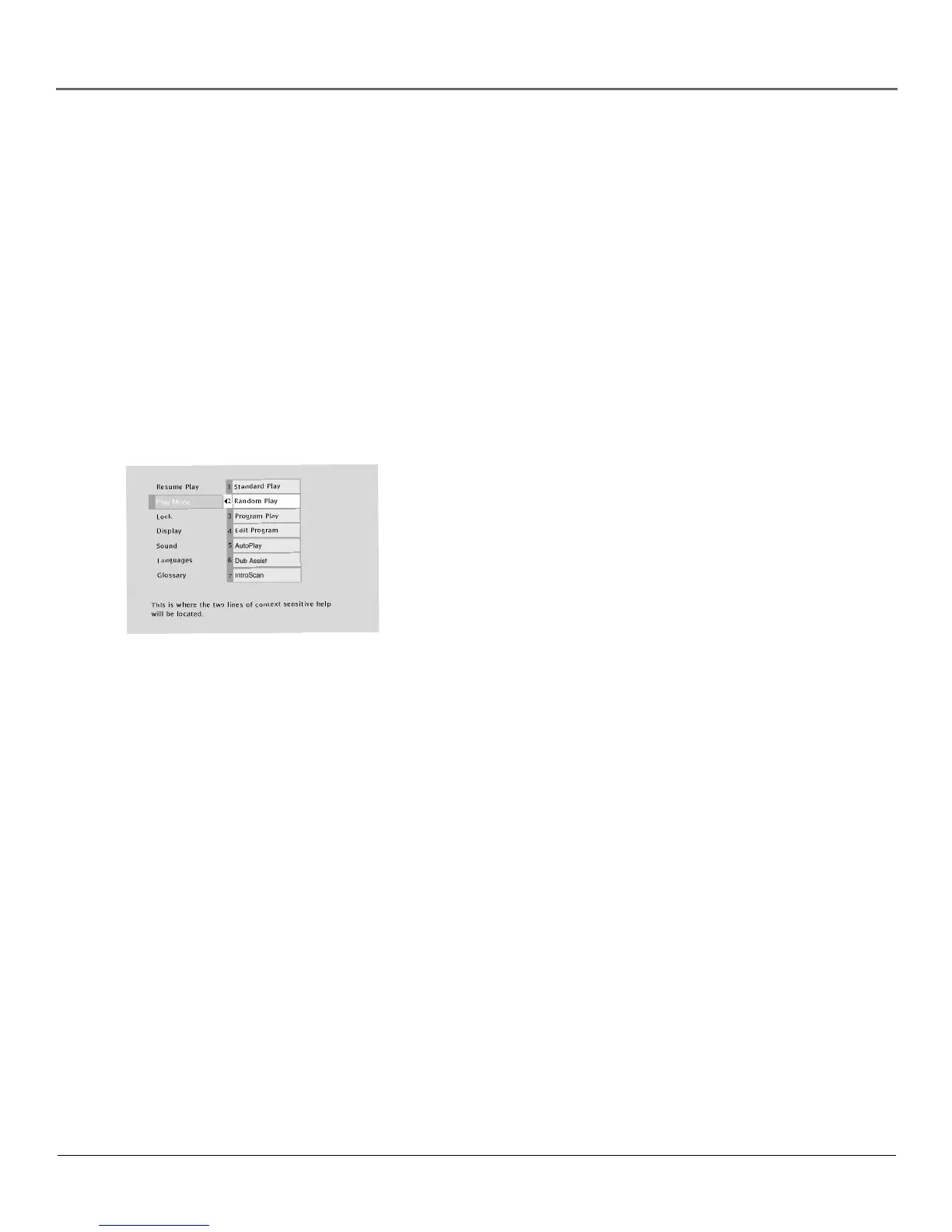
The DVD’s Play Mode menu lets you choose different ways to play the disc. To see Play Mode
menu options, a disc must be in the TV/DVD.
1. If the disc is playing, press STOP (the DVD’s main menu appears).
2. Highlight the Play Mode menu option.
3. Press OK. The Play Mode menu items appear.
4. Highlight the desired option and press OK. Program Play will not work unless you have
created a program list.
Selecting a Play Mode
The first three options in the Play Mode menu determine in what order the titles or tracks will play
on a disc.
Standard Play: plays the disc’s titles and chapters in their default
order (i.e., chapter 1 of Title 1 plays first, then chapter 2 of Title 1, etc.)
Random Play: plays the chapters of each title in random order.
Program Play: Plays the chapters on the disc in the order you have
programmed (you must select Edit Program and set up the order in
which you want the tracks on the disc to play).
Selecting Random Play plays the
disc’s tracks in random order.



 To Next Page