Using the DVD’s Menu System
60 Chapter 4
The Lock Menu
The padlock icon is displayed on the DVD’s main menu which shows whether your DVD is
locked or unlocked.
Locked: A password is needed in order to play discs that aren’t included in the rating
limits you have set. When the DVD is locked, no one can access the Lock Menu items
without entering the password.
Unlocked: A password isn’t required to play discs.
Use the numbers on the remote to
enter a password.
Locking Your DVD
1. If the disc is playing, press STOP (the DVD’s main menu appears).
2. Highlight Lock and press OK (the Lock menu items appear).
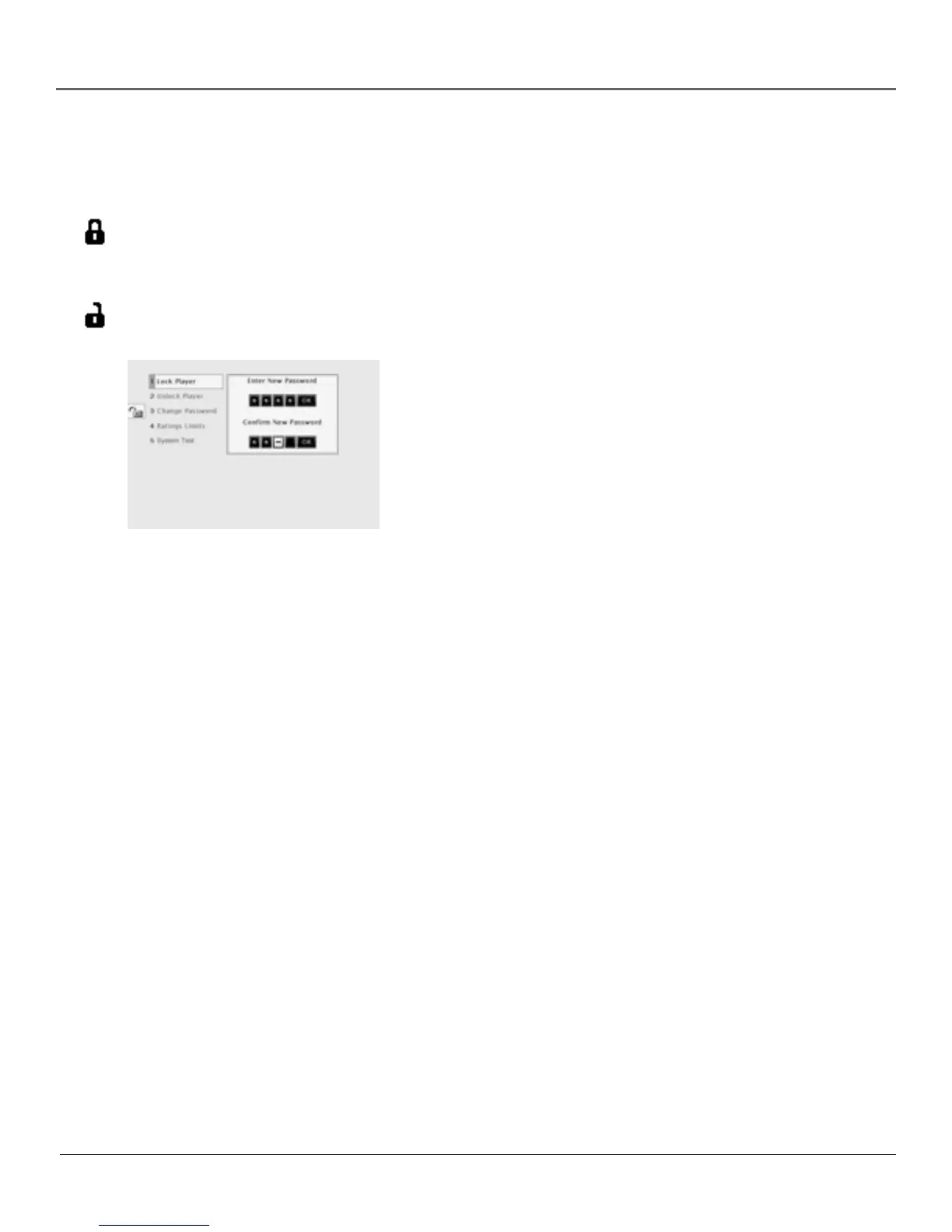
3. Highlight Lock Player and press OK. The Enter New Password
screen appears.
4. Press the number keys on the remote to enter the password you
want to use (similar to entering your PIN when you use a bank
machine).
5. After you’ve entered the last number in the password, press OK.
Confirm Password appears.
6. Enter the numbers you entered the first time and press OK when
you’re finished.
7. Press the left arrow to return to the main menu.
Unlocking Your DVD
1. If the disc is playing, press STOP (the DVD’s main menu appears).
2. Highlight Lock and press OK.
3. The Enter Password box appears. Enter your password and press OK (the Lock menu options
appear).
4. Highlight Unlock Player and press OK. The locked icon changes to unlocked.
Changing Your Password
The DVD must be locked to change the password.
1. If the disc is playing, press STOP (the DVD’s main menu appears).
2. Highlight Lock and press OK. Enter Password appears on the screen. Enter your password.
3. Highlight Change Password and press OK. Enter New Password appears.
4. Press the number buttons on the remote to enter the new password you want to use and press
OK. Confirm Password appears.
5. Press the number keys to enter the password again and press OK when you’re finished.



 To Next Page