2
Introduction
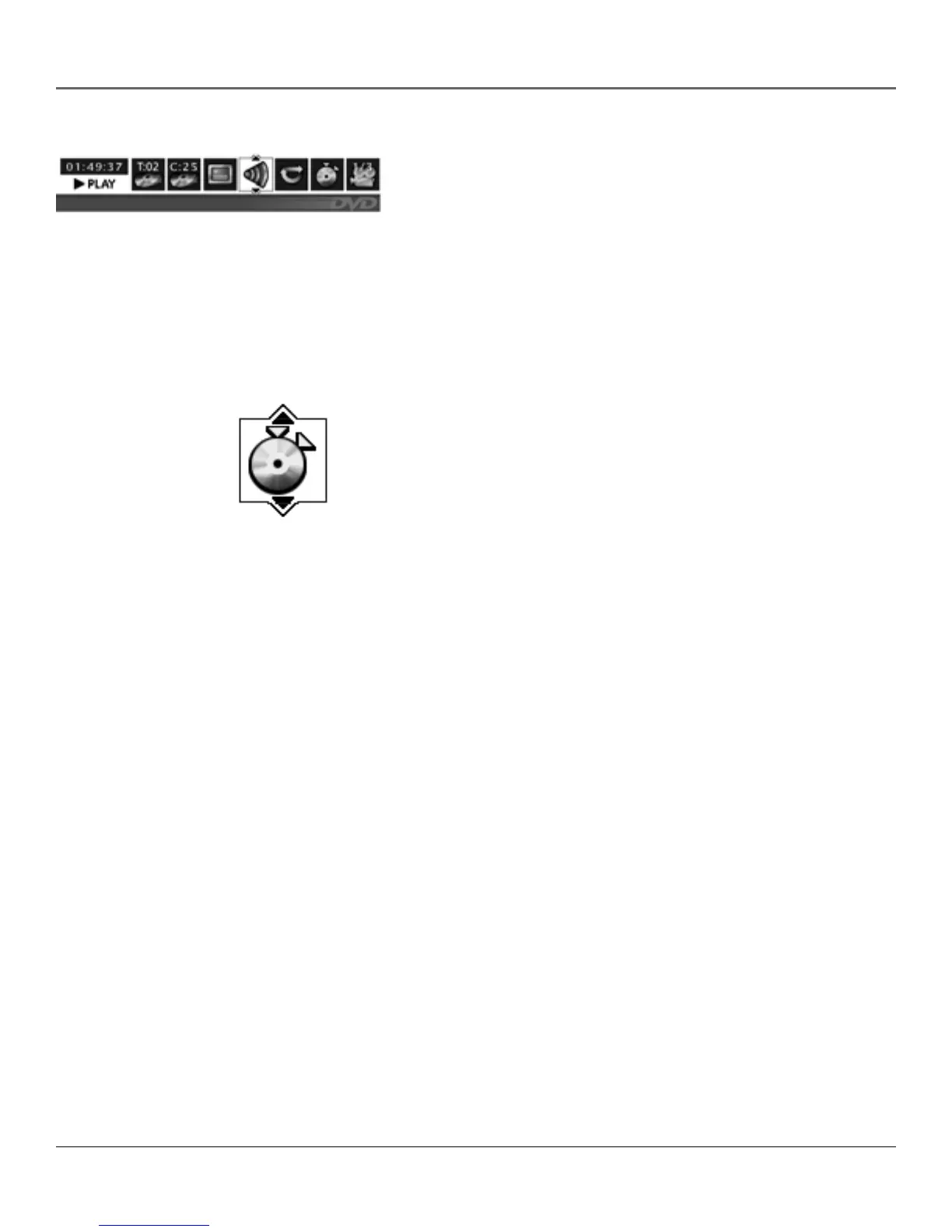
The On-Screen DVD Information Display
Description: The Info Display is a menu bar that you can bring up to
access certain features while discs are playing. Icons represent the
different features supported by your TV/DVD when in DVD mode. By
selecting different Info Display icons, you can access features including
Repeat, Audio, Subtitles, Bookmarks and Camera Angle.
Requirements:
• Put your TV/DVD in DVD mode and insert a disc into the disc tray.
• Wait for the disc to play, then press INFO to view the Info
Display menu.
The Bookmarks Feature
You can bookmark a point on a disc that you can go to quickly with the
bookmark feature. You can store up to six bookmarks. For example, if
you have a favorite scene in a movie, you can bookmark it so you can
return to it without having to fast forward or reverse to find the exact
scene.
Requirements:
• Put your TV/DVD in DVD mode and insert a disc into the disc tray.
• Press INFO to view the Info Display menu, then highlight the
bookmark icon to use the feature.



 To Next Page