Chapter 2 33
Playing DVDs
Using Bookmarks
The bookmark feature lets you mark a point on the disc that you can go to quickly. You can store
up to 6 bookmarks per disc. When you turn the TV/DVD off or remove the disc, bookmarks are
cleared.
Storing a Bookmark
1. While a disc is playing, press INFO on the remote.
2. Highlight the Bookmark icon and press OK.
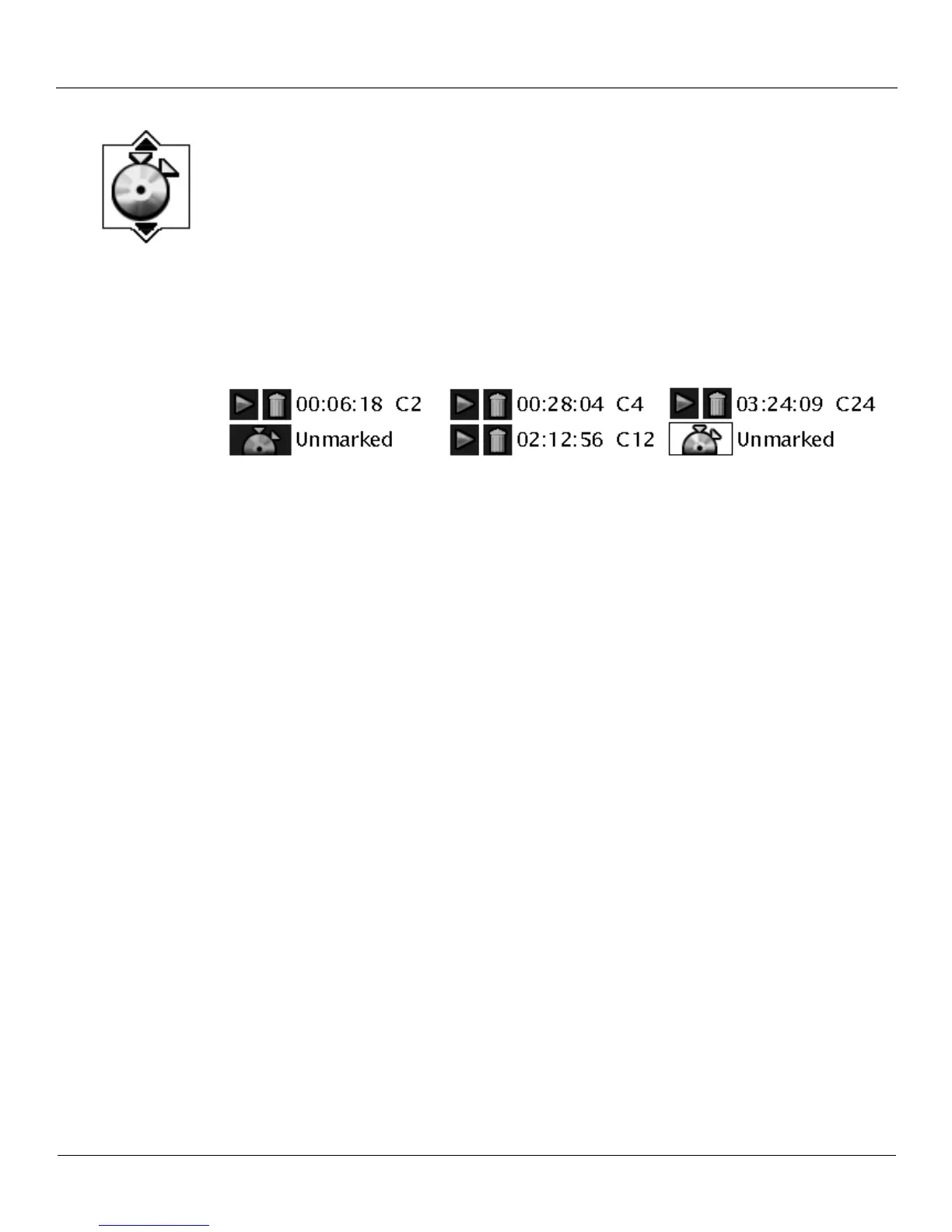
3. The Bookmark Menu appears. An available unmarked icon will be highlighted (a disc with
two arrows).
4. When you reach the scene you want to mark, press OK. The unmarked icon changes to two
icons (side-by-side):
• An arrow that is used to activate the bookmark.
• A trash can that is used to clear the bookmark.
Next to the icons, the bookmark start time and chapter are displayed.
5. Press the INFO button on the remote to make the Info Display disappear from the screen.
Using a Bookmark
1. While you’re playing a disc, press INFO on the remote. The Info Display appears.
2. Highlight the Bookmark icon and Press OK. The Bookmark menu appears.
3. Highlight the arrow next to the bookmarked scene you want to activate.
4. Press OK to return to the place you bookmarked.
5. To make the Info Display disappear from the screen, press INFO on the remote.
Clearing a Bookmark
The bookmarks are cleared each time a disc is removed from the disc tray or when the power is
turned off. If you want to clear a bookmark while the disc is playing:
1. Press INFO on the remote to bring up the Info Display.
2. Highlight the Bookmark icon and press OK.
3. Highlight the trash can icon next to the bookmark you want to clear. Press OK.
4. The bookmark is cleared and the trash can icon changes back to the unmarked disc icon.
If all 6 bookmarks are in use, you can only mark a new scene by clearing an existing bookmark.



 To Next Page