Chapter 4 67
Using the DVD’s Menu System
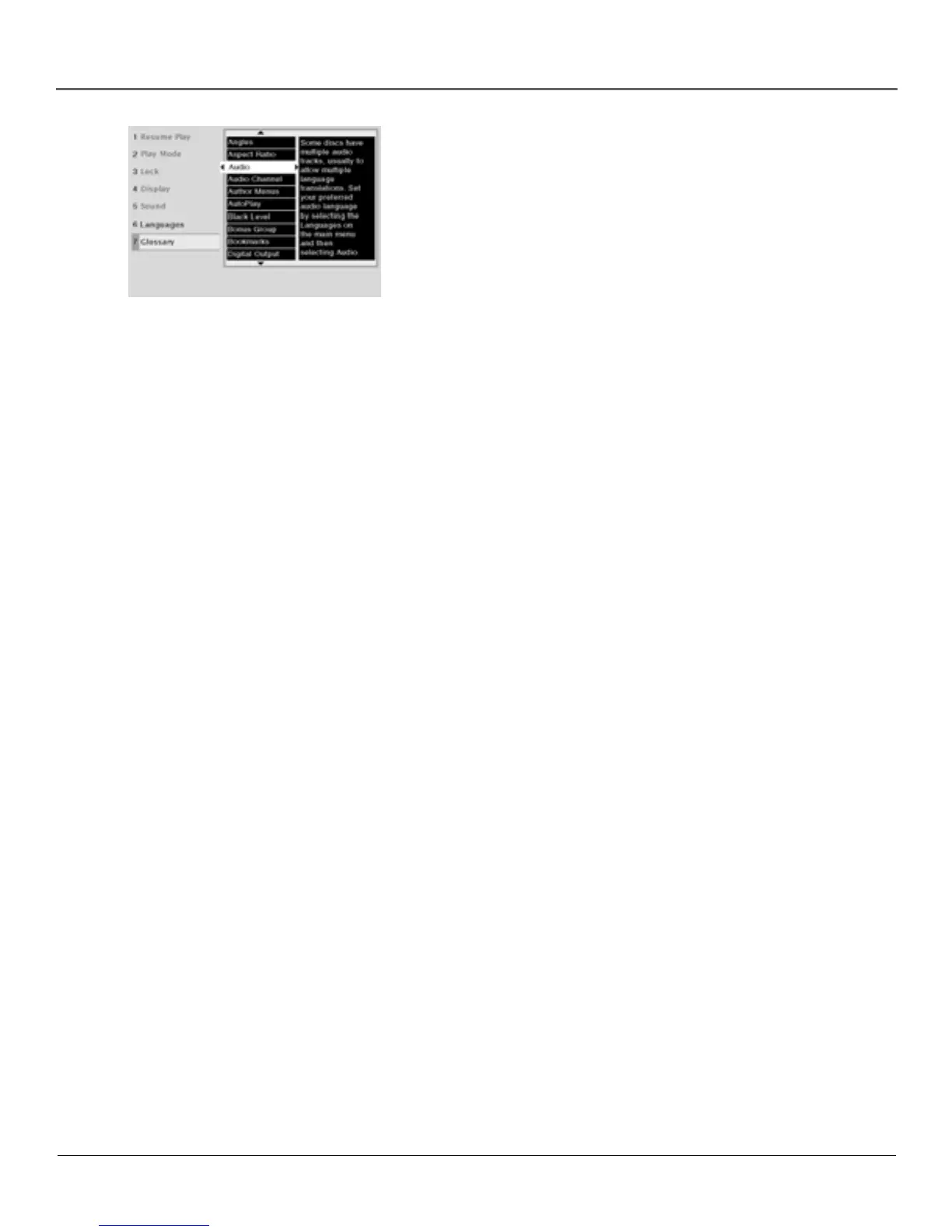
Glossary
The glossary contains definitions and information about the features and
controls when in the DVD mode.
1. If the disc is playing, press STOP (the DVD’s main menu appears).
2. Highlight Glossary and press OK (the Glossary appears).
3. Use the arrow buttons on your remote to highlight different terms.
The definitions appear on the right side of the screen.
Some glossary definitions are more than one page. The scroll icon
appears in the definition box to let you know when there’s a second
page.
To see the rest of the definition:
a. Press the right arrow button. The glossary definition is
highlighted.
b. Press the down arrow button. The second page of the
definition appears.
c. Press the up arrow button to return to the first page of the
definition or press GO BACK to return to the main menu.
4. Press the left arrow button to return to the DVD’s main menu.
The Glossary explains terms used
regarding the DVD mode of the
TV/DVD and discs.



 To Next Page