Playing DVDs
34 Chapter 2
Changing the Camera Angle
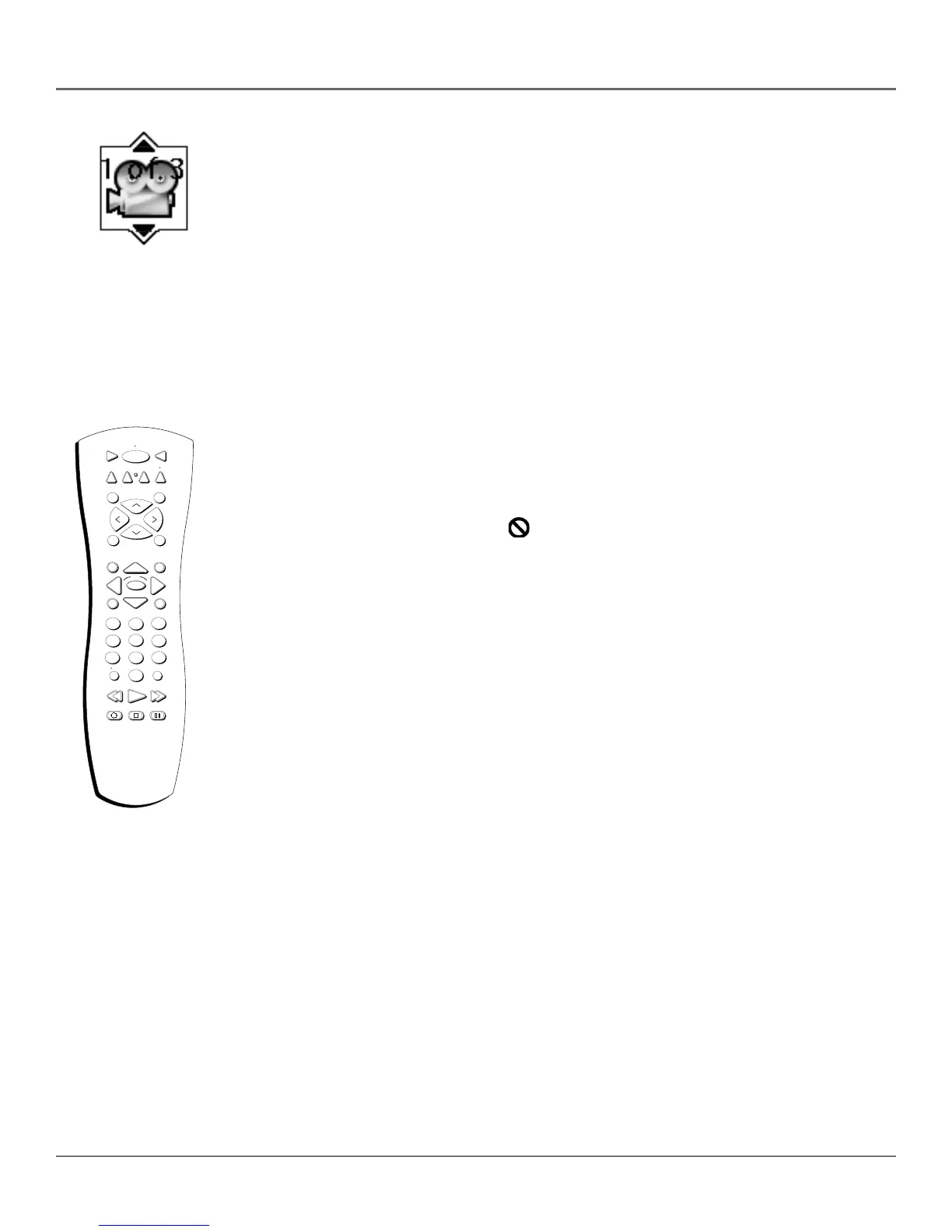
Some discs contain multiple angles of a particular scene or sequence. If the disc only has one
angle, this feature won’t work. When multiple angles are available, the Camera Angle icon
appears in the upper right corner of the screen. To change the camera angle:
1. While a disc is playing, press INFO on the remote. The Info Display appears.
2. The Camera Angle icon will display the number of angles available. For example, if there are
3 different angles, the icon will read 1 of 3. This means angle 1 is currently being played.
3. The text box beneath the icons displays Camera Angle: 1. Use the up/down arrow buttons to
scroll through the camera angle choices. The camera angle number displayed in the text
window is automatically shown.
4. To make the Info Display disappear, press the INFO button on the remote.
Disc Playback Features Using the Remote
You can use the remote control to activate disc playback features.
Playback features aren’t usually available during the opening credits of a movie. If a playback
feature isn’t available, the invalid symbol appears on the screen when you press that button.
Fast Motion Playback (Picture Scan)
To scan quickly through the disc when you’re playing it, use the Picture Scan feature.
1. Press the REVERSE or FORWARD button on the remote when you’re playing a disc.
2. Press the button again to scan at a faster speed. Each time you press the button, the scanning
speed increases.
3. Press the PLAY button at any time to resume normal playback.
Note: You won’t hear the sound (audio) on DVD discs when you’re using the picture scan feature.
Freeze Frame and Frame Advance
1. Press PAUSE when a disc is playing to freeze the picture.
2. Each time you press the PAUSE button, the picture advances one frame.
3. Press PLAY to resume normal playback.
STOP PAUSE
TV
ON OFF
AUX
DVD
SAT
CABLE
PLAY FORWARDREVERSE
SOUND
GO BACK
C
H
+
C
H
-
V
O
L
V
O
L
SKIPMUTE
INFO
MENU
OK
CLEAR
GUIDE
ANTENNA
1
2
3
4
5
6
7
8
9
0
WHO INPUT
VCR1
VCR2
REC•VCR+



 To Next Page