10 Chapter 1
Connections & Setup
DIGITAL
AUDIO OUT
R
L/ MONO
VIDEO
ANTENNA
S-VIDEO
TV/DVD
OUT
R
L
IN
G-LINK
CABLE
OR
OFF-AIR SIGNAL
T
V
/
D
V
D
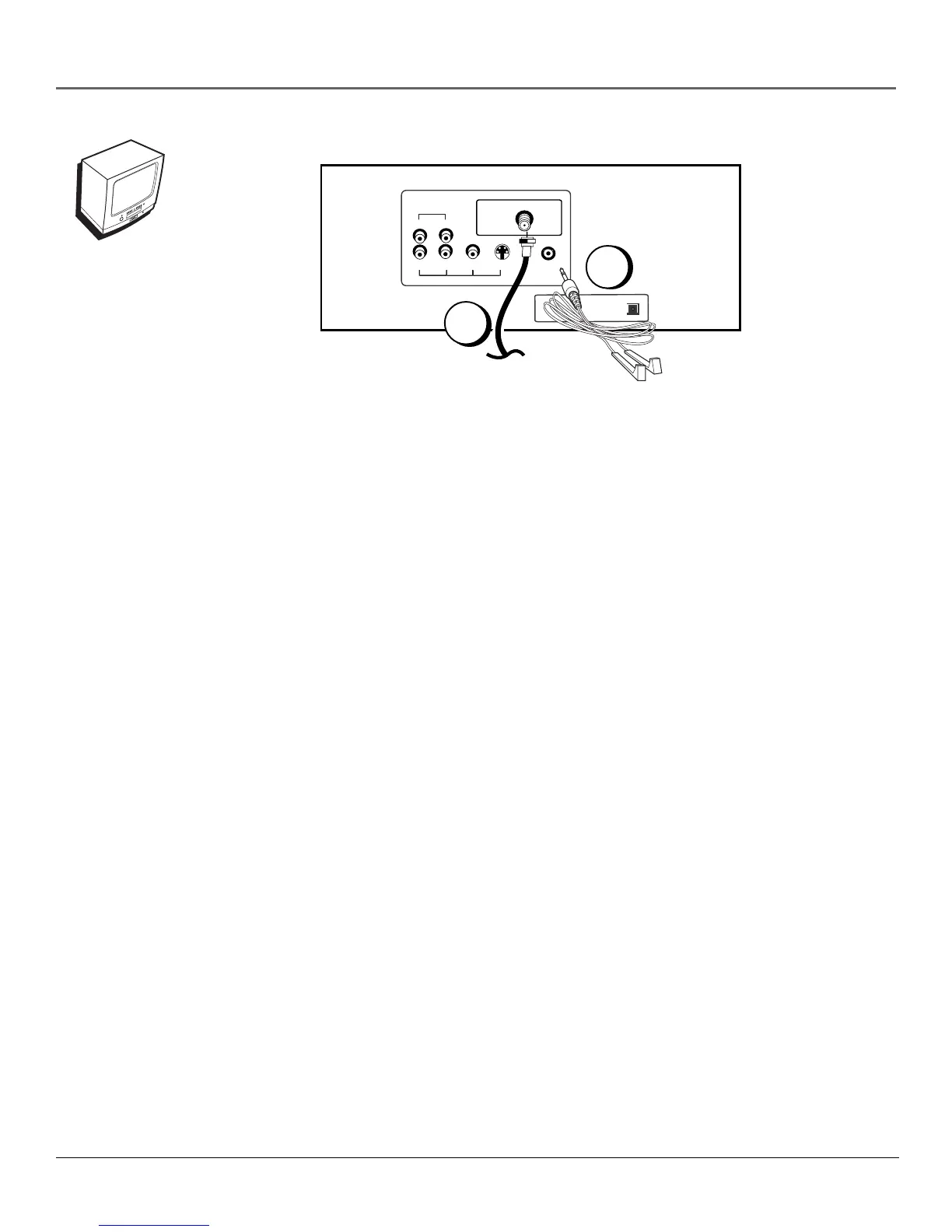
TV/DVD Only
1. Connect the TV/DVD to your cable or antenna
Connect the coaxial cable from your cable or antenna to the ANTENNA jack on the back of your
TV/DVD.
Go to page 15
2. If you’re connecting a cable box, connect the G-LINK cable
Connect the G-LINK cable to the G-LINK jack on the TV/DVD. Next step, place the wands of the
G-LINK cable to the cable box (instructions are on page 14).
Go to page 14
1
2



 To Next Page