Playing DVDs
28 Chapter 2
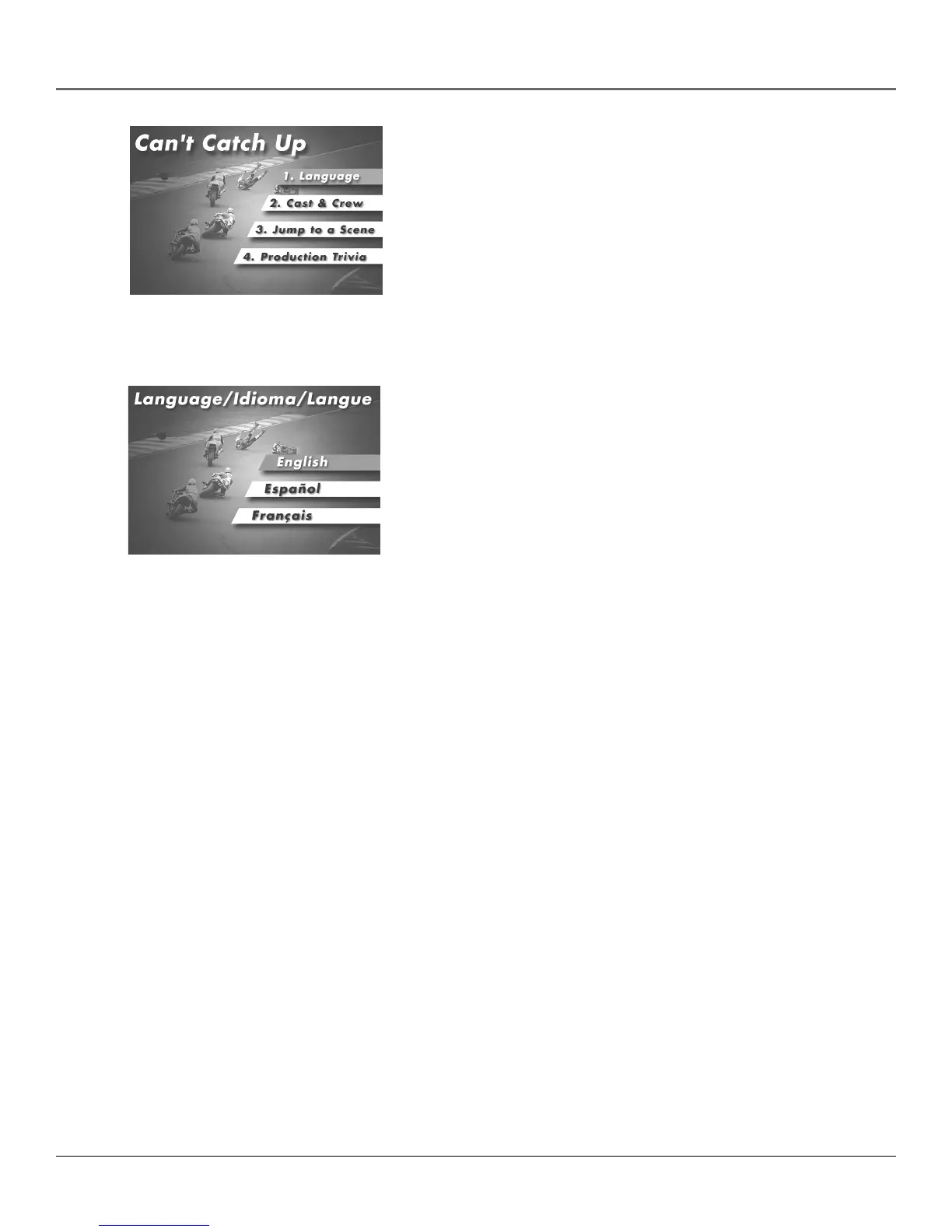
2. Press the up/down arrow buttons to highlight the section of the disc
menu you want to choose, and press OK on the remote. In the
example on the left, Language has been selected.
In this example, The Language
setting is highlighted. To select this
option, press OK on the remote.
In the example on the left, English is
highlighted. Press OK on the remote
to play the disc with English dialog.
3. Press the up/down arrows to select a language, and press OK on the
remote.
4. Press MENU on the remote to resume playback.
Note: Any settings you change on the disc menu only override the default
settings in the DVD’s menu system temporarily. Default settings are what
you set up in the DVD’s menu system. To change the default settings, see
Chapter 4.



 To Next Page