RealMan (Beijing) Intelligent Technology Co., Ltd.
60
The network IP address of the robot controller is 192.168.1.8. In order to establish
network connection between the computer and the controller, the local network IP needs
to be configured in the same network segment. The configuration is shown below.
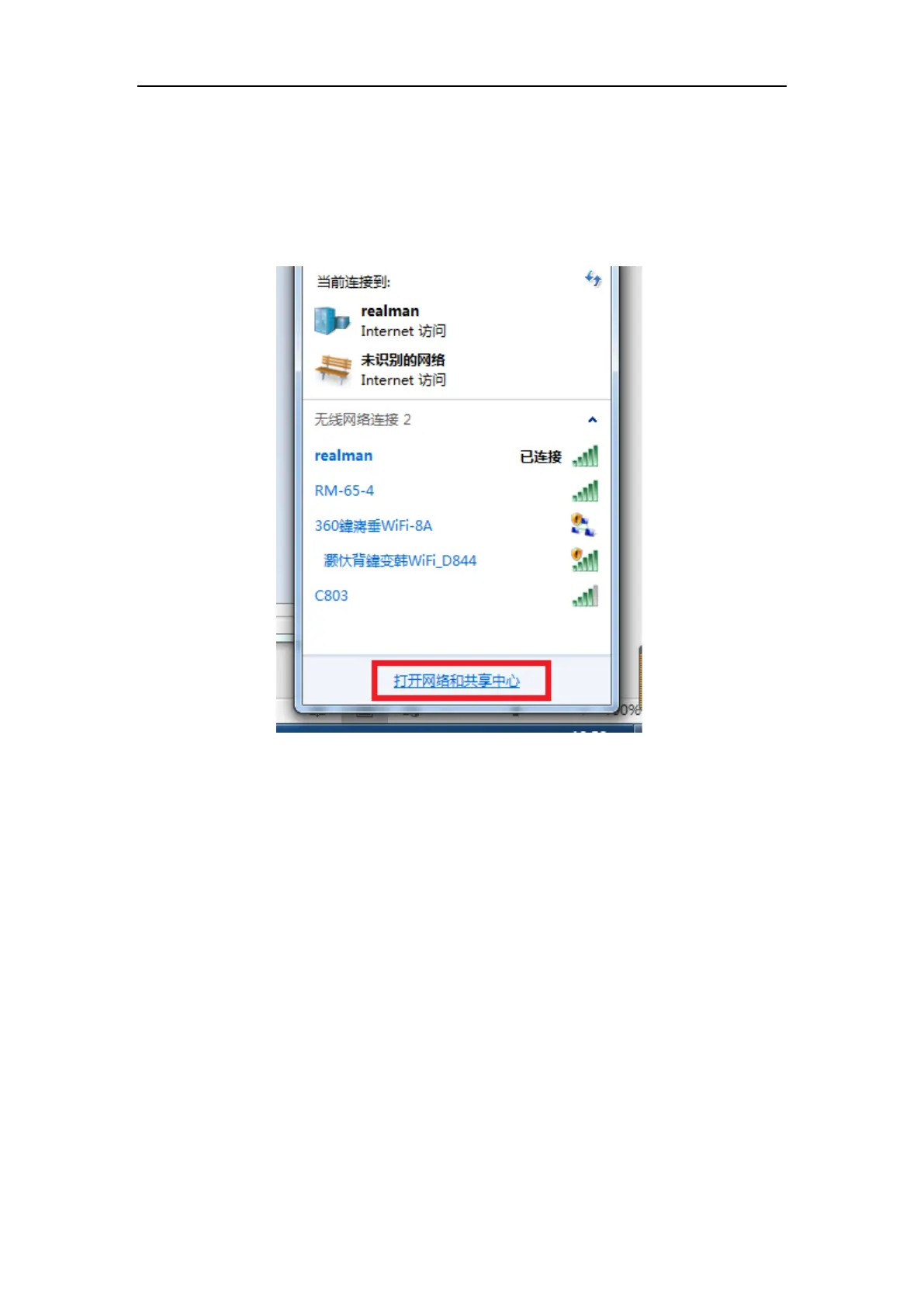
(1) Open “Open Network and Sharing Center” at the lower right of the computer.
Fig. 8-42 Open network and sharing center in Windows.
(2) If the arm is connected by a internet cable, click “Local Connection”.



 To Next Page