RAD
AIR
Light pulse
Function
2.
Learning single sensor (RAD only)
4.
Configuration mode (technical level)
8.
Default parameter loading locally
9.
Factory settings locally
Functions are selected using the
close-by control-LED.
Press switch longer than 3
seconds, until LED starts blink-
ing.
RAD: Sensor function key SFT (button 2)
AIR: Sensor function key SFT (button 1)
11.2
11
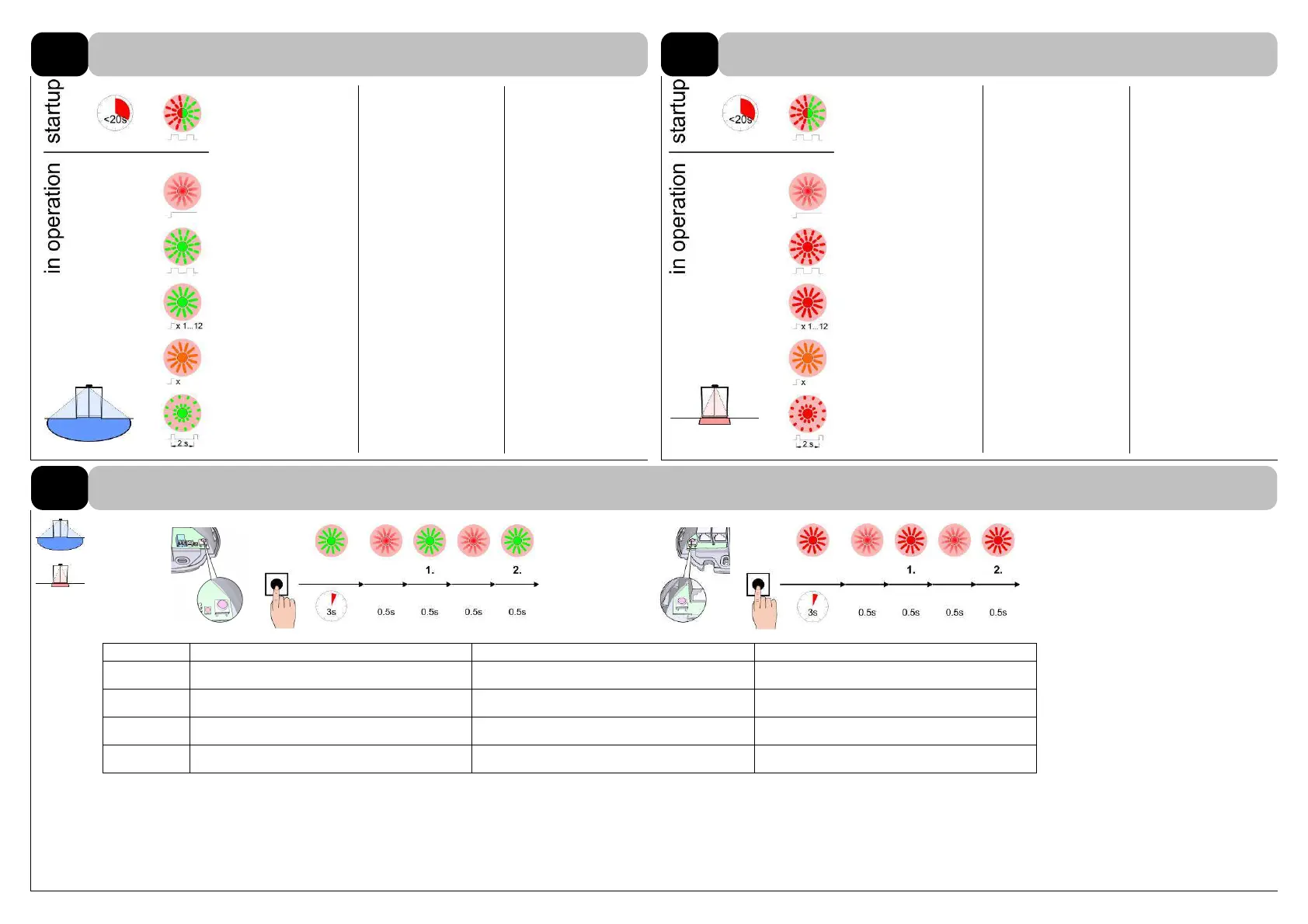
LED SIGNALS
Radar motion detector RAD
11.1
Presence detector AIR
Self-test
< 20 s
(green)
Sensor is powered,
lights up faintly
(red)
The radar detects
an object
(green)
Return information
of the current value
(green)
Error
(orange)
Programming mode
(green)
Self-test
< 20 s
(red)
Sensor is powered,
lights up faintly
(red)
Presence sensor
detects/is learning
(red)
Return information
of the current value
(red)
Error
(orange)
Programming mode
(red)



 To Next Page