3.2
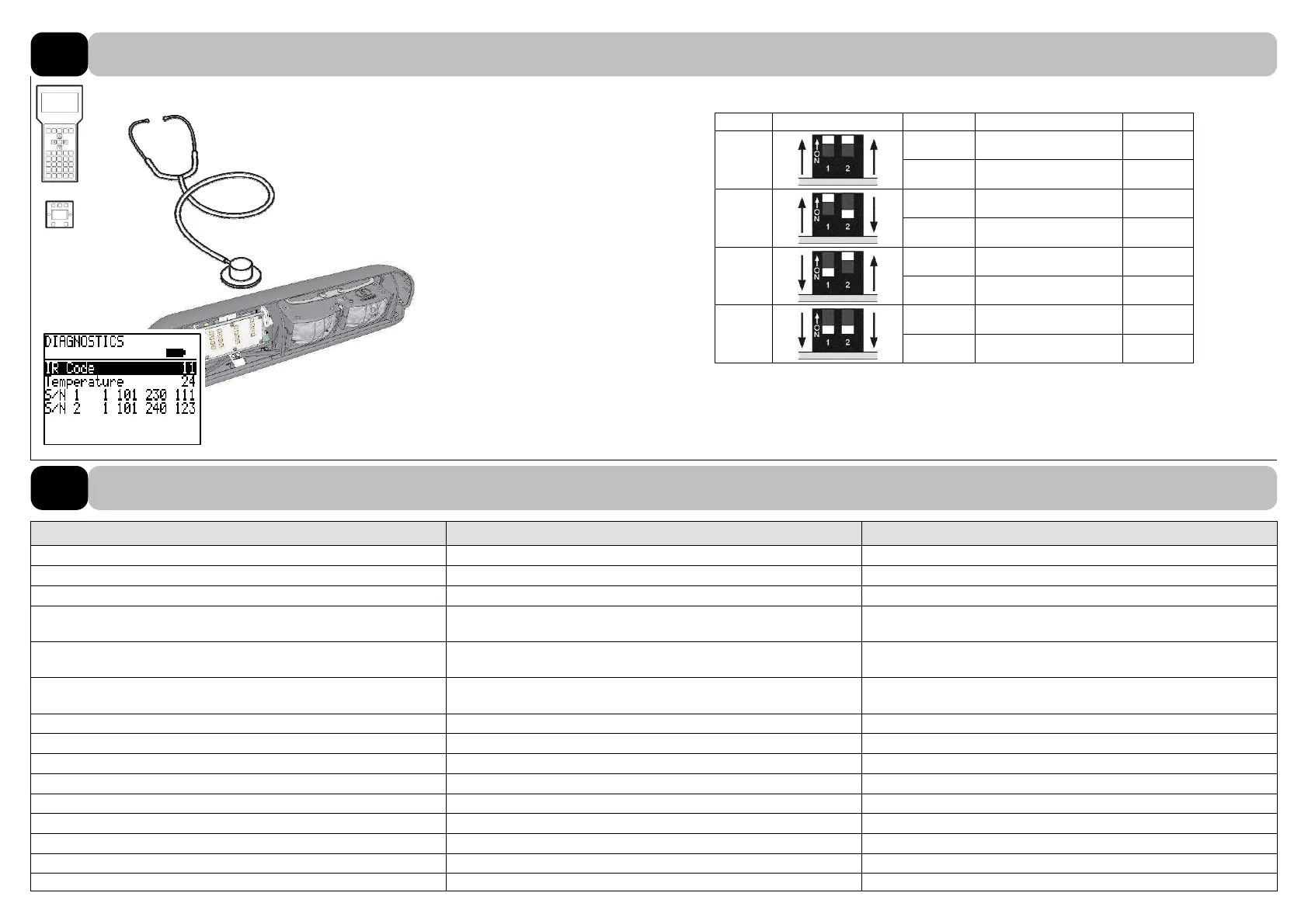
Releasing IR code depending on DIP switch settings.
RIC # DIP switch setting Device Output signal IR-Code
1
AKI 1
Actuating “inside" 1
SI 1
Safety “inside” 11
2
AKI 2
Actuating “inside" 2
SI 2
Safety “inside” 12
3
AKA 1
Actuating "outside" 3
SA 1
Safety "outside" 13
4
AKA 2
Actuating "outside" 4
SA 2
Safety "outside" 14
Remote control: Enabling of the IR interface with IR code (1…14) of the sensor.
Information about sensors, such as temperature and serial numbers, can be read.
Symptom / error Possible cause Remedy
The door does not open, LED does not function: Sensor is not powered. Check connections.
Sensor is defective. Replace the sensor.
The door keeps opening and closing (green LED flashes): Motion sensor «picks up» movement of door leaves. Repeat the door learning cycle / enable door leaf masking.
The door opens and closes after a certain time, without reason: Motion sensor detects vehicle movement outside pedestrian de-
tection range.
Adjust angle of inclination or sensitivity.
The door doesn’t close. Sensor is permanent active:
(red LED flashes)
Light curtain in sliding range of door leaves. Readjust light curtain to the moving door leaves.
(
6.2)
Problematic environment conditions (
8.3). Adjust the filter settings or disable background test.
Note conformance of settings! (
6)
LED flashes orange: Hardware defect of the sensor. Replace the sensor.
DIAGNOSTICS
15
Error elimination
15.1



 To Next Page